
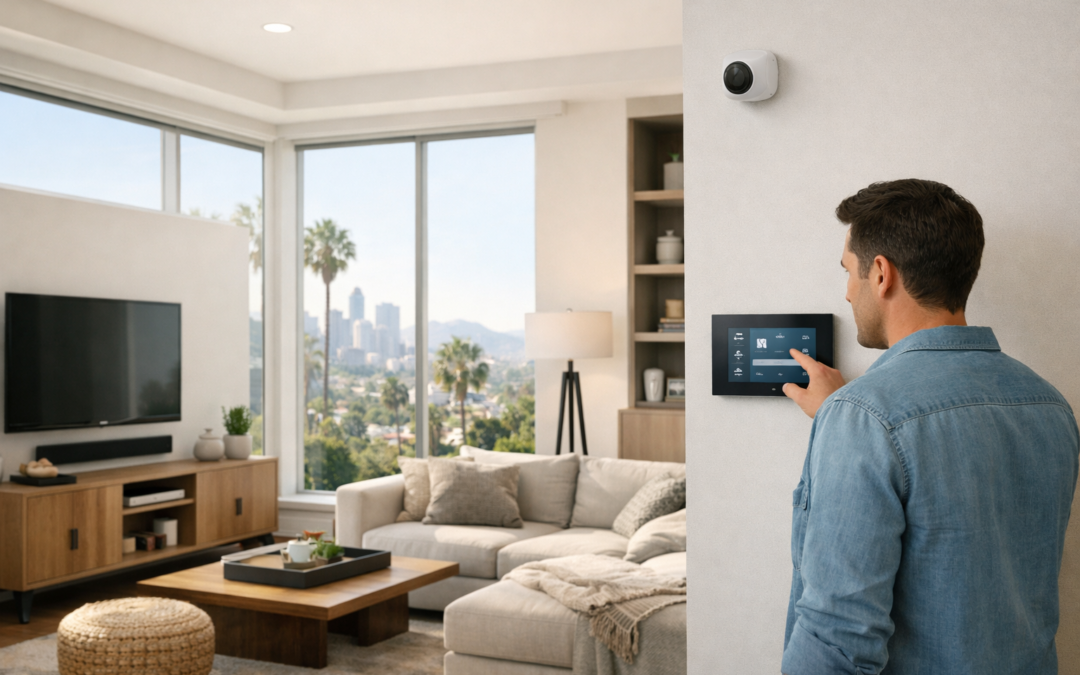
A wire free security camera is a popular choice for Los Angeles homeowners who want stronger visibility around their property without the hassle of running extensive wiring. For homes focused on convenience, flexible placement, and a cleaner installation process, these systems can be an appealing way to monitor entry points, outdoor living areas, driveways, and package drop-offs while keeping day-to-day use simple.
In Los Angeles, lifestyle and property layout often play a big role in camera decisions. Many homeowners want coverage for front porches, side gates, backyards, garages, and other spaces where visibility matters. Wire-free models can make it easier to place cameras where they are most useful, especially when aesthetics, access, and outdoor activity are part of the equation.
This guide covers how wire-free cameras work, where they fit best, which features are worth prioritizing, what costs to expect, and when professional installation may be the smarter choice for reliable performance in Los Angeles.
What a Wire-Free Security Camera Actually Means
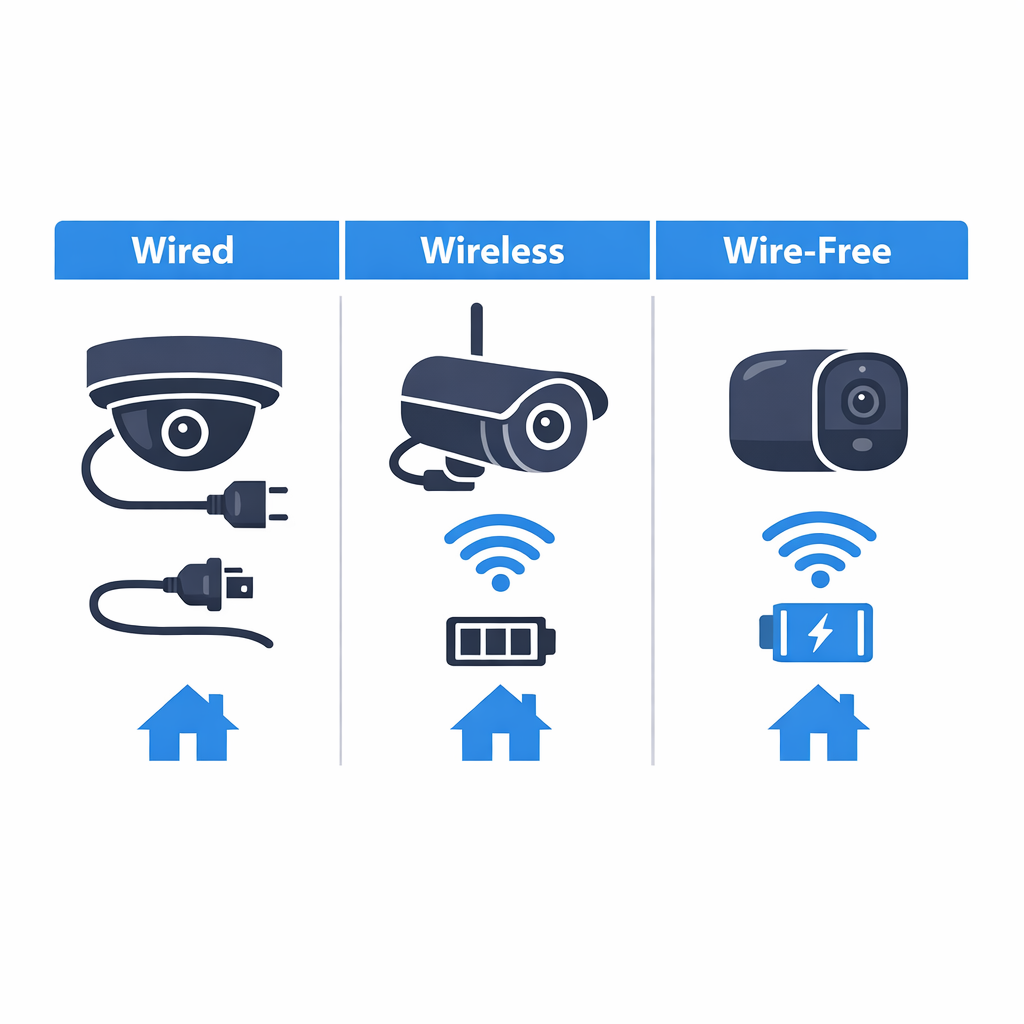
A wire-free security camera is usually a camera that runs on battery power and connects over WiFi, so it does not need a power cable running back to an outlet. That is different from a wireless security camera, which often sends video wirelessly but may still need to be plugged in for power. In other words, wireless refers to how the camera communicates, while wire-free usually refers to both easier placement and no constant power wire.
This is where many homeowners get confused. A camera can be wireless for data but not fully cable-free in real-world installation. A true wire-free setup is designed to be mounted with minimal wiring, but it still depends on a few essentials: battery charge, a stable WiFi signal, and a place to store recordings, whether that is in the cloud or on a local device. If you are also comparing older surveillance terms, it helps to understand what CCTV means in modern systems.
By contrast, wired cameras usually rely on physical cables for power, video, or both. That often makes them more permanent, while wire-free models are chosen for flexibility and faster installation. Understanding these terms early makes it much easier to compare battery life, reliability, placement options, and whether a system fits your home.
Wire-Free vs. Wireless Security Cameras
The simplest way to think about it is this: wire-free describes power and installation, while wireless describes connection. A wire-free camera is typically battery-powered and sends footage through WiFi. A wireless camera may also use WiFi, but it can still need a power cord at all times. That distinction matters because someone shopping for a flexible outdoor camera may expect no cables at all, then discover the model still needs nearby power.
A practical example is a front porch camera. If it is wire-free, you can usually mount it where coverage is best and recharge the battery as needed. If it is only wireless, you may still need to place it close enough to an outlet or existing low-voltage wiring.
Core Components of a Typical System
Most wire-free systems include the camera body, a rechargeable battery, a mobile app, and a WiFi connection. Many also include motion detection so the camera records only when activity happens, which helps conserve battery life. For homeowners, that means fewer unnecessary recordings and easier review of important events.
Storage is another key piece. Some cameras save clips to the cloud through a subscription, while others offer local storage through a hub, memory card, or network device. Even in a wire-free setup, the system is not completely independent of infrastructure. It still needs power management, internet reliability in many cases, and a storage method that matches how you want to monitor your home.
Key Benefits of Choosing a Wire-Free Camera
For many homeowners, a wire-free camera offers a practical balance of convenience, clean aesthetics, and everyday usability. In Los Angeles, where homes often include front entries, driveways, garages, side yards, and outdoor entertaining spaces, the ability to add coverage without extensive visible cabling is a major advantage. It can also make the path to security camera installation in Los Angeles feel more approachable for existing properties.
Flexible Placement Without Major Construction
One of the biggest benefits of wireless outdoor security cameras is faster deployment. Because there is less dependence on running cable through finished walls or across long exterior paths, homeowners can often place cameras where they are most useful rather than only where wiring is easiest. That flexibility is especially valuable for retrofit projects in established Los Angeles neighborhoods, where preserving the look of stucco exteriors, trim, and landscaped outdoor areas matters.
Wire-free options are well suited for monitoring entryways, detached garages, narrow side yards, gates, patios, and backyard access points. They also make it easier to expand coverage later if your priorities change, such as adding visibility around package delivery areas or a newly remodeled outdoor living space.
Smart Monitoring From Anywhere
Another reason homeowners choose this category is the convenience of app-based monitoring. Smart alerts, live viewing, and recorded event access can help you stay aware of activity whether you are at home, at work, or traveling. For busy households, that means quicker check-ins on visitors, deliveries, or movement around the property without needing to be tied to a single screen.
Many smart home security cameras also fit naturally into broader routines, supporting a more connected experience across lighting, locks, and notifications. The result is a system that feels easier to live with day to day while still giving you room to evaluate which features matter most for your home.
Wire-Free vs. Wired Cameras: Which Is Better for Your Home?
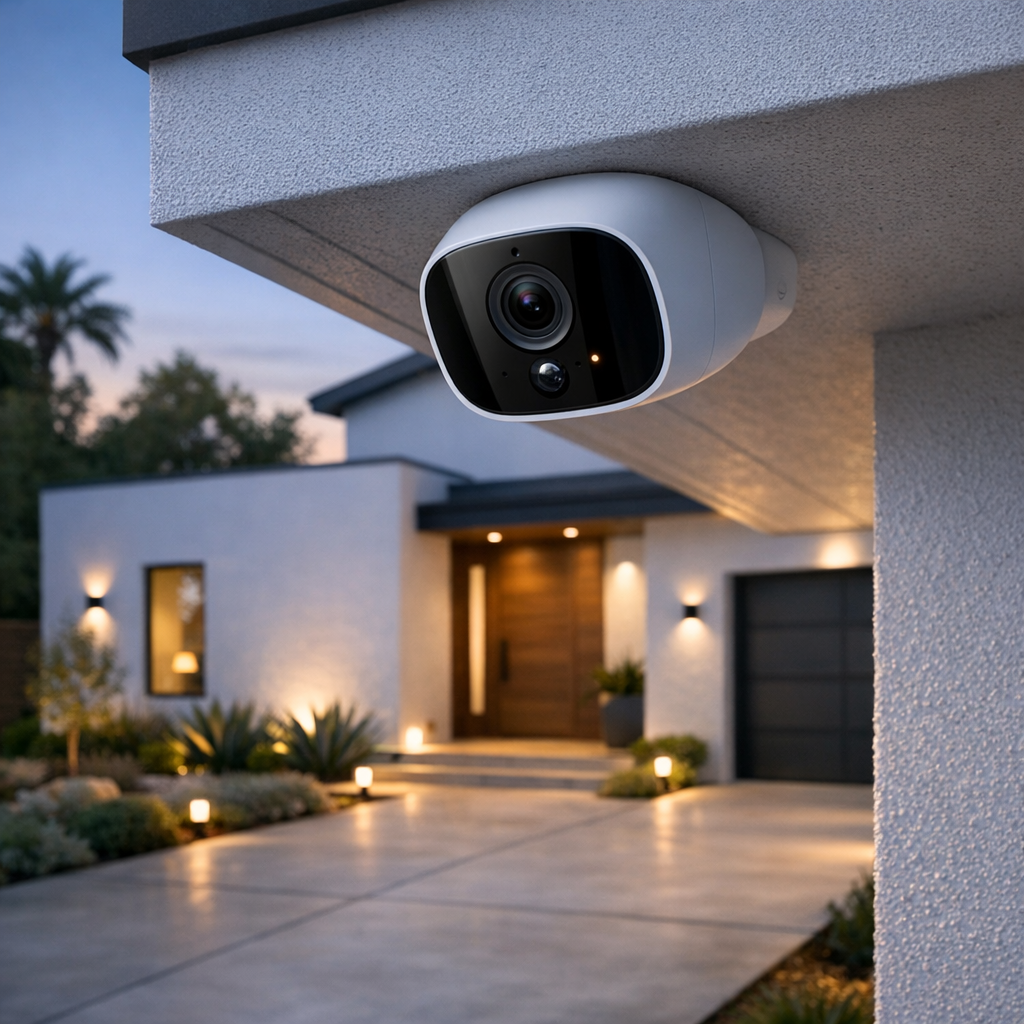
If you are comparing wire-free and wired security cameras, the right choice depends on how you want the system to perform day to day. Wire-free models are often easier to place and faster to install, which makes them appealing for apartments, smaller homes, and spots where running cable would be difficult. Wired systems usually take more planning up front, but they can be a better fit for homeowners who want continuous recording, fewer battery-related tasks, and more consistent long-term power.
For many buyers searching for the best outdoor security camera system, the decision comes down to balancing convenience against always-on performance. Neither option is automatically better in every situation.
Best-Fit Scenarios for Each Option
Wire-free cameras are ideal when flexibility matters most. They work well for renters, front doors, side gates, detached areas, or homes where you want coverage without opening walls. They are also useful when you may want to move cameras later as needs change.
Wired systems may be better for larger properties, single-family homes with multiple exterior zones, or homeowners who want 24/7 recording instead of event-based clips. If your priority is stable operation across several cameras, wired setups often provide a stronger foundation.
Power, Connectivity, and Maintenance Tradeoffs
The biggest tradeoff with wire-free cameras is maintenance. Batteries need charging or replacement, and colder weather, heavy motion activity, or frequent alerts can shorten runtime. Wired cameras avoid that issue because they use permanent power, but installation is usually more involved.
Connectivity matters too. Most wire-free cameras depend heavily on strong WiFi, so weak signal areas can affect video quality, responsiveness, or reliability. If your home has dead zones or a challenging layout, improving coverage with whole-home WiFi networking design services can make a major difference. In short, wire-free is often best for convenience and flexibility, while wired is often better for continuous performance and lower ongoing upkeep.
How to Choose and Place a Wire-Free Security Camera
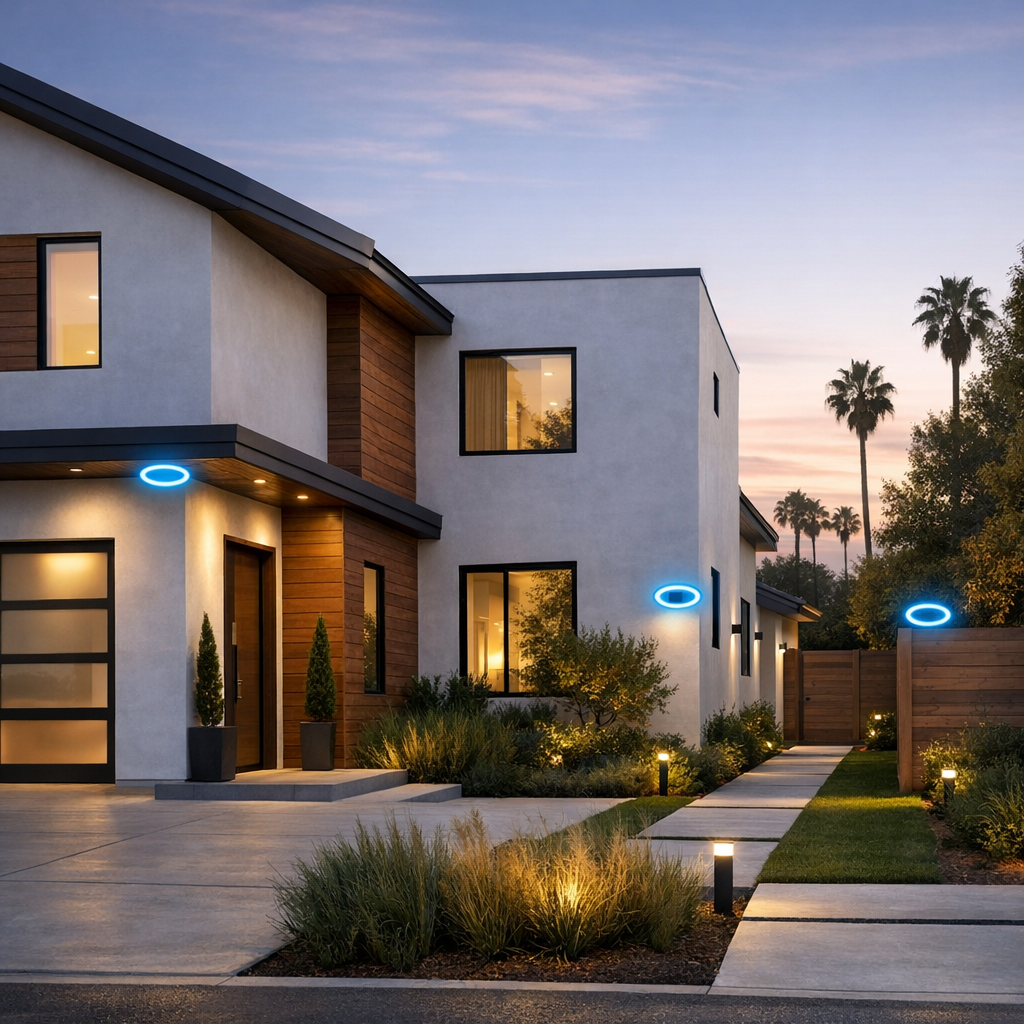
Choosing the right wire-free outdoor security cameras starts with two simple questions: what do you need to see, and where will the camera work best? A good setup should help you monitor key areas without creating blind spots, weak signal problems, or constant false alerts. If you are still comparing models, this affordable security cameras buying guide can help you narrow down your options before you buy.
Step 1: Prioritize the Features That Matter Most
Start with the features that affect daily use. Look for clear resolution, a wide enough field of view, and motion zones that let you focus on doors, walkways, or gates instead of the whole street. Two-way audio can be useful at a front door or porch. Battery life matters most when the camera is placed high or in a harder-to-reach spot. For outdoor use, weather resistant security cameras with a solid weather rating are essential. Also check how footage is stored, whether through local storage, cloud plans, or both, and make sure the app is easy to use.
Step 2: Map Out Your Coverage Areas
Next, identify the areas that matter most. For many homes, that means the front door, driveway, side gate, backyard, and garage. Place cameras where they can capture faces, movement paths, and vehicle activity rather than just wide empty space. A front door camera should clearly see visitors approaching. A driveway camera should cover parked cars and entry points. Side gates and backyard access points are often overlooked, but they can be important for complete coverage.
Step 3: Check WiFi Strength and Lighting Conditions
Before mounting anything, test WiFi strength exactly where the camera will go. Many performance issues come from weak signal, not the camera itself. Also check lighting at different times of day. Avoid pointing cameras directly into bright sun, reflective windows, or glossy garage doors that can create glare. At night, confirm that the area has enough contrast for useful video and that infrared night vision will not bounce back from nearby walls or eaves.
Step 4: Plan for Charging, Updates, and Alerts
Finally, think beyond installation. Make sure each camera can be reached for charging or battery swaps without too much hassle. Keep firmware updated so the system stays reliable and secure. In the app, fine-tune motion sensitivity and alert zones to reduce notifications from passing cars, trees, or pets. A well-placed camera is not just easy to install. It is easy to maintain and useful every day.
What Does a Wire-Free Security Camera Setup Cost?
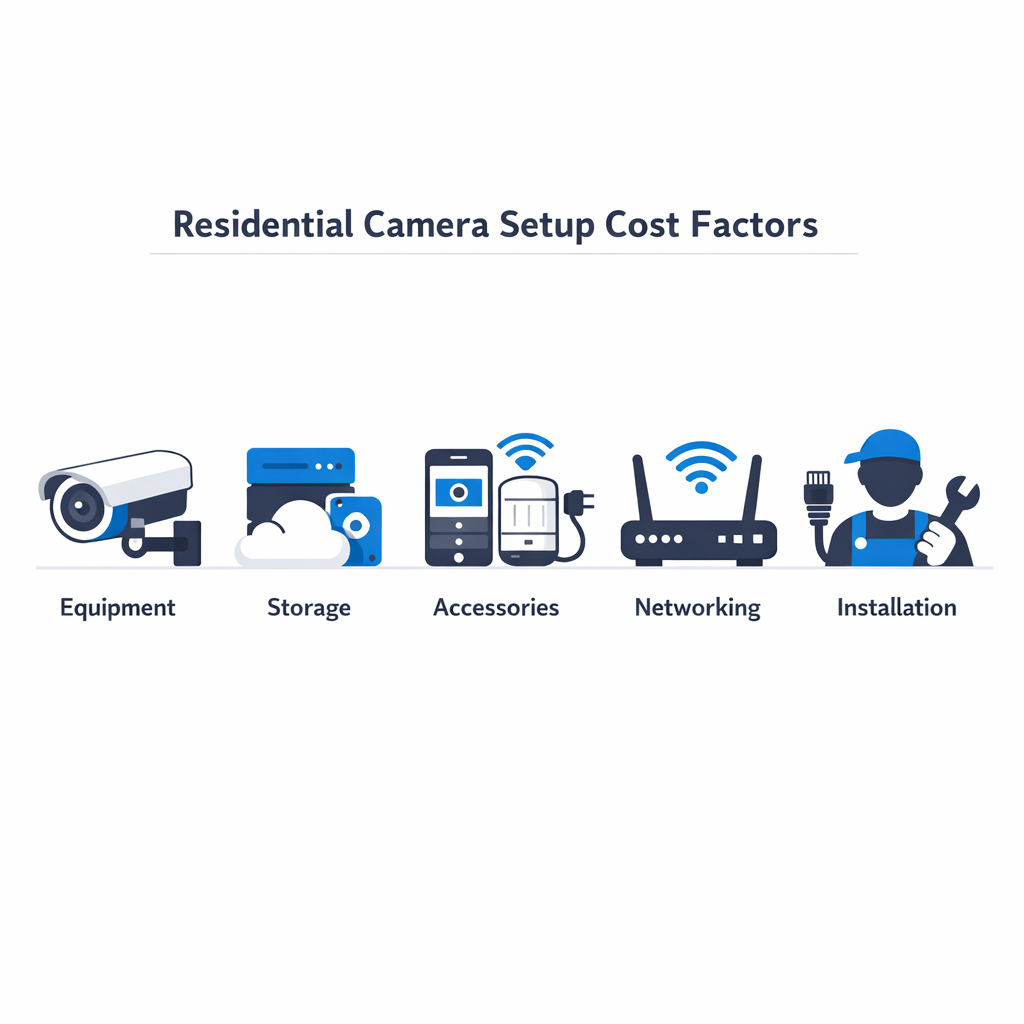
The cost of a wire-free security camera setup can vary widely, so it helps to think less about a single price and more about the factors that shape the total investment. Camera count is one of the biggest variables, but brand, video storage, smart features, mounting hardware, and your home’s networking needs can all affect the final scope. If you are comparing affordable smart security cameras, it is also worth looking beyond the box price.
Some homeowners choose a DIY route and focus mainly on equipment costs, while others prefer a professionally installed system that includes placement strategy, setup, testing, and app optimization. Two camera packages that appear similar on paper may end up with very different overall costs depending on property layout, signal strength, mounting surfaces, and how much coverage you want around entry points, driveways, or backyards. For readers exploring Los Angeles security camera installation options, these practical details often matter as much as the hardware itself.
Equipment Costs vs. Installation Costs
Equipment costs usually include the cameras, batteries or charging accessories, mounts, doorbell or floodlight integrations, and any hub or storage device required by the brand. Installation costs, by contrast, may reflect site planning, secure mounting, Wi-Fi evaluation, motion zone setup, and making sure the system works reliably across the property. Homes with detached garages, thick exterior walls, or weak signal areas may require more planning than a straightforward front-door setup.
Long-Term Value Considerations
Long-term value is where many buyers see the real difference. Subscription fees for cloud storage, battery replacements, accessory upgrades, and app ecosystem limitations can add up over time. A lower-cost camera may seem appealing at first, but durability, consistent alerts, and easier day-to-day use can make a better-designed system the stronger value in the long run.
When Professional Installation Makes the Biggest Difference
Why Setup Quality Matters as Much as the Camera
For many Los Angeles homes, the biggest gains come from setup quality, not just the camera model itself. Professional wireless security camera installation can help when homeowners want cleaner placement, stronger WiFi performance, and more dependable alerts day to day.
An expert can evaluate mounting height, viewing angles, glare, entry-point coverage, and signal strength before anything is fixed in place. That planning often reduces blind spots, false notifications, and weak connections that can affect live viewing or recorded clips.
Professional help also improves app configuration, motion-zone tuning, and smart home integration, especially when cameras need to work smoothly with doorbells, lighting, or whole-home networking. If you are comparing options, security camera installation for your home can be a practical next step for better coverage and a more polished result.
Frequently Asked Questions About Wire-Free Security Cameras
Are wire-free security cameras truly wireless?
They are wireless for data connection, but not always completely wire-free in every sense. Most use Wi-Fi and battery power, so you do not need to run video or power cables during installation. However, they still need battery charging or replacement from time to time.
How long do wire-free camera batteries usually last?
Battery life varies by brand, settings, and usage. Frequent motion alerts, cold or hot temperatures, night vision use, and longer video clips can all shorten runtime. Many homeowners get weeks to several months between charges, but real-world performance depends on how active the area is.
Are wire-free outdoor security cameras reliable in bad weather?
Yes, many are designed for outdoor use, but you should check the weather rating before buying. A camera rated for rain, dust, and temperature swings is usually a better fit for exposed areas. Even so, placement still matters, and some protection from direct sun or heavy exposure can help long-term reliability.
Do wire-free cameras record all the time or only when motion is detected?
Most wire-free security cameras are optimized for motion-triggered recording rather than 24/7 continuous recording. That helps preserve battery life. Some models offer more flexible recording options, but always-on recording is more common with wired systems.
Can I install a wire-free security camera myself?
In many cases, yes. DIY installation can work well for a simple front door, backyard, or garage view if your Wi-Fi signal is strong and the mounting location is easy to reach. The main challenges are choosing the right angle, avoiding false alerts, and making sure the camera stays connected reliably.
When should I hire a professional installer in Los Angeles?
Professional help makes sense when you want full property coverage, better camera placement, cleaner setup, or help with app configuration and motion zones. It is also a smart choice for larger homes, difficult mounting points, or locations where Wi-Fi coverage and outdoor conditions may affect performance.
Ready to Plan a Smarter Home Security Setup?
If you’re comparing options for a wire-free camera system, Smart Home LA can help you plan a setup that fits your home, priorities, and budget. Our team can talk through camera placement, coverage goals, and installation needs to help you build a tailored solution for your Los Angeles home.
Talk With Smart Home LA
Reach out for personalized guidance on choosing the right cameras, improving coverage, or planning a professionally installed security system.
Final Thoughts on Choosing the Right Wire-Free Camera
Choosing the right wire-free camera comes down to balancing convenience with real-world performance. Easy installation and flexible placement are major advantages, but they matter most when paired with dependable coverage, stable connectivity, and manageable long-term maintenance. The best fit will depend on your home layout, the areas you want to monitor, and how much ongoing upkeep you are comfortable handling.
Choose for Performance, Not Just Convenience
As you compare options, focus on how each system supports your priorities day to day, not just how simple it is to set up. A strong wire-free camera solution should match your space, work reliably where you need it most, and give you confidence over time. If you want extra reassurance before deciding, professional guidance can help you narrow the best choice for your home.