
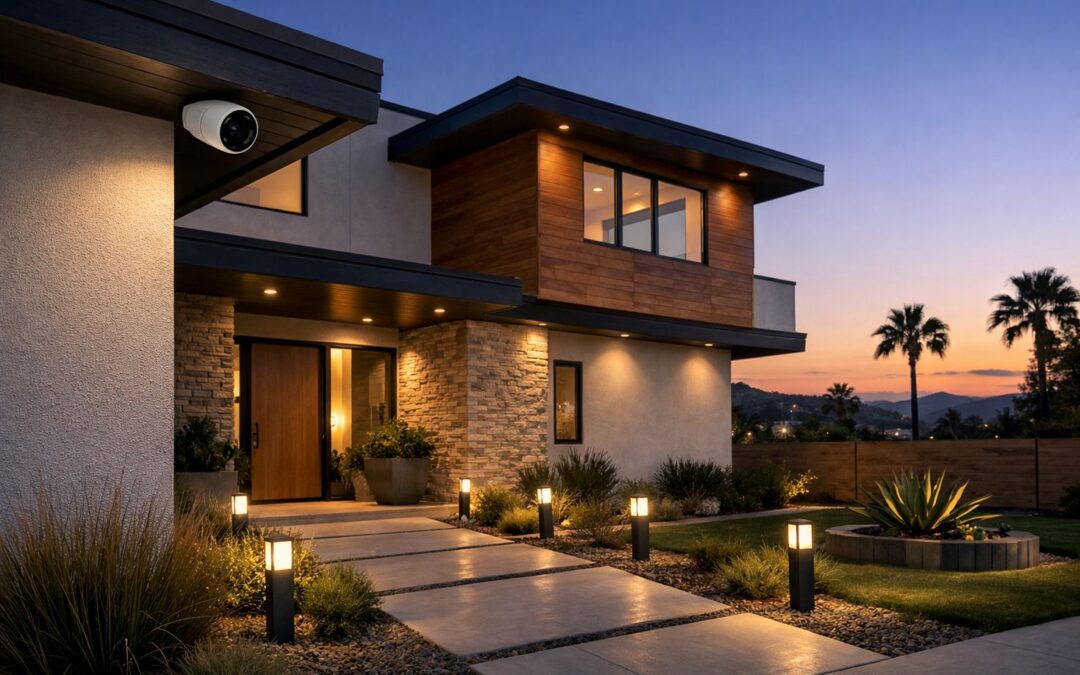
A smart outdoor security camera can do far more than simply record video. For Los Angeles homeowners, it can add real-time visibility around entry points, send alerts when activity is detected, and connect with the rest of a smart home for more convenient day-to-day monitoring. That makes choosing the right setup less about buying just any camera and more about finding a system that fits your property layout, routines, and security priorities.
Compared with a basic camera, a smart outdoor security camera often includes app access, motion notifications, remote viewing, automation options, and better control over how footage is stored and reviewed. In a city like Los Angeles, many homeowners want a balance of clear visibility, easy access, dependable connectivity, and integration with doorbells, lighting, alarms, or whole-home platforms.
This guide will help you understand what to look for, where cameras typically work best, and how features like power source, network strength, and storage affect long-term performance. It also highlights when professional planning and installation can help create more reliable coverage and a cleaner result.
What this guide covers
Below, you’ll get a practical overview of key camera features, wired versus wire-free options, placement strategies, networking considerations, storage choices, and the situations where professional installation may be the smartest next step.
What Makes a Smart Outdoor Security Camera Truly Smart
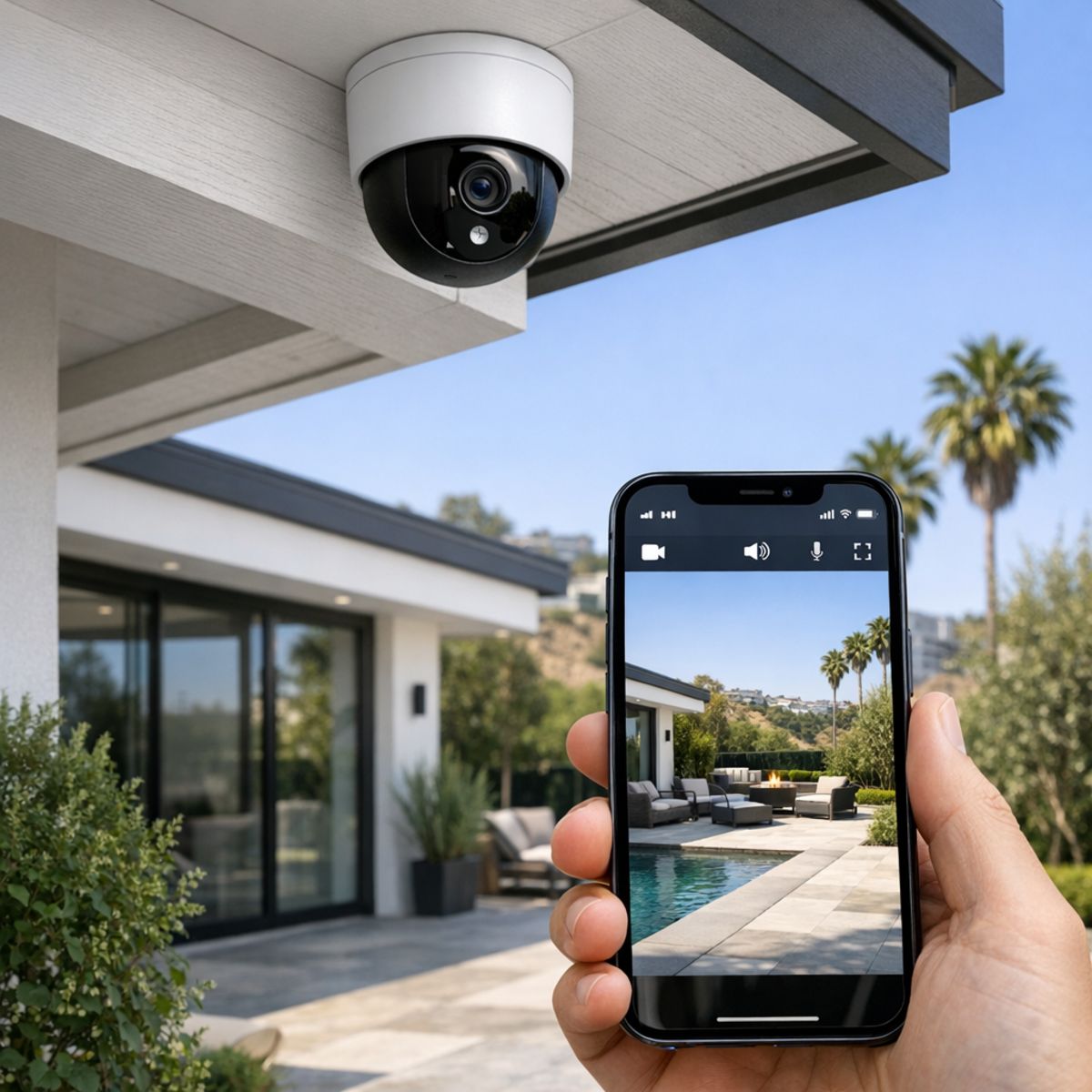
A smart outdoor security camera does more than record video. It gives homeowners app-based control, live remote viewing, instant motion alerts, and the ability to check activity from anywhere. Instead of acting like an older standalone system that simply captures footage, a smart camera helps you respond in real time with features like two-way audio, night vision, and intelligent notifications.
The best models also include AI detection that can tell the difference between people, vehicles, packages, or general motion, which helps reduce false alerts. Many connect with broader home platforms, making it easier to understand how a smart home ecosystem works and how devices can work together. Weather resistance matters too, since an outdoor camera should handle heat, rain, and changing conditions without losing performance.
Core features homeowners should expect
- Mobile app access for live viewing and settings control
- Motion alerts and smart detection for faster awareness
- Cloud or local storage options for recorded footage
- Night vision, clear resolution, and a useful field of view
- Integration with other connected devices for a more responsive home
Smart camera vs basic outdoor camera
A basic outdoor camera may only record and store video, often with limited access and fewer alert options. A smart security camera adds convenience, automation, and better long-term value by helping you monitor your property proactively instead of reviewing footage after something happens. For homeowners comparing products, those smart features often make the biggest difference in daily usability and peace of mind.
Wireless, Wire-Free, and Wired Cameras: Which Setup Fits Best
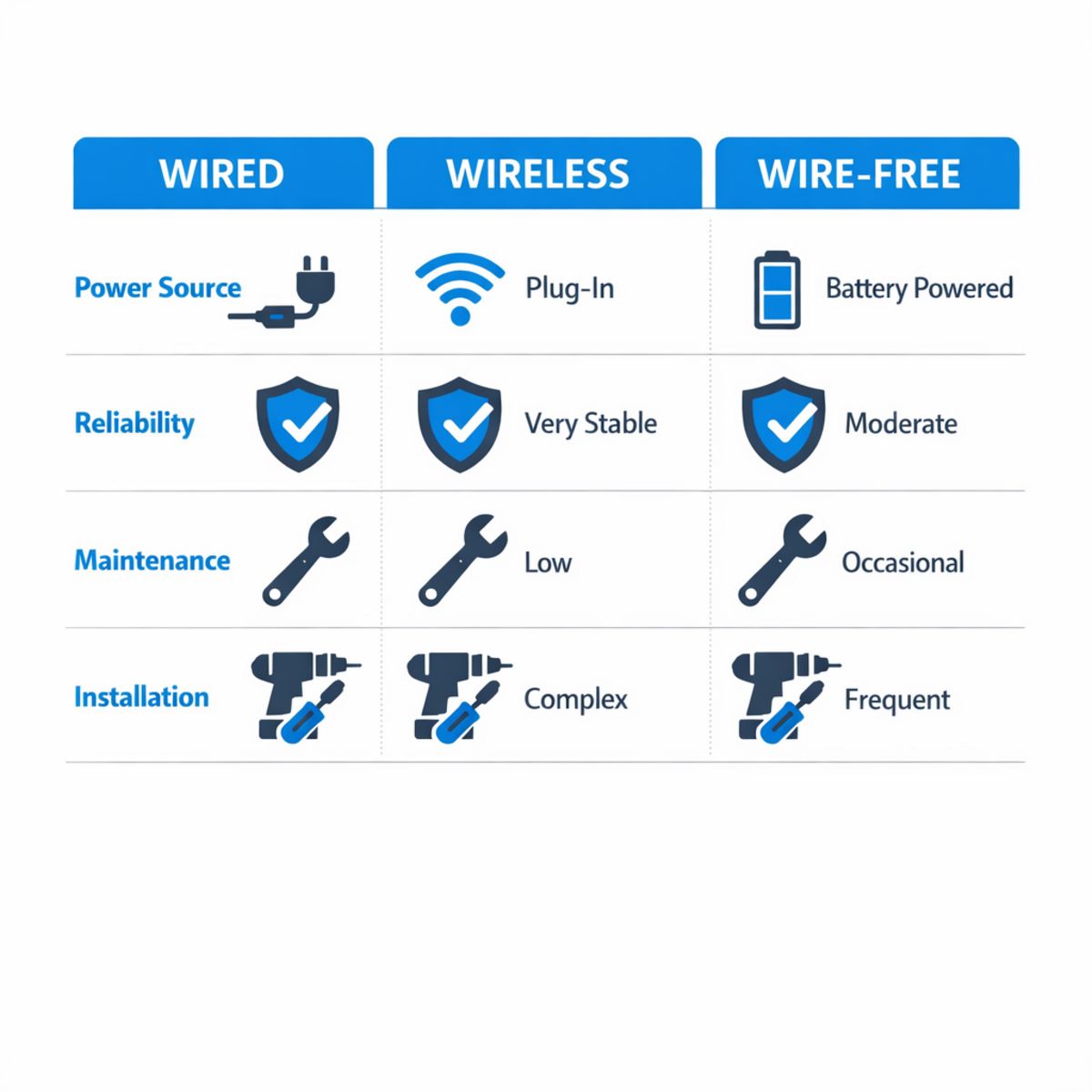
The biggest point of confusion is that “wireless” does not always mean “no wires.” Many wireless security cameras connect over Wi-Fi for video, but still need power from a plug-in adapter or low-voltage wiring. A wire free outdoor security camera, by contrast, usually runs on a rechargeable battery and may optionally use a small solar panel. Wired systems typically refer to PoE or hardwired cameras that use cable for stable power and data.
Each setup has tradeoffs. Wire-free models are easier to place around gates, sheds, or spots where running cable is difficult, but they need battery checks, charging, and strong signal coverage. Plug-in wireless cameras reduce charging chores, though they still depend on nearby power. PoE and other wired options usually offer the best reliability, stronger long-term scalability, and fewer interruptions from weak Wi-Fi, which is why many homeowners planning security camera installation in Los Angeles compare them first.
For smaller spaces, mini security cameras can be useful where discreet placement matters, but they are not always ideal outdoors if battery size, weather resistance, or night performance is limited. As a simple rule: choose wire-free for flexible placement, plug-in wireless for simpler retrofits, and wired or PoE for larger properties, frequent recording, and the most dependable coverage. If you are comparing brand ecosystems, it can also help to review Ring camera subscription features and alternatives before deciding.
What wireless really means
In most cases, wireless refers to how the camera sends video, not how it gets power. That means a “wireless” model may still need a cord. Wire-free is the more specific term for battery-powered units designed to avoid both network and power cabling at the camera location.
Best use cases for each camera type
Wire-free cameras fit detached structures and quick retrofit projects. Plug-in wireless cameras work well near doors, garages, and porches with available outlets. Wired and PoE systems are often the better fit for larger homes, long recording schedules, and areas where consistent uptime matters most.
What the Best Outdoor Security Camera System Should Deliver
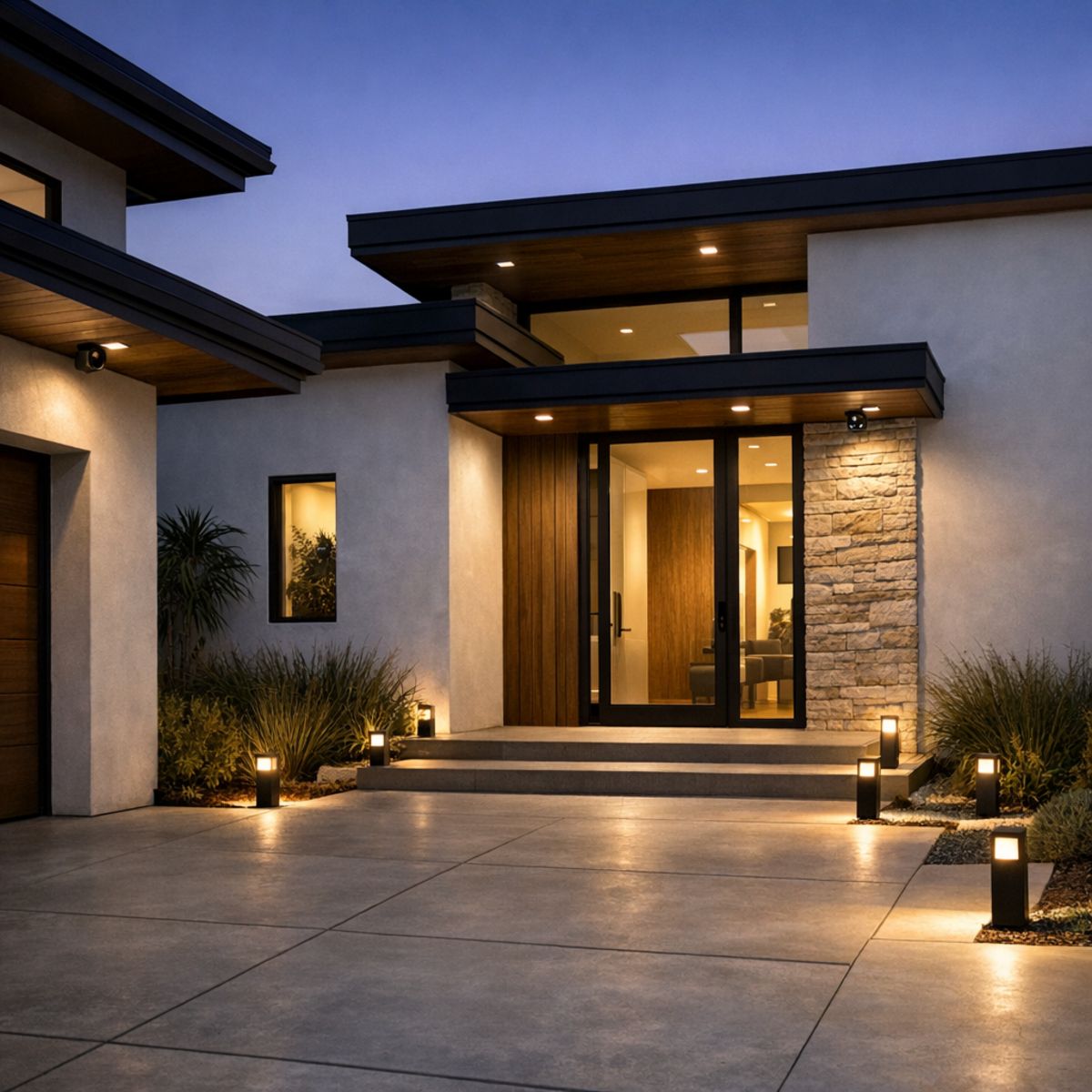
The best outdoor security camera system is not the one with the longest spec sheet. It is the one that helps you see what matters, respond quickly, and review footage without frustration. For most homeowners, that means sharp daytime and night images, alerts that are timely and relevant, and recorded video that is actually easy to search and play back when something happens.
Performance that matters every day
In real life, daily performance matters more than flashy claims. A camera at the front door should capture faces clearly. A driveway camera should help identify vehicles and movement after dark. Side yards and backyards should stay visible without constant false notifications from shadows, passing cars, or branches. Just as important, the app experience should make it simple to check live views, share clips, and find the exact moment you need.
Why integration improves security
A stronger system also depends on planning beyond the camera itself. Placement, viewing angles, lighting conditions, and network quality all affect results. When cameras are designed alongside smart lighting automation for better visibility, homeowners often get clearer footage and a more secure feel around entries and walkways. Integration with touch panels or broader control systems can also make monitoring more convenient.
Scalability matters too. A well-planned setup should cover today’s priorities while leaving room to expand across front doors, driveways, side yards, and backyards as needs change. That is where integrated planning adds value, helping the system work better as part of the whole home instead of as a collection of isolated devices.
How to Plan Smart Outdoor Camera Placement and Installation
A strong camera plan starts before you buy hardware or schedule an install. For larger homes and detailed exterior layouts, the goal is to balance visibility, convenience, and dependable performance. Whether you are comparing systems or preparing for wireless security camera installation, a simple step-by-step approach can help you avoid blind spots, weak connections, and poor alert quality. If you want a polished result, it also helps to review what goes into expert outdoor camera installation in Los Angeles so your layout supports both security and everyday usability.
1. Map the areas that matter most
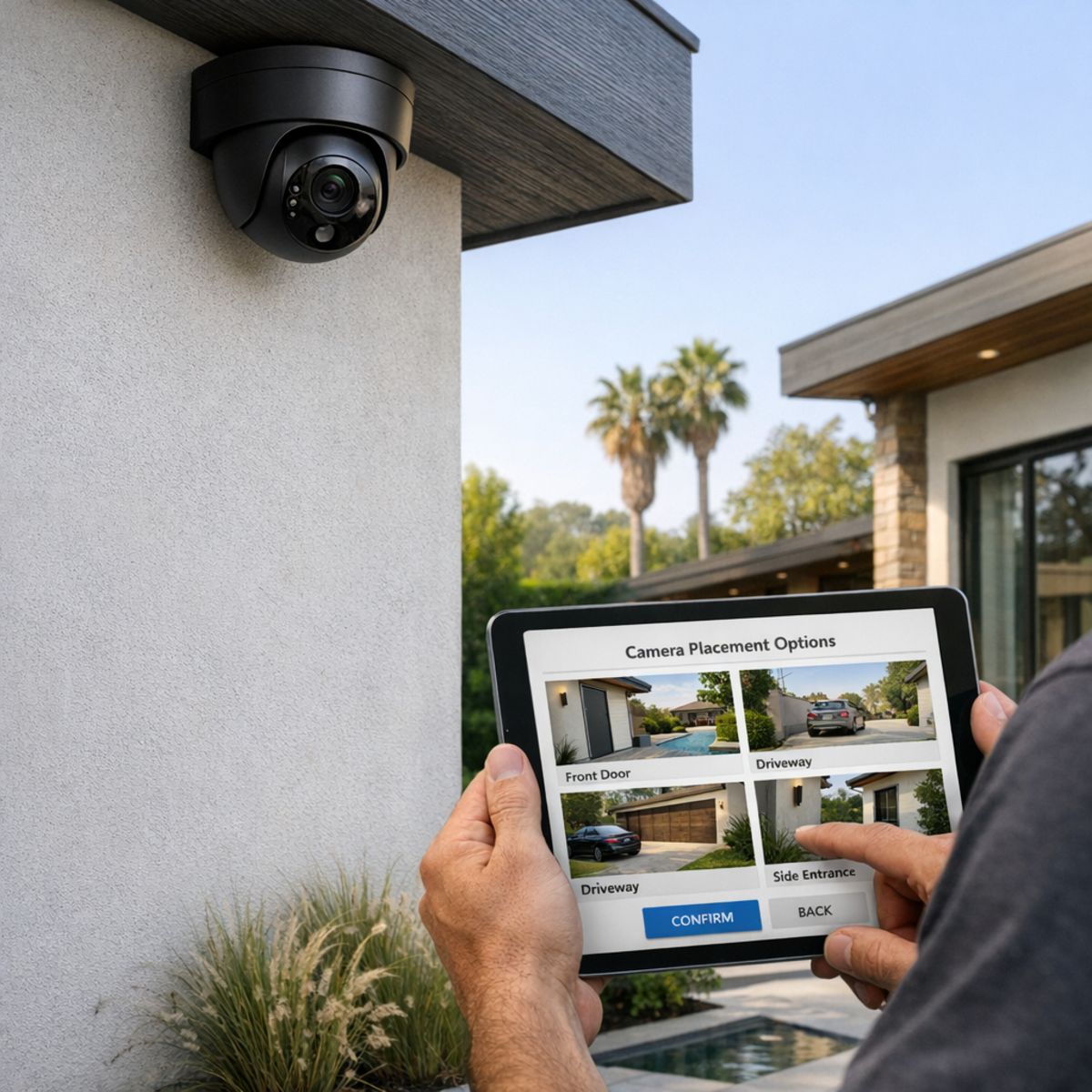
Start with priority zones: the front entry, driveway, side gates, backyard access, garage approach, and package drop areas. Walk the property as if you were arriving home, receiving deliveries, or checking side access after dark. This helps you identify the locations where camera coverage will be most useful. In many cases, fewer well-positioned cameras work better than placing devices everywhere without a plan.
2. Review height, angles, lighting, and privacy
Next, think about mounting height and viewing direction. Cameras should capture faces, vehicles, and movement paths without being so high that details are lost. Check how sunlight, landscaping, porch lights, and nighttime shadows affect the view. Be mindful of neighboring properties and keep placement focused on your own entrances and outdoor spaces.
3. Confirm power and network reliability
Performance often depends on signal and power more than homeowners expect. Before finalizing placement, confirm WiFi strength at each proposed mounting point and think through charging or power access needs. A quick review with a WiFi analyzer app guide for coverage can help reveal weak areas. Also decide how you want recordings stored, how often alerts should trigger, and whether the system should integrate with other smart home features.
4. Choose the right installation approach
Some homes are well suited to a DIY-friendly setup, while others benefit from professional planning and cleaner mounting. Consider exterior materials, ladder access, wiring complexity, and the importance of a discreet finish. The best choice is the one that supports reliable coverage and long-term ease of use.
5. Test the system after installation
Once cameras are installed, test alerts, playback, motion zones, and night visibility in real conditions. Review clips during the day and after dark, and make small angle adjustments if needed. A thoughtful post-install check ensures your outdoor camera system works the way you expect when it matters most.
Los Angeles Home Security Considerations Buyers Often Overlook
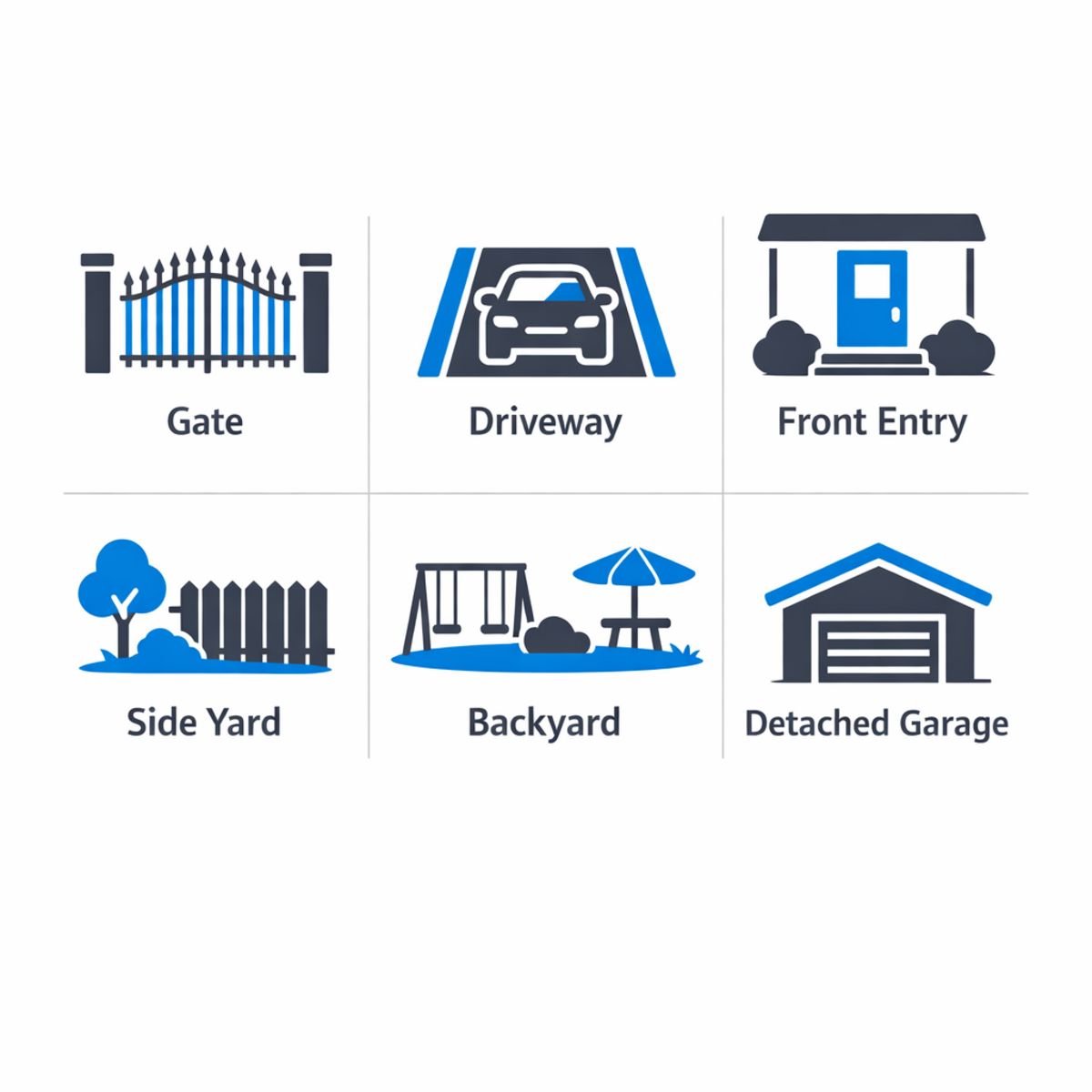
In Los Angeles, camera planning often works best when it reflects the way a property is actually used, not just the number of doors. Many homes include gates, long driveways, detached garages, side yards, courtyards, or backyard entertaining areas that create multiple approach paths and sightlines. On hillside lots or larger parcels, coverage can also depend on stable network reach between the house and outdoor devices, especially when cameras need to span separate structures or extended exterior spaces.
Property layouts can change camera needs
A compact front entry may need a very different setup than a remodeled home with layered outdoor zones. Gates, motor courts, detached workspaces, and pool or patio areas can all affect camera count, viewing angles, and recording priorities. Integrated planning matters more in custom homes because wiring paths, Wi-Fi strength, and device placement should support the full layout rather than being added piece by piece.
Sun, shade, and nighttime lighting matter
Bright afternoon sun, reflective surfaces, deep landscaping shadows, and nighttime accent lighting can all influence image quality. Thoughtful placement helps reduce glare and preserve clearer footage at entries, driveways, and side access points. Pairing cameras with smart lighting can also improve visibility and help homeowners get more value from security footage without relying on a generic one-size-fits-all plan.
Frequently Asked Questions About Smart Outdoor Security Cameras
What is the difference between a wireless and a wire-free outdoor security camera?
Wireless usually means the camera sends data over WiFi, but it may still need a power cable. Wire-free typically means battery-powered, so it does not need a power wire during normal use.
How many outdoor cameras does a typical Los Angeles home need?
It depends on the layout. Many homes need coverage for the front door, driveway, side access, and backyard. Larger lots or detached garages may need additional cameras for complete visibility.
Do smart outdoor security cameras need strong WiFi to work well?
Yes. Stable WiFi is important for smooth live viewing, fast motion alerts, and reliable video uploads. Weak coverage can cause delays, missed events, or poor video performance.
Is cloud storage better than local storage for outdoor cameras?
Cloud storage is convenient for remote access and backup, but it usually comes with a monthly fee. Local storage can reduce ongoing costs, though access and long-term retention may be less flexible.
When should I choose professional wireless security camera installation?
Professional installation is a smart choice for larger properties, hard-to-reach mounting areas, multi-camera setups, system integration, or homes with weak WiFi coverage that need better placement and planning.
Ready to Build a Smarter Outdoor Camera System?
If you’re planning a new setup or upgrading an older one, Smart Home LA can help with camera selection, placement, networking, and integration for Los Angeles homes with custom layouts. Get tailored guidance that fits your property and priorities.
Choosing the Right Smart Outdoor Security Camera Comes Down to Planning
The best smart outdoor security camera is the one that fits your property layout, power options, network strength, and integration goals. With thoughtful placement and the right connectivity, a well-planned system delivers more value than simply adding more cameras.