
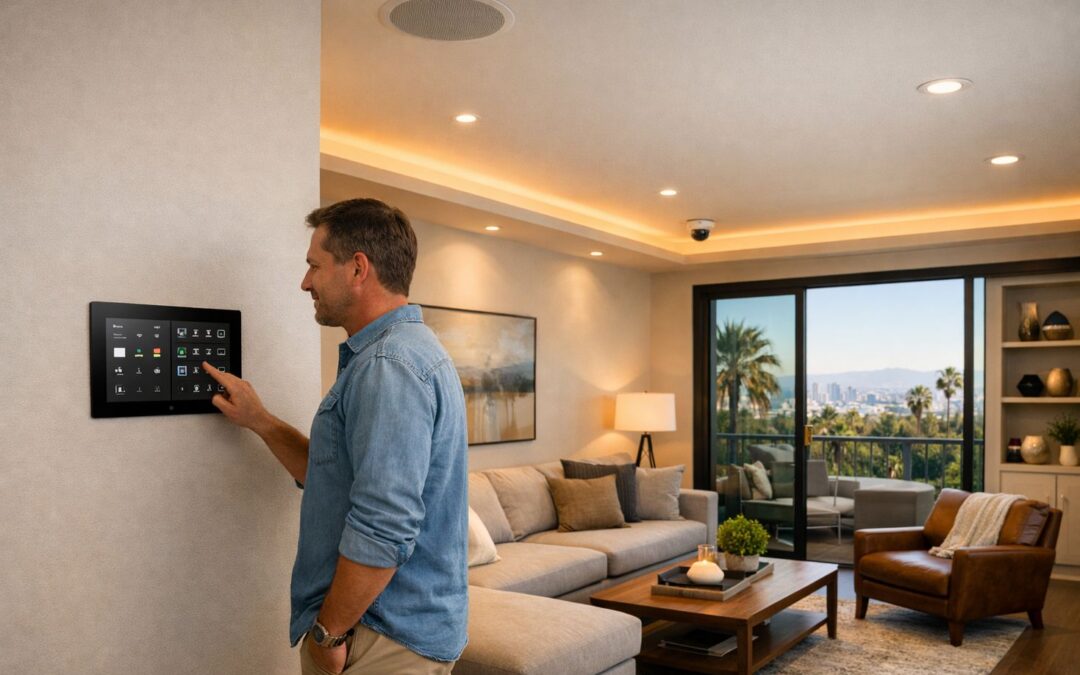
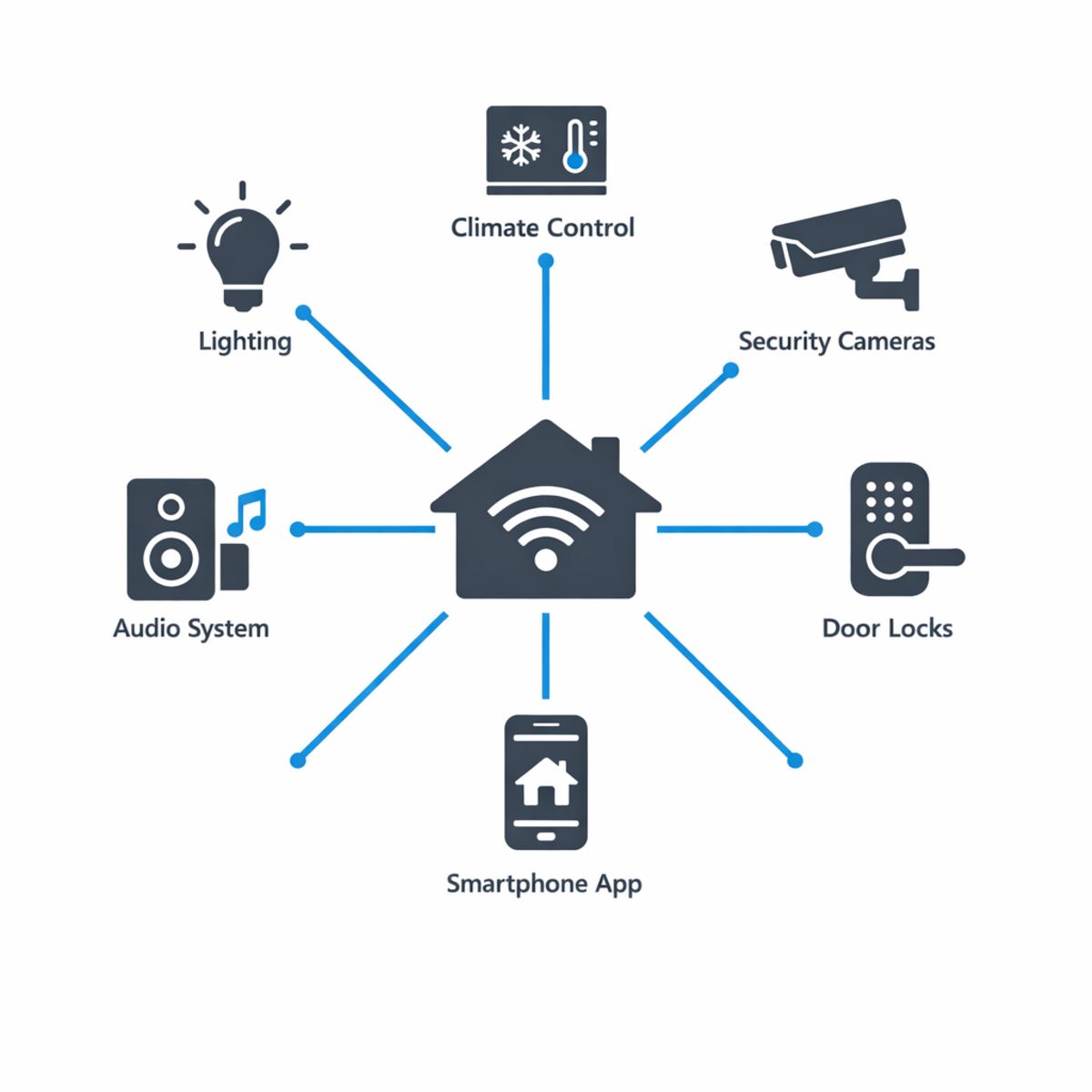
A smart home ecosystem is the connected framework that allows your lighting, security, climate, and entertainment systems to work together through one reliable experience instead of a collection of separate gadgets. For homeowners in Los Angeles, that matters because convenience, comfort, energy use, and peace of mind all improve when devices are planned to communicate with each other. Many people begin with a smart speaker, thermostat, or video doorbell, but the real value usually comes from integrated planning that makes daily routines simpler and more consistent.
Rather than juggling multiple apps, settings, and voice commands, a well-designed ecosystem helps your home respond as one system. That can mean lights adjusting with occupancy, climate control syncing with schedules, security alerts appearing where you actually need them, and entertainment working seamlessly from room to room. Thinking beyond individual devices also helps you avoid compatibility issues and costly upgrades later.
What This Guide Covers
In the sections ahead, you’ll learn the basics of smart home ecosystems, how major platforms compare, which components matter most, what setup steps to expect, and when professional guidance can help create a more dependable long-term solution.
What Is a Smart Home Ecosystem?
A smart home ecosystem is the complete system that makes connected technology work together in one home. Instead of thinking about smart devices as separate gadgets, an ecosystem includes the hardware, software, network, control methods, and automations that create a reliable daily experience. The goal is simple: your lights, climate, audio, video, shades, locks, and smart home security devices should respond through one coordinated setup rather than a collection of unrelated apps.
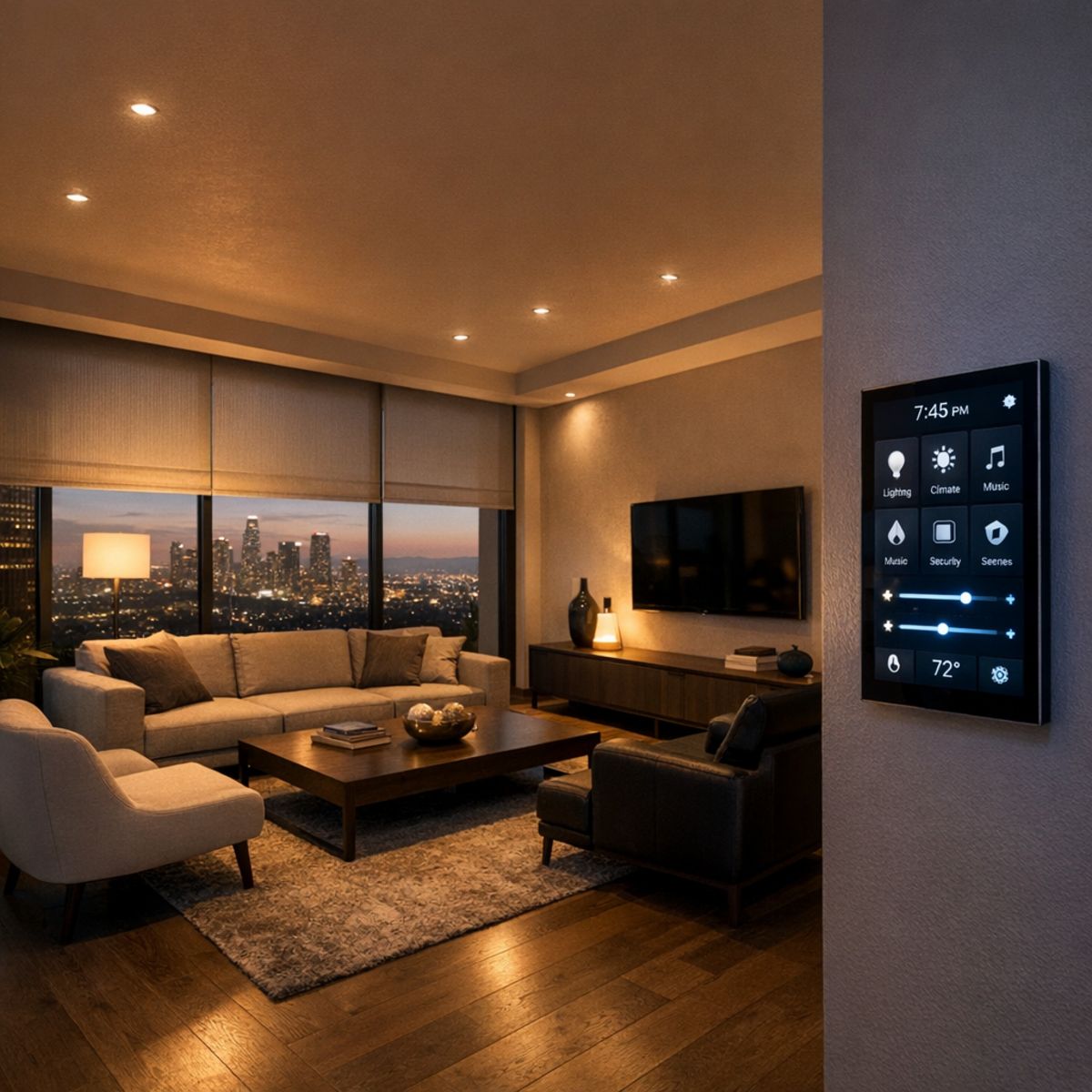
At the center of that ecosystem is usually a platform or hub. This is the layer that helps devices communicate, organizes commands, and gives you a consistent way to control the home from a wall keypad, touchscreen, voice assistant, or mobile app. In well-planned home automation solutions in Los Angeles, the best ecosystems are chosen for compatibility, reliability, and ease of use, not just for flashy features.
The Core Parts of an Ecosystem
The core parts usually include the devices themselves, the control interface, the home network, the integration platform, and the automation logic. For example, a motion sensor can tell the platform someone entered a hallway, and the system can automatically turn on lights at a preset brightness. A thermostat can follow schedules, occupancy, or weather conditions. The app then gives you one place to monitor and adjust everything.
Ecosystem vs. Standalone Devices
Buying random smart products may seem easier at first, but disconnected devices often mean multiple apps, inconsistent performance, and limited automation. Ecosystem planning is different. It focuses on how each part will work together now and as your needs grow, creating a smarter home that feels unified, convenient, and scalable over time.
Benefits of a Well-Planned Smart Home Setup
A thoughtfully designed smart home does more than add impressive technology. It makes daily life smoother, more comfortable, and more consistent by bringing lighting, climate, security, and entertainment into one easy-to-manage system. Instead of juggling separate apps and devices, homeowners can use a single interface to create routines that fit how they actually live.
Convenience Through Unified Control
Unified control is where the biggest day-to-day value often shows up. A morning scene can gradually raise shades, bring lights to a comfortable level, and adjust the temperature before the household is fully moving. An away scene can turn off selected lights, lock doors, and arm key security features with one tap. Movie and bedtime scenes offer the same simplicity, setting the right lighting, comfort, and privacy without needing to walk room to room. This is where smart lighting automation for daily scenes becomes especially useful, helping each space respond naturally to the moment.
Security, Comfort, and Energy Awareness
An integrated setup also supports greater peace of mind. Connected alerts, cameras, locks, and lighting can work together to make a home feel more secure whether the owners are inside, away for the day, or traveling. Remote access makes it easier to check status, respond to activity, or let in a guest when plans change. At the same time, comfort improves through schedules and occupancy-based adjustments that keep rooms feeling right without constant manual changes. Energy use can become more intentional as well, especially with climate and air conditioning control options that help manage cooling and heating alongside lighting levels. For Los Angeles homeowners, that kind of planning creates a home that feels refined, responsive, and easier to live in every day.
Smart Home Platforms, Hubs, and App Choices
Choosing between different smart home platforms often comes down to how simple, reliable, and expandable you want your system to be. Some homeowners start with a few connected devices and a single smart home app, while others need a more coordinated setup that can manage lighting, climate, security, entertainment, and more from one place. The right path depends on your home size, your long-term plans, and how many systems you want working together.
DIY Platforms vs. Professionally Integrated Systems
DIY ecosystems are often the easiest entry point. They can be cost-effective, quick to install, and well suited for smaller homes or simpler goals. Many devices connect directly over WiFi and can be managed through a brand-specific or shared smart home app. For homeowners who want to add a few lights, a thermostat, cameras, or voice control, this approach can work well.
Professionally integrated systems are different in purpose. Instead of focusing on individual gadgets, they are designed to coordinate multiple technologies as one experience. That can mean better customization, more dependable automation, and cleaner control across the entire home. In larger properties or homes with several connected systems, professional integration can reduce friction and improve day-to-day usability. This is especially helpful when combining entertainment, shading, lighting, and integrated home theater installation services into a more unified setup.
When a Hub or Central Controller Makes Sense
Not every smart device needs a smart home hub. Some products communicate directly over WiFi and work fine on their own. But as the number of devices grows, direct connections can create app clutter, inconsistent performance, and more effort to manage routines across brands. That is where a hub or central controller can become valuable.
A smart home hub helps devices communicate more efficiently and can bring different systems into one control structure. In more complex homes, centralized control often improves reliability, simplifies automation, and reduces the need to jump between multiple apps. Ultimately, the best choice is not about one platform being universally better than another. It is about matching the system to your goals, whether that means a simple app-based setup or a professionally designed platform built for whole-home coordination and support.
How to Build the Right Smart Home Ecosystem
The best smart home ecosystem starts with a plan, not a shopping cart. Before buying devices, define what you want your home to do, how you want to control it, and which spaces matter most. If you are considering custom home automation planning in Los Angeles, this step-by-step approach can help you make better decisions and avoid costly compatibility issues later.
1. Start With Daily Routines and Priorities
Begin with lifestyle goals. Think about the routines you repeat every day and the rooms that affect comfort, convenience, and security the most. For many homeowners, that means the entry, living room, kitchen, primary suite, or outdoor areas. Write down a few practical goals, such as turning on pathway lights at sunset, simplifying TV control, managing shades in the morning, or checking cameras from one app. This keeps your smart home planning focused on real benefits instead of random gadgets.
2. Check Compatibility Before You Buy
Next, audit what you already own and note what can stay, what needs replacing, and what must work together. Check whether each device supports your preferred voice assistant, app, automation platform, or control method. Avoid mixing products based only on price or popularity. A lower-cost device that does not integrate well can create more frustration than value. Choosing a primary platform or control strategy early helps you build a more reliable and easier-to-use system.
3. Build on a Reliable Network
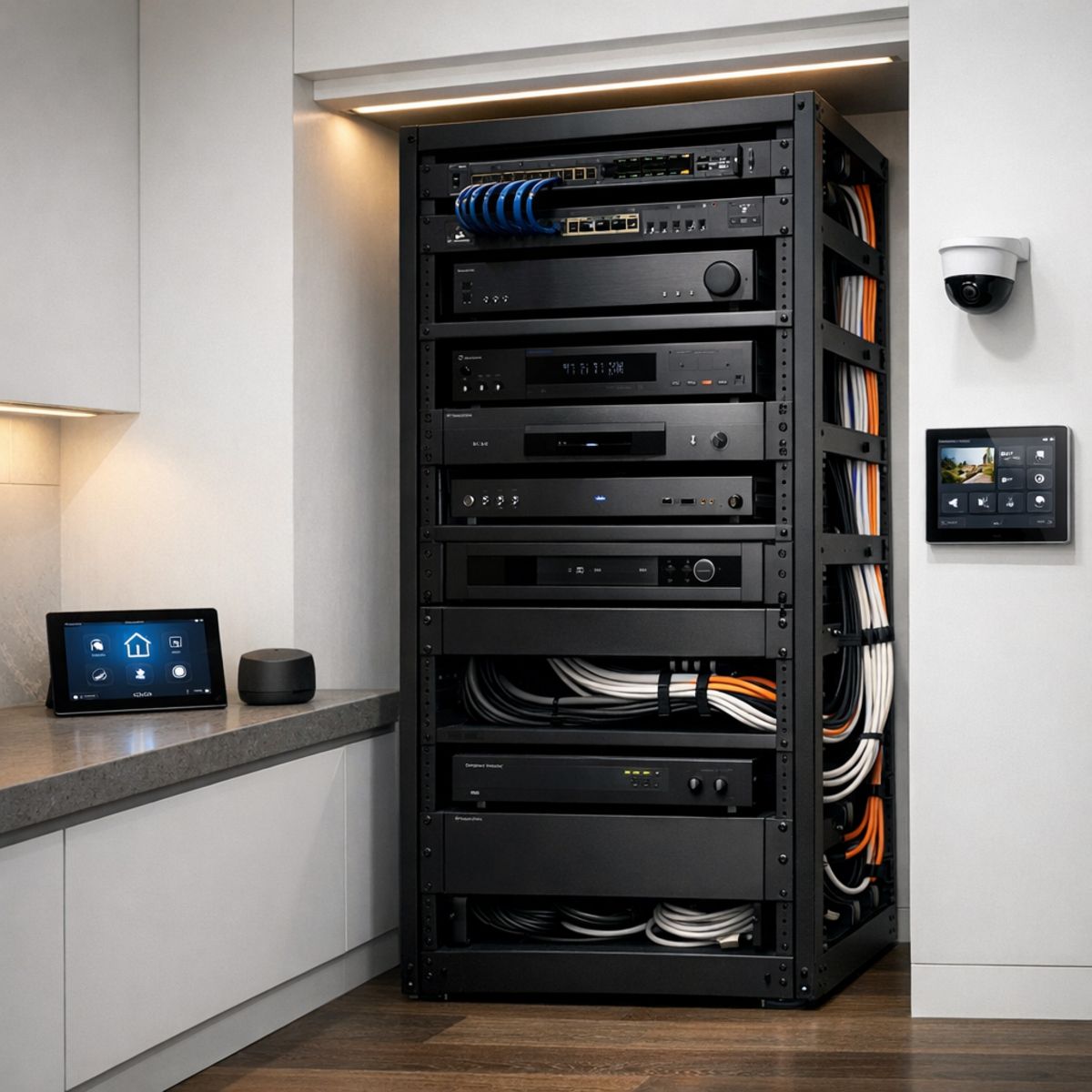
A smart home is only as dependable as the network behind it. Weak WiFi, poor access point placement, and overloaded equipment can cause delays, disconnects, and inconsistent automation. Plan for strong coverage, enough bandwidth, and proper power where hubs, racks, and networking gear will live. This is especially important before adding cameras, streaming devices, distributed audio, or multiple control points. Good infrastructure reduces troubleshooting and supports better long-term performance.
4. Plan for Future Expansion
Finally, think beyond your first phase. Even if you start with lighting, locks, or thermostats, leave room for future upgrades like whole-home audio, theater, motorized shades, climate control, or security integration. Strategic planning makes expansion easier because the ecosystem, wiring paths, power needs, and control approach are already aligned. When you plan before purchasing, you reduce common mistakes and create a smart home ecosystem that can grow with your needs.
Best Smart Home Products to Connect First
When building a connected home, the best smart home products to add first are usually the ones that improve daily routines right away while supporting long-term ecosystem growth. For most homes, that means starting with lighting, climate control, security, and a strong networking foundation. Smart lights and switches are easy to use, highly visible, and help establish automation habits. Thermostats and climate controls add comfort and energy efficiency, especially when they are matched to your platform and schedule.
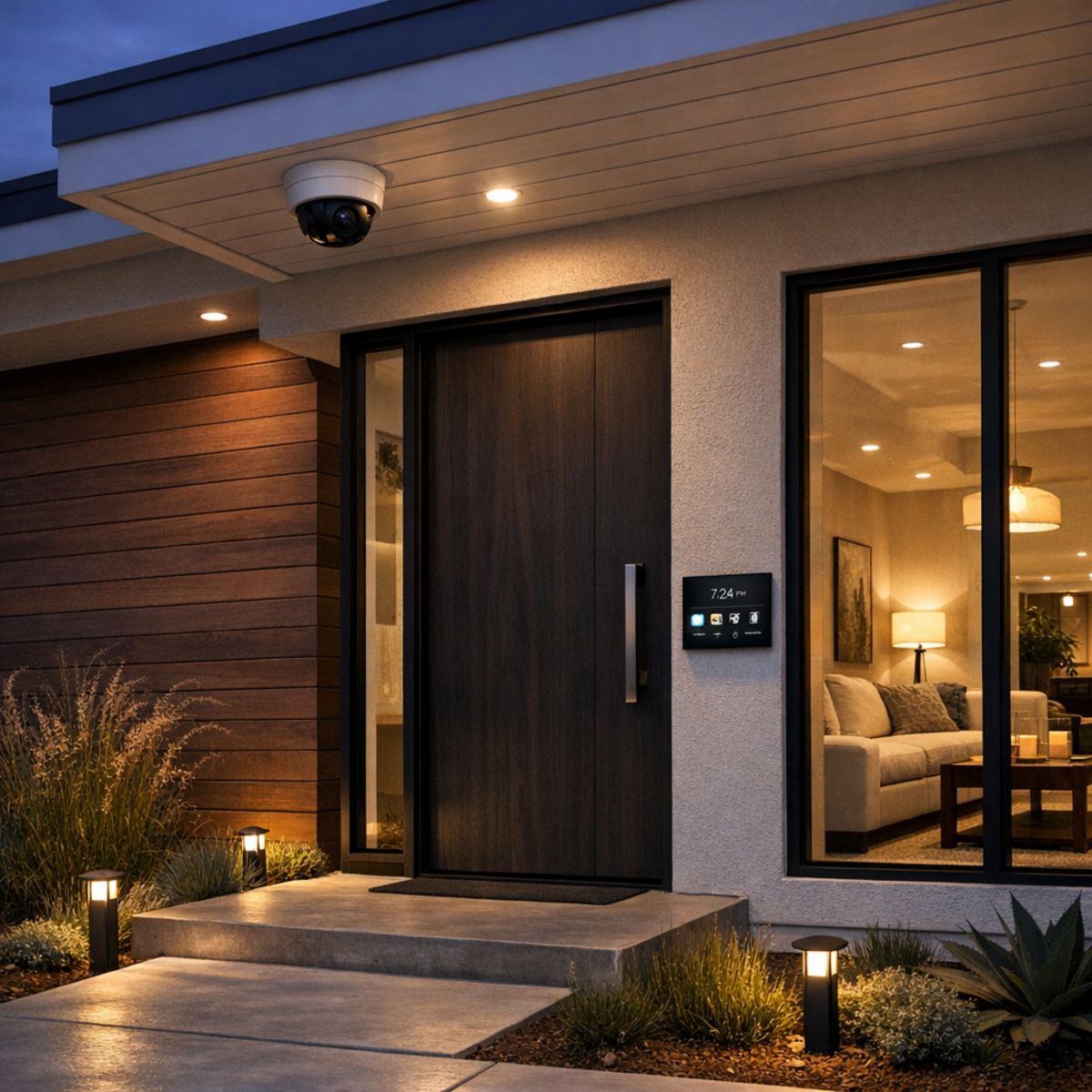
Security is also an early priority for many homeowners. Cameras, locks, doorbells, and sensors are among the most practical smart home security devices because they deliver immediate awareness and control. They also tend to work best when planned as part of a larger system rather than added one by one without a strategy. If you are comparing options, reviewing a security cameras features and setup guide can help clarify what fits your property and goals.
High-Impact Starting Categories
A practical first phase often includes lighting in main living areas, thermostat control, entry access, cameras, and any needed Wi-Fi or network upgrades. From there, entertainment, media rooms, and whole-home audio become strong expansion categories once the core system is stable. The right product mix should always reflect the platform you have chosen, the layout of the home, and how you want each space to function. For homeowners who want a more integrated approach, professional security camera installation services can support a cleaner and more reliable foundation.
What Los Angeles Homeowners Should Consider
In Los Angeles, smart home planning often needs to account for varied home sizes, indoor-outdoor living, and the difference between retrofits and new builds. Larger properties, guest houses, and detached offices can all benefit from stronger WiFi design so lighting, security, climate, and entertainment systems stay reliable across every zone. A tailored approach also helps address older construction, unique layouts, and outdoor spaces that are used year-round. For homeowners comparing options, Los Angeles home automation design services can help shape a system around how the home is actually used rather than forcing a one-size-fits-all setup.
Local Layout and Connectivity Factors
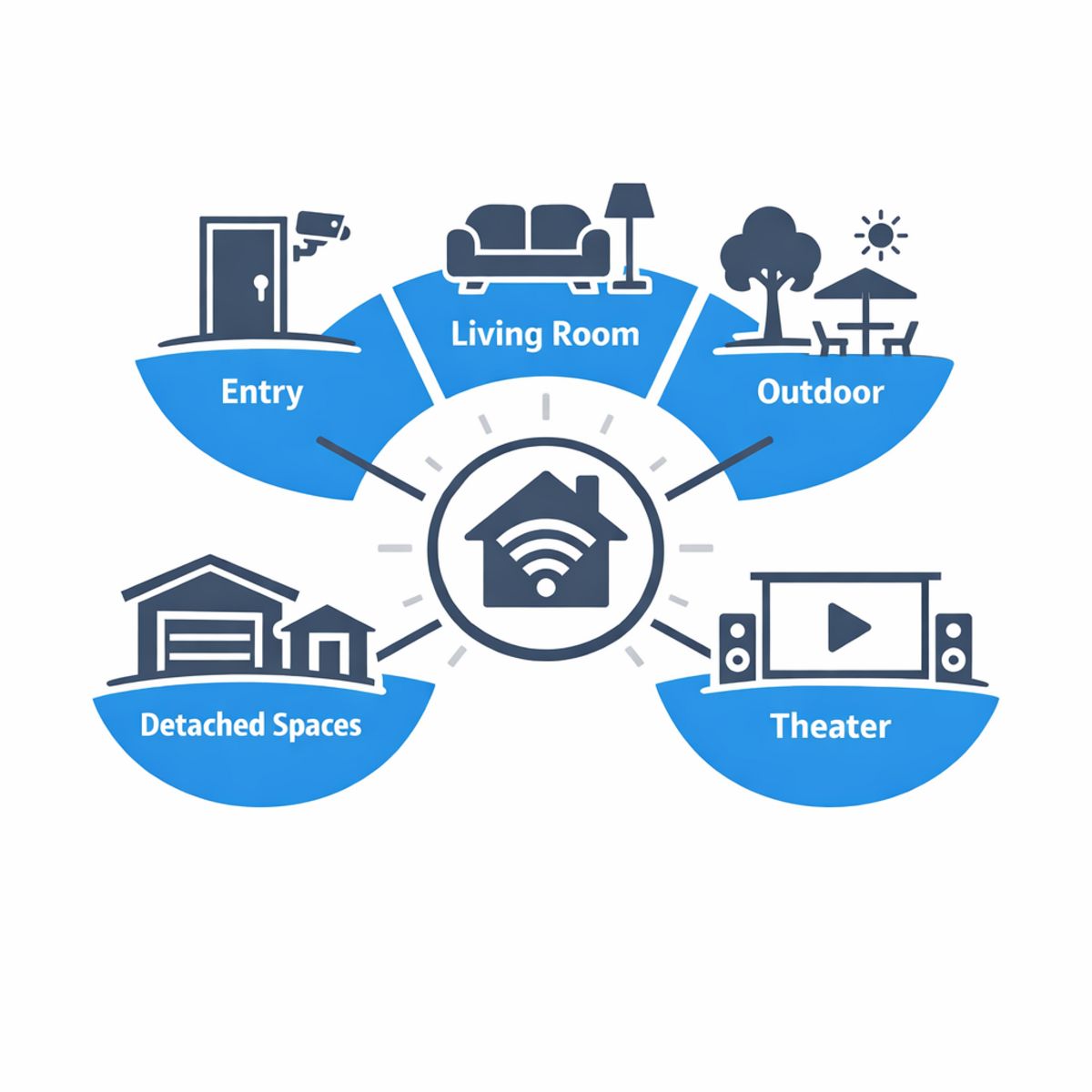
Planning for coverage at entry points, living areas, outdoor entertaining spaces, theaters, and detached structures can make the entire ecosystem perform more smoothly from day one.
Frequently Asked Questions
What is the difference between a smart home ecosystem and a smart home platform?
A smart home platform is the software environment or app that controls devices, automations, and routines. A smart home ecosystem is broader: it includes the platform, compatible devices, voice assistants, networking, and the way everything works together in daily use.
Do I need a smart home hub for every connected device?
No. Many devices connect directly through WiFi, Thread, or Bluetooth and can be managed in a platform app. A dedicated hub is usually only needed for certain device types or protocols, or when you want more reliable local control and broader automation options.
Can smart home security devices work with lighting and climate control?
Yes, if the devices are compatible within the same ecosystem or platform. For example, a motion sensor can trigger lights, or a door lock event can adjust temperature settings. The key is choosing products that support shared automation rules and dependable integration.
Why does WiFi matter so much in smart home automation?
WiFi affects responsiveness, reliability, and how many devices your network can handle at once. Weak coverage or overloaded access points can cause delays and disconnects. A strong network design helps automations run smoothly, especially in larger homes with many connected devices.
Is it better to install a smart home system all at once or in phases?
For many homeowners, phased installation is the practical choice. It lets you prioritize essentials like networking, security, or lighting first, then expand over time. A full install can be efficient during construction or renovation, but phased planning often makes budgeting and compatibility easier.
Ready to Plan a Smarter Home?
If you’re thinking about the next step for your home, Smart Home LA can help you plan with confidence. Talk through your goals, current devices, and future upgrades with an expert who can guide you toward a system that fits your lifestyle. From integrated lighting, security, climate, networking, and entertainment, the team is here to support a smarter, more connected home.
Final Thoughts on Choosing the Right Ecosystem
The best smart home ecosystem is the one that fits your home, daily routines, and long-term goals. A strong setup is not just about features—it depends on thoughtful planning, device compatibility, and the right infrastructure to support reliable performance over time.
A Connected Home Works Best by Design
When you choose with the future in mind, it becomes easier to build a smart home that feels simple, responsive, and ready to grow with you. With the right foundation, a more connected living experience becomes both practical and lasting.