
Reliable whole-home WiFi networking for smart homes
Tired of buffering during movie night, frozen Zoom calls, or smart lights and speakers randomly dropping offline? WiFi dead zones shouldn’t exist in a modern smart home.
Smart Home LA designs and installs professional-grade, whole-home WiFi networks built specifically for connected homes—not generic office IT or off-the-shelf routers.
- Seamless coverage across every room, level, and outdoor living area
- Optimized speeds for streaming, gaming, and video calls—at the same time
- Support for WiFi 6/6E, mesh WiFi, and high-density smart device setups
- Professional on-site testing, tuning, and clean, discreet hardware placement
Tell us about your WiFi issues and we’ll recommend the right solution—no obligation.
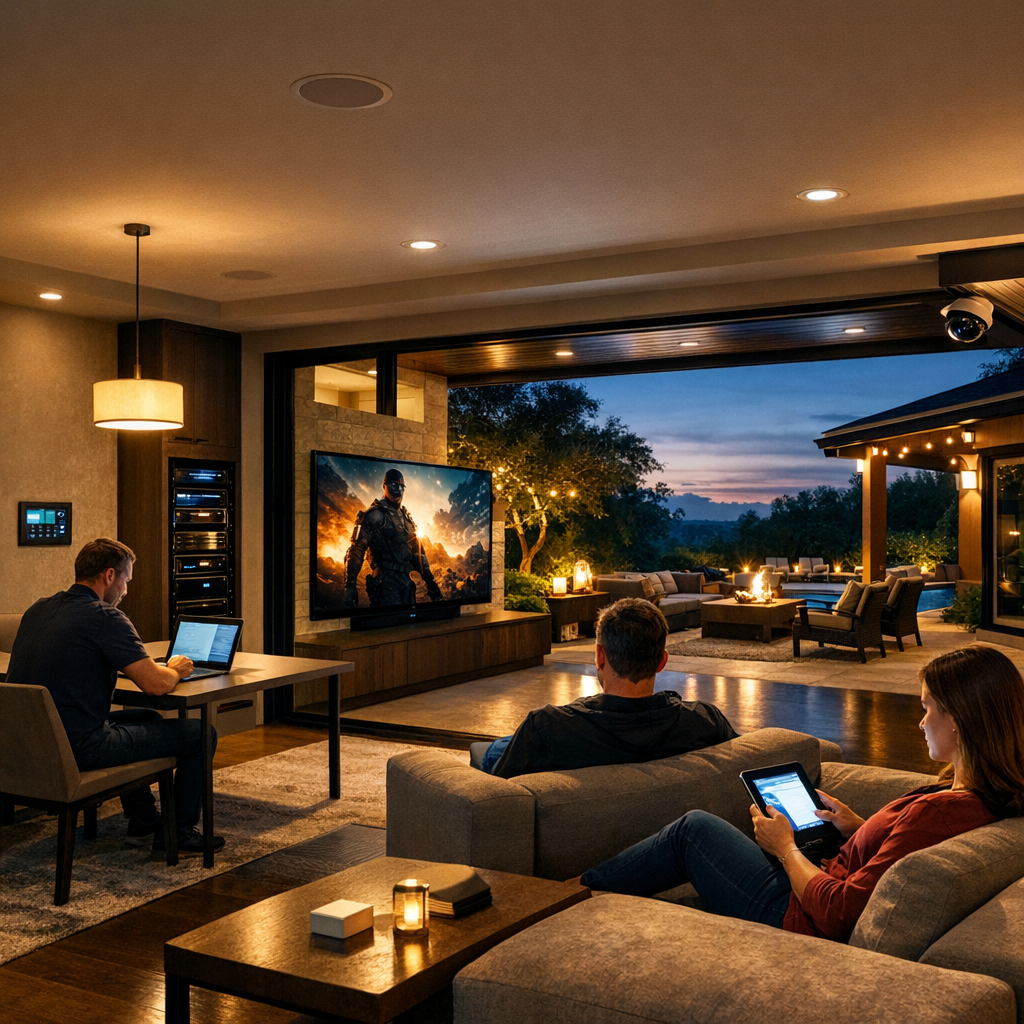
WiFi networking that keeps up with your connected life
Streaming, work-from-home, online classes, gaming, and smart home control all depend on fast, stable WiFi. Smart Home LA designs WiFi networks so your mesh WiFi system, WiFi 6 router, and connected devices work together smoothly instead of fighting for bandwidth.
Consistent speed in every room
A properly designed mesh WiFi system and WiFi 6/6E router maintain high WiFi speed even when dozens of devices are connected. Instead of one wireless router hidden in a closet trying to cover everything, we place access points strategically so larger or multi-story homes get strong, even coverage from the front door to the backyard.
Fewer dropouts, better calls
Optimized WiFi networking cuts down on dropped WiFi calling, frozen video meetings, and laggy gaming. Smart Home LA uses professional WiFi test tools—far more precise than a basic WiFi analyzer app—to find weak spots, tune channels, and balance loads so your connections stay clear and stable.
Smart home devices that just work
Stable WiFi is critical for security cameras, smart thermostats, streaming speakers, and whole-home control systems. We design networks specifically to handle many always-on devices without overloading, so your smart home feels responsive instead of glitchy.
Built for your internet today & tomorrow
We work with your existing internet provider and modem, focusing on everything from the router outward—access points, wiring, and placement. Your layout is planned with future upgrades like WiFi 7 routers in mind, so you can boost speeds later without tearing your network apart.
Many of Smart Home LA’s projects involve older hillside homes in Los Angeles, where thick walls, additions, and unusual layouts make WiFi design far more complex than in newer tract housing—and that’s exactly the kind of challenge these networks are built to solve.
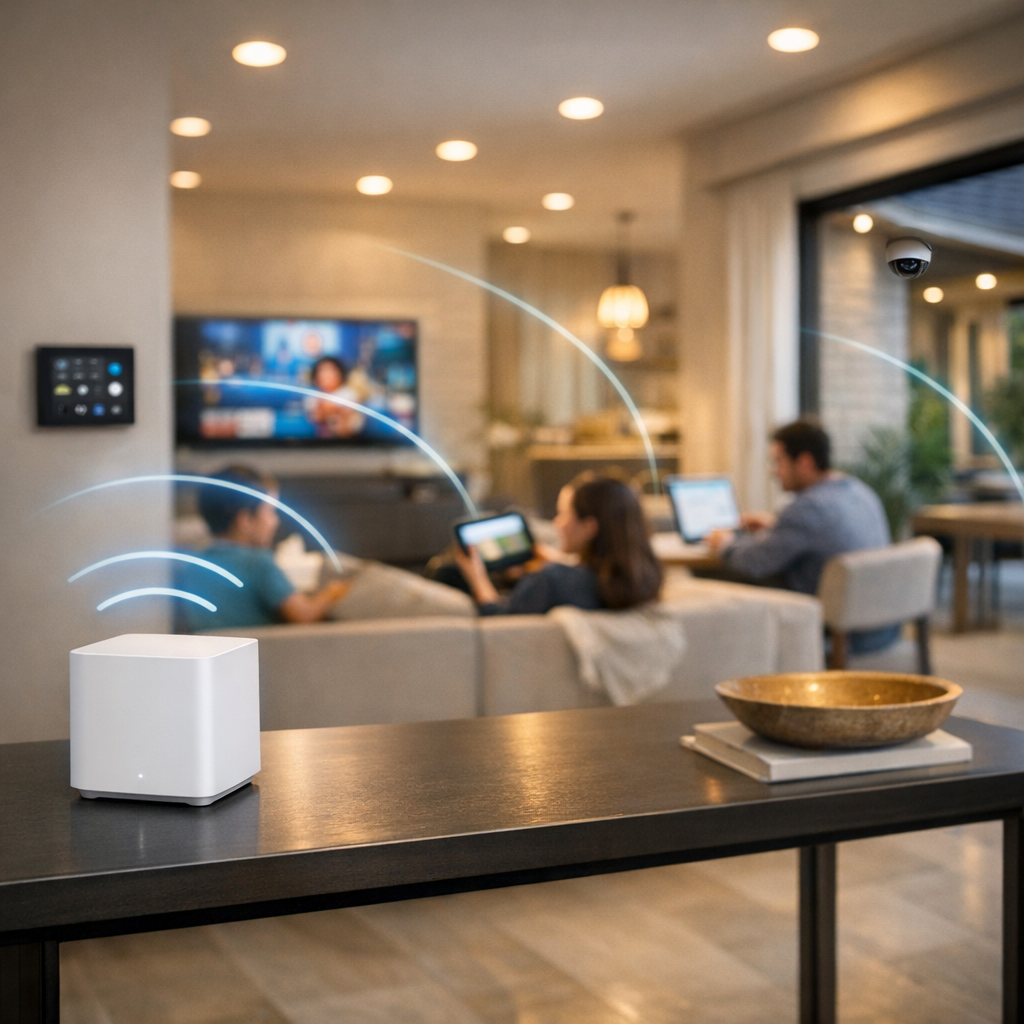
How our WiFi networking design and installation works
Instead of guessing with random plug-in boosters, Smart Home LA follows a clear, data-driven process to design WiFi that actually fits your home and how you use it.
Discovery call
We start with a quick call to learn about your home size, layout, and construction, along with your current router and pain points like dead zones, slow speeds, or constant buffering. We also clarify where you need reliable coverage—from bedrooms and home offices to outdoor areas or guest spaces.
On-site WiFi test and survey
A technician visits your home and walks the property with professional WiFi testing tools, mapping signal strength and interference room by room. From this survey, we pinpoint dead spots, problem materials, and where a mesh system, additional access points, or new wiring runs will make the biggest impact.
Network design and hardware selection
Using the survey data, we design a custom layout that may include WiFi 6 or WiFi 6E routers, ceiling or wall-mounted access points, and wired backhaul where it makes sense. We explain why we recommend these components and avoid over-reliance on basic plug-in extenders or generic “best WiFi extender” gadgets when a more robust solution is needed.
Clean installation and configuration
Our team installs and neatly routes any needed cabling, mounts access points in the right locations, and configures your network names, passwords, and security settings. We fine-tune channels and power levels to reduce interference from neighboring networks and hotspots, keeping your system stable and fast.
Verification and handoff
After installation, we re-run WiFi tests throughout the home to confirm coverage and speed targets are met. We then walk you through a simple overview of your new network, how to connect new devices, and what to check if your internet service ever goes down.
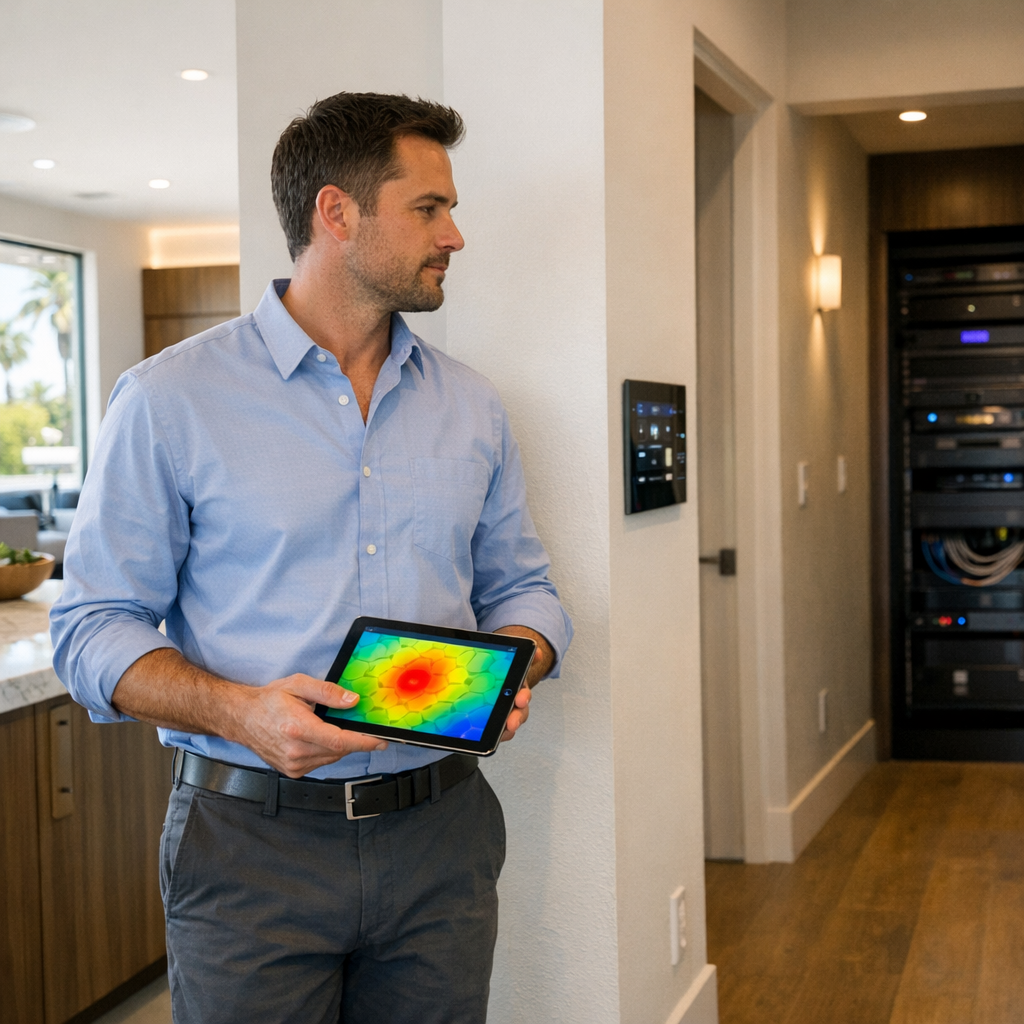
Why pro WiFi networking beats DIY routers and extenders
Many homeowners start with a single wireless router, a cheap WiFi booster, or a portable hotspot and still end up with dead zones, buffering, and dropped calls. A professionally designed whole-home WiFi network is built to eliminate these pain points instead of masking them.
When your WiFi is treated as core infrastructure instead of a quick DIY project, every room becomes usable for work, entertainment, and smart home control without constantly fighting your network.
WiFi networking pricing and what affects your investment
A professionally designed WiFi network is an infrastructure investment in your home, not just another gadget. Costs vary based on how your space is built and how you use it, with the goal of getting it dialed in once instead of repeatedly buying new routers that never quite solve the problem.
What drives WiFi networking cost?
- Square footage and number of floors — larger, multi-level homes typically need more access points and wiring to maintain strong coverage everywhere.
- Construction materials — concrete, brick, stone, and metal framing can block signals and may require additional hardware or strategic placement.
- Desired coverage areas — extending reliable WiFi to patios, pools, guest houses, or detached offices adds design and hardware to the scope.
- Hardware tier — a standard WiFi 6 router has a different price point than higher-end WiFi 6E or WiFi 7-ready systems with more capacity and features.
- Integration needs — tying your WiFi design into existing internet equipment, smart home systems, and security devices can affect both time and equipment choices.
Typical project levels
- Basic upgrades for small homes — replacing an outdated wireless router, optimizing placement, and cleaning up basic settings for better stability.
- Mid-range projects — adding a mesh WiFi system with multiple nodes, some new cabling, and fine-tuning to eliminate dead zones.
- Comprehensive projects — full WiFi networking design with multiple access points, structured wiring, and advanced management for demanding work, streaming, and smart home use.
You’ll always see a clear, line-item proposal so you know exactly what you’re paying for, with hardware chosen for reliability and performance rather than brand hype. A stable, well-planned WiFi network supports everything from remote work and 4K streaming to smart locks and cameras, making it a long-term upgrade to how your home functions every day.
Because every home and usage pattern is different, the best way to understand your investment is a tailored quote based on a quick conversation about your space and WiFi issues.
Any estimates are for general guidance only and are not a formal quote; final pricing depends on an in-home assessment and confirmed equipment selections.
WiFi networking FAQs
Find clear answers to the most common WiFi, router, and mesh networking questions homeowners ask.
Can you work with my existing home internet provider and modem?
In most cases, yes. We typically keep your current internet provider and modem in place, then focus on upgrading and redesigning everything from the router and access points outward. That way, you get a stronger, more reliable WiFi experience without having to change your service plan.
Do I need a new WiFi 6 or WiFi 6E router for better performance?
Many homes with lots of connected devices see real benefits from WiFi 6 or WiFi 6E, including higher capacity and better performance in busy households. We start by evaluating your current router and overall layout, then only recommend a new WiFi 6/6E system when it will deliver a meaningful, noticeable improvement.
Is a mesh WiFi system always better than a WiFi extender?
Not always, but often. Mesh WiFi systems usually provide more seamless coverage, faster handoffs as you move around, and better overall stability than basic extenders. In some very small spaces, a well-placed extender can be enough, but in most homes the design, wiring, and placement of access points matter far more than any single product label.
Can you improve WiFi for my outdoor areas like patios and pool decks?
Yes. We use outdoor-rated access points and careful placement to extend strong, secure coverage to patios, pool decks, and other outdoor living areas. This approach is far more reliable than portable hotspots or trying to “blast” indoor WiFi through walls and windows.
How many devices can your WiFi networking designs support?
Our WiFi designs routinely support dozens of devices at once—phones, tablets, laptops, smart TVs, cameras, speakers, smart locks, and more. We plan for both your current needs and future growth so you have enough capacity as you add new smart home technology over time.
Will a better WiFi network fix slow home internet speeds from my ISP?
A better WiFi network can’t exceed the speed your internet provider delivers, but it can remove in-home bottlenecks that keep you from seeing your full plan speeds. We separate issues caused by limited ISP bandwidth from problems inside your home network, then design WiFi that makes the most of the service you’re already paying for.
Get a professional WiFi networking assessment
You don’t have to live with dead zones, buffering, or smart devices that only work “most of the time.”
- Whole-home WiFi networking designed specifically for your layout and construction.
- Hardware recommendations that balance performance, reliability, and budget.
- Professional installation, configuration, and WiFi testing to verify real-world results.
- Ongoing support options if you want a single point of contact for your network.
Share a few details about your home and WiFi issues, and we’ll put together a tailored plan for a stronger, more reliable network.
It helps to know your approximate square footage, number of floors, problem rooms, and whether you need outdoor coverage for patios, pools, or guest houses.
Every recommendation from Smart Home LA is no-pressure and focused on giving you a stable, future-ready WiFi network that supports work, entertainment, and all of your smart home technology.

Related Services
- Professional Security Camera Installation
For homeowners planning or upgrading security cameras, this service pairs perfectly with robust WiFi networking to keep video streams reliable throughout the property.