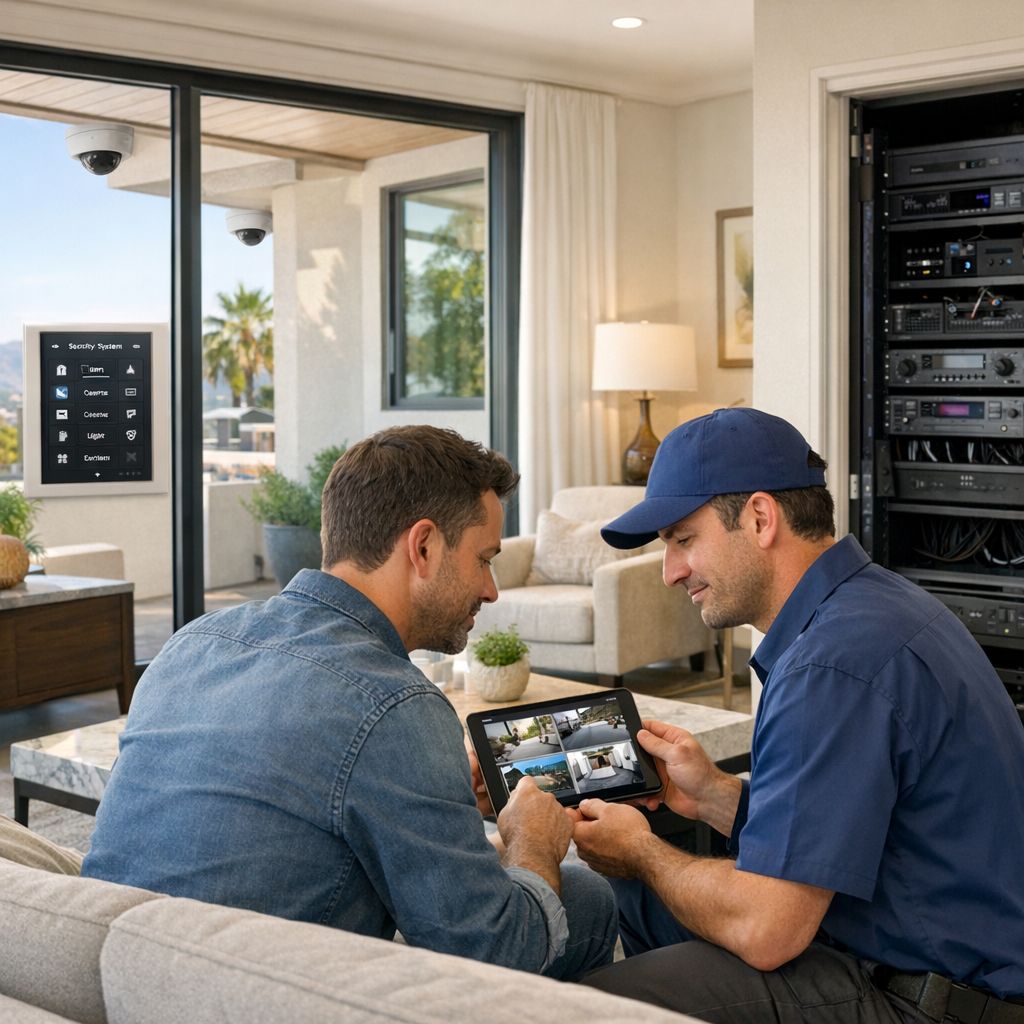
Security camera installation for smarter protection
Smart Home LA designs and installs high-end security camera systems that blend into your home while giving you clear, reliable coverage where it matters most. From discreet outdoor cameras to indoor views of entries, garages, and living spaces, every angle is planned for real-world protection.
We handle everything—from wiring and network optimization to smart home integration—so you can check in from your phone, tablet, or touch panel with confidence, whether you’re home or away.
- Custom camera layout for full-property coverage
- Clean, professional installation with hidden wiring where possible
- Live viewing and alerts on smartphone, tablet, and in-wall touch panels
Why invest in professionally installed security cameras
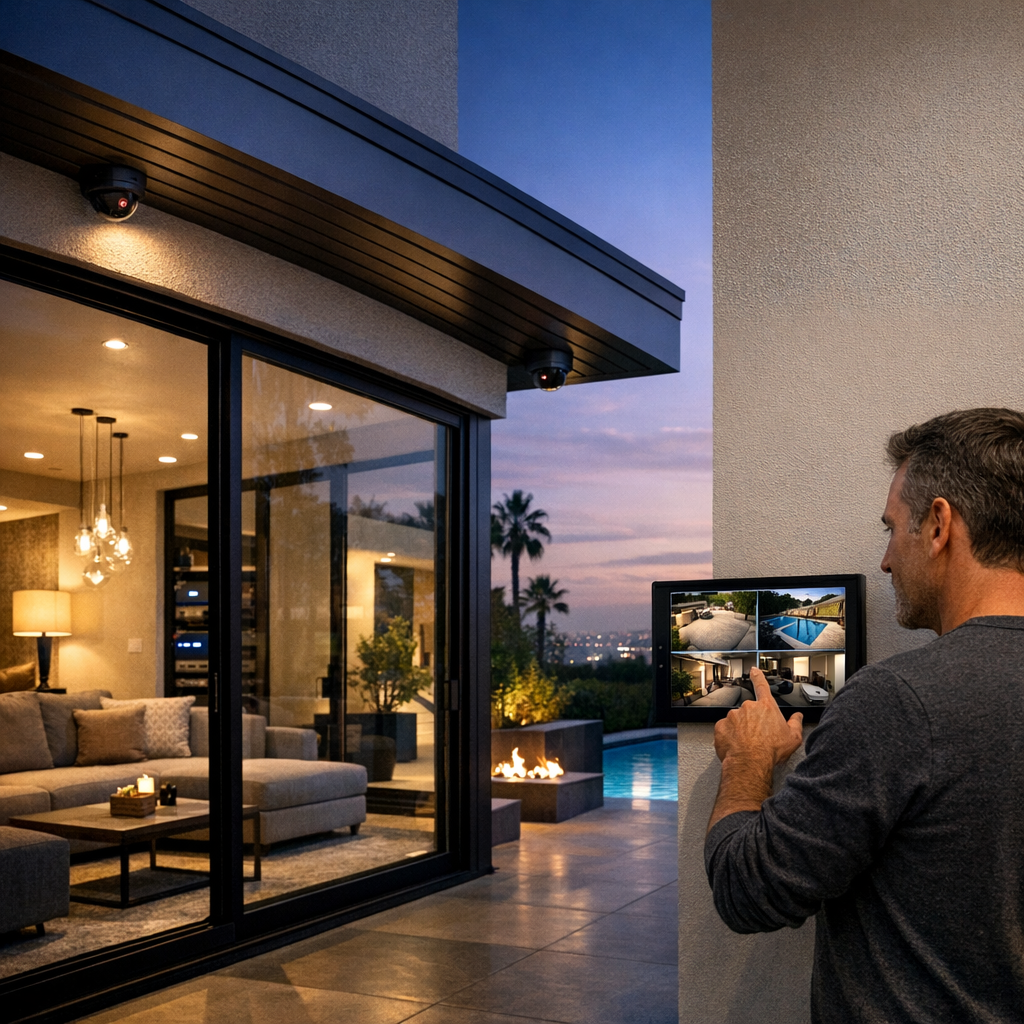
Owning a few home security cameras is one thing; having a thoughtfully engineered security camera system that actually protects your property is another. Professional design and installation ensure your cameras work together to capture crucial details, integrate with your smart home, and look as good as they perform.
Instead of guessing on camera types and placement, a professional approach focuses on how you live, what you want to protect, and how you want to control everything day to day.
Comprehensive coverage, not guesswork
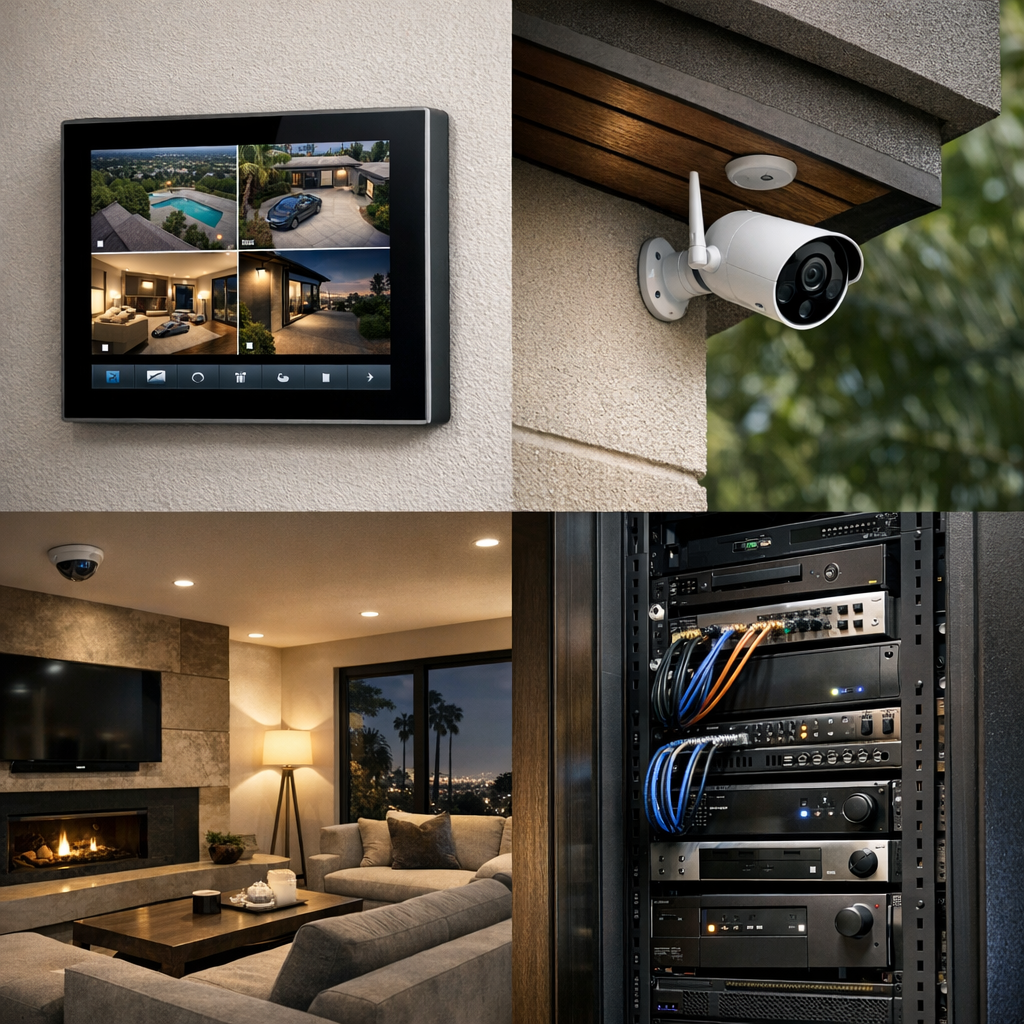
A professional security camera installation starts with a walkthrough of your property to understand entry points, blind spots, and real-world lighting conditions. From there, your installer specifies the right mix of outdoor wireless security cameras, indoor home security cameras, and specialty surveillance cameras so driveways, walkways, gates, and interior hallways are all covered. Instead of the gaps DIY kits often leave, you get overlapping views designed to capture the full story if something happens.
Clarity when it matters most
Not all security cameras are created equal. A properly designed security camera system accounts for resolution, lens choice, night vision, and motion settings so faces, license plates, and key details stay sharp. For example, instead of a grainy wide shot of your front porch, a professionally placed camera with the right lens and lighting can clearly capture a package theft, including the delivery time and the person who took it—footage your security provider or law enforcement can actually use.
Smart home integration and control
Smart home security cameras can do far more than record video. When they’re integrated with your existing automation platform, motion at the front door can trigger pathway lighting, send a tailored alert, or pull up a live view on your TV or in-wall touch panel. You can check live and recorded video from phones, tablets, and touchscreens through a single, unified interface—no juggling multiple apps or logins just to see what’s happening at home.
Reliable, secure connectivity
Professionally configured wired and wireless security cameras for home are built on a stable network foundation. Your installer designs camera placement and bandwidth usage to avoid Wi‑Fi congestion that can cause lag, frozen video, or missed recordings. They also set up secure remote access, so you can confidently check in when you’re away without opening unnecessary vulnerabilities in your home network.
Discreet, design-conscious installation
With a professional, your security cameras enhance your space instead of distracting from it. Camera placement, cable routing, and hardware selection are handled with aesthetics in mind, from low-profile housings that blend into exterior finishes to smart home security cameras that sit cleanly within high-end interiors. The result is a system that protects your home while preserving the architecture and design you invested in.
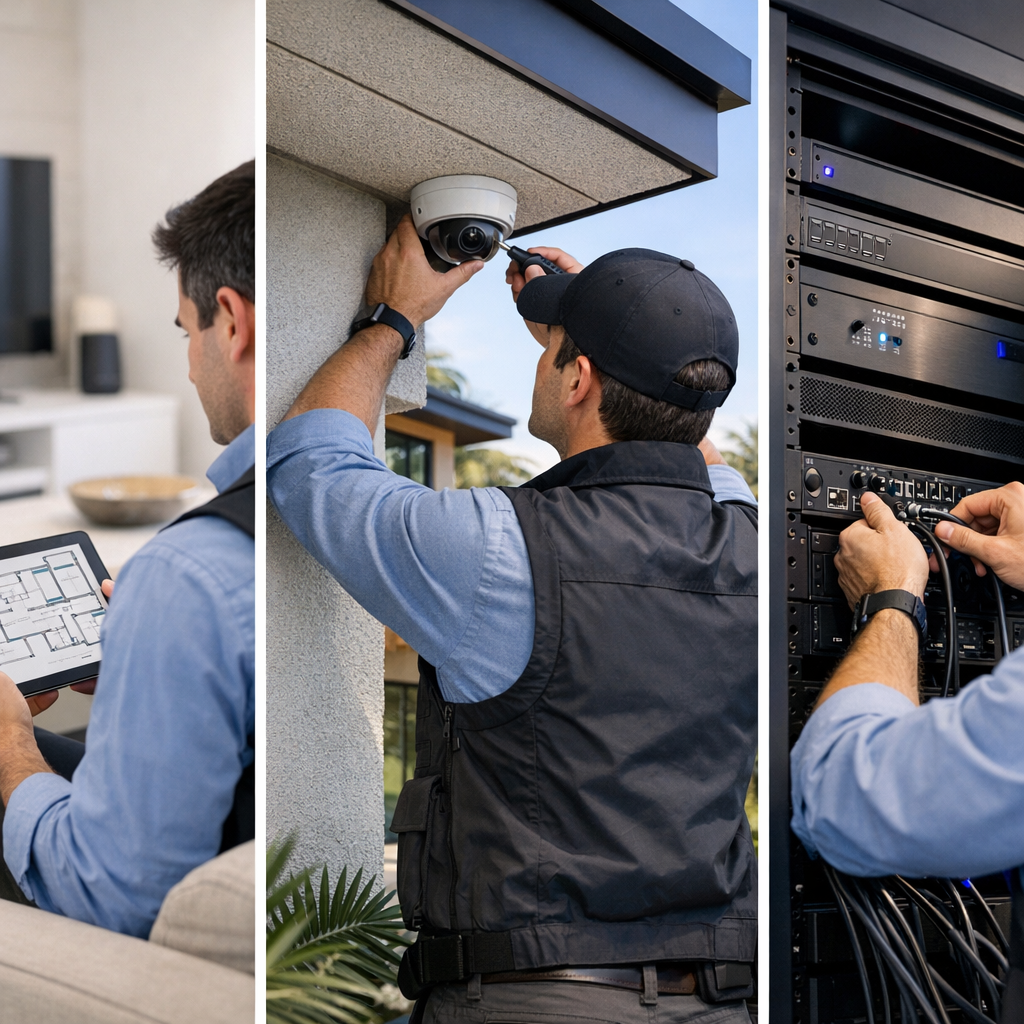
How our security camera installation process works
From the first walkthrough to final training, Smart Home LA handles every step of your security camera system so it feels turnkey, transparent, and tailored to how you live.
On-site assessment and camera strategy
A specialist walks your property, notes vulnerable entry points, and maps key areas like driveways, patios, and side yards. We evaluate existing Wi‑Fi and wiring, then recommend where outdoor cameras, indoor units, and any discreet options make the most sense for coverage and privacy.
System design and equipment selection
We design a balanced mix of wired and wireless security cameras, choose resolutions and fields of view, and decide whether an NVR-based CCTV‑style system, a smart camera platform, or a hybrid approach best fits your home, budget, and how you want to use the system day to day.
Professional installation and wiring
Our technicians mount cameras cleanly, run low‑voltage cabling, and fine‑tune placement for lighting, angles, and aesthetics. Outdoor wireless and solar‑powered options are secured with weather‑appropriate hardware so they stay reliable and discreet over time.
Network configuration and storage setup
We integrate the security camera system with your home network, enable secure remote access, and program recording schedules. Storage is sized so your footage is retained for a practical timeframe without wasting space or sacrificing important history.
App setup, training, and fine-tuning
Finally, we help you install apps, create user accounts, and customize motion alerts and notifications. We walk you through viewing, saving, and sharing clips, then schedule follow‑up adjustments once you’ve lived with the system for a few days.
Choosing the right type of security camera system
With so many security camera options on the market, it can be hard to know which setup truly fits your home, lifestyle, and budget. The best choice often isn’t a single “winner,” but the right combination of technologies for how you live.
Because every property and family is different, talking through these options with a knowledgeable specialist can help you blend reliability, convenience, and privacy into a camera system that truly fits the way you live.
Security camera installation costs and key pricing factors
There’s no single “standard” price for a security camera installation, because every home and system design is different. Instead of flat packages, your total investment reflects the mix of equipment, the complexity of the install, and any ongoing services you choose—so you can scale the project to your needs and budget.
What influences the cost of a security camera system?
Key drivers include how many cameras you need, the mix of indoor vs. outdoor security cameras, and whether you choose wired or wireless infrastructure. Recording and storage needs—such as how many days of footage you want to keep—and the level of smart home integration (app control, smart locks, alarms, lighting) also affect project scope and pricing.
Equipment quality vs. budget options
Entry-level home security cameras can be a good starting point, but they often trade off durability, low-light performance, and long-term reliability. Higher-end surveillance cameras typically offer better image quality, weather resistance, and fewer failures over time. Investing a bit more upfront can reduce maintenance visits, replacements, and blind spots that cheaper hardware might create.
Installation and configuration labor
Labor is usually estimated based on camera count, mounting difficulty, cable runs, and network configuration. More complex layouts, multi-story homes, or challenging exterior surfaces can add time. Professional setup helps avoid common issues like unreliable wireless security cameras, poor coverage, or misconfigured recording schedules that miss important events.
Ongoing costs and subscriptions
Some systems include optional cloud storage plans or monitoring-style services similar to a ring camera subscription model. These can add useful features like extended video history or advanced alerts. Many NVR-based systems, however, store footage locally and avoid monthly fees altogether, so you can choose the balance of upfront vs. ongoing costs that fits your preferences.
Getting a tailored quote
To provide a realistic price range, it helps to share basic details like floor plans, photos of key areas, or a rough camera count. From there, you can review transparent, line-item estimates that separate equipment from labor, explore options at different price points, and even phase the project over time if that works better for your budget.
Final pricing is always confirmed after a site assessment so your quote accurately reflects your specific layout, coverage goals, and equipment choices.
Security camera installation FAQs
Get clear, straightforward answers to the most common questions about choosing and installing a home security camera system.
How many security cameras do I really need for my home?
Most homes do well with 4–8 security cameras: one at each main entry, one covering the driveway or garage, and a few watching key outdoor areas or hallways. The right number depends on your layout, blind spots, and how much detail you want to capture. We design each home security camera system to cover likely entry points without wasting cameras on low-risk areas.
Can you mix wired and wireless security cameras in the same system?
Yes, many modern systems support both wired and wireless security cameras on the same recorder or app. We often use wired cameras for key, always-on views and wireless cameras where running cable is difficult. The important part is choosing compatible hardware and planning the network so everything stays reliable and easy to manage from one place.
Will my existing Wi‑Fi handle multiple home security cameras streaming at once?
It depends on your internet speed, router quality, and how many cameras are streaming at full resolution. A few wireless security cameras are fine on most modern Wi‑Fi networks, but a full system of 8–16 cameras can overwhelm older equipment. We test signal strength, recommend wired connections where possible, and can upgrade your network so your cameras don’t slow everything else down.
What’s the difference between CCTV, NVR, and smart home security camera systems?
Traditional CCTV uses analog cameras wired to a DVR, while NVR systems use network (IP) cameras that send digital video over Ethernet. Smart home security cameras are usually IP cameras that connect to your Wi‑Fi and integrate with apps and voice assistants. Today, most new home installations use NVR or smart systems because they offer higher resolution, easier remote viewing, and more flexible storage options.
How long is footage stored on a typical home security camera system?
Most systems keep 7–30 days of footage by default, depending on the hard drive size, number of cameras, and recording settings. Recording only on motion and tuning your resolution can extend storage time without losing important events. We size your NVR or cloud plan so it keeps video long enough for your comfort and any insurance or legal needs you may have.
Can I view my security cameras when I’m away from home?
Yes, with most modern smart home security cameras and NVR systems you can view live and recorded video from a phone, tablet, or computer. We set up secure remote access, create your user accounts, and show you how to get alerts, share clips, and check in on your property from anywhere with an internet connection.
Do I need visible cameras, or should I use hidden cameras instead?
Visible cameras act as a strong deterrent and are usually the best choice for most homes. Hidden cameras are more specialized and can raise privacy and legal concerns if used in the wrong areas. We focus on clearly visible, well‑placed cameras that protect entrances, walkways, and outdoor spaces while respecting your family’s and guests’ privacy.
What happens to my security cameras during a power or internet outage?
If the power goes out, cameras and recorders shut down unless they’re connected to a backup power source like a UPS or generator. If the internet goes down but power stays on, local CCTV or NVR systems usually keep recording, but you won’t have remote access until service returns. We regularly design systems with battery backup and reliable connectivity for homes with challenging hillside lots and more frequent outages.
Plan your custom security camera installation
Smart Home LA designs and installs complete security camera systems tailored to your property, lifestyle, and privacy needs—so you can see what matters, without turning your home into a fortress.
In your consultation, we’ll walk through your space, talk through how you want to use your cameras day to day, and recommend a clean, reliable setup that fits your budget.
- On-site or virtual site review of key entry points and vulnerable areas
- Custom camera layout recommendations for clear coverage and minimal clutter
- Equipment options (brands, resolutions, storage, smart integrations)
- Budget discussion and phased upgrade options if needed
- Answers to your technical questions about networking, apps, and recording
Schedule your security camera consultation
Still comparing options? Share your questions and we’ll help you sort out the tech.