
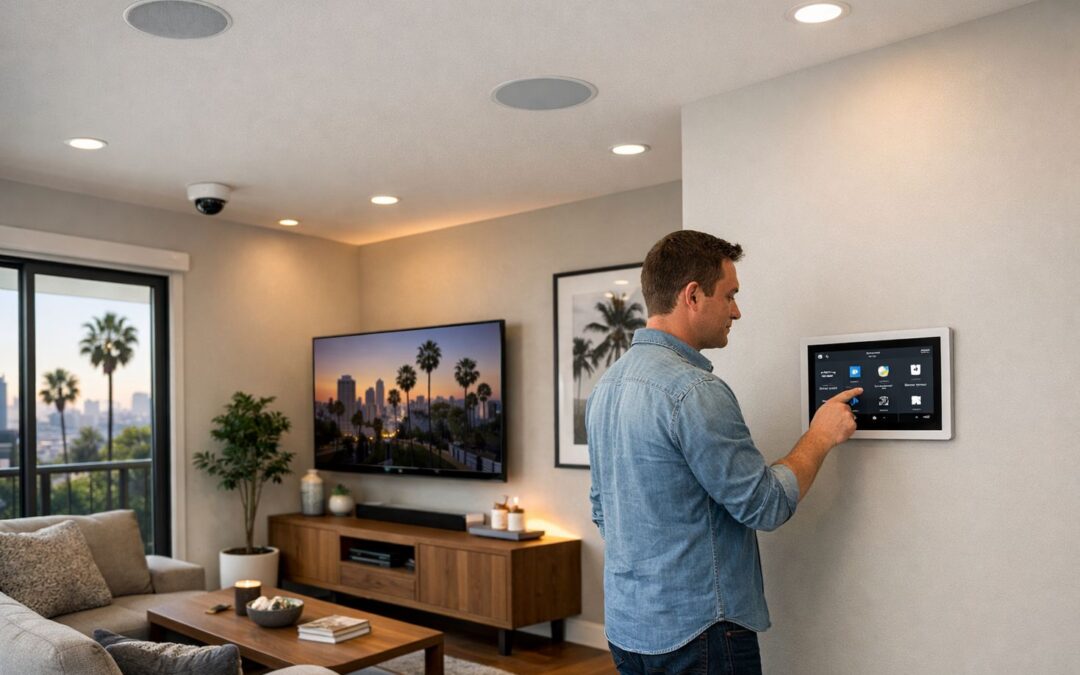
A Ring Camera Subscription is optional, but it often unlocks the features many people expect from a smart security camera, including video history, richer alerts, and added monitoring tools. If you are deciding whether a plan is worth it, the key question is not just monthly cost, but what you want your cameras to do day to day and how many devices you plan to manage over time.
This guide explains what you can use with and without a subscription, where the biggest differences show up, and how to think about value as your setup grows. It also looks at practical decision points like stored footage, notification quality, monitoring features, and whether one camera or several cameras changes the math.
For some homeowners, Ring is a simple fit. Others eventually compare it with a more complete home security camera system or a professionally installed smart security camera setup as part of a broader smart home security decision. The goal here is to help you understand the tradeoffs clearly before you commit.
What this guide covers
- What Ring subscription plans typically include and what features remain available without one
- How pricing, device count, and long-term value affect the decision
- Common limitations, alternatives, and when professional installation may make more sense
What a Ring Camera Subscription Actually Includes
A Ring camera subscription is best understood as an optional service layer that sits on top of the camera hardware. When you buy the device, you own the physical smart security camera itself. The subscription, if you choose it, usually adds cloud-based features that expand what you can do after motion is detected or a visitor appears.
In plain language, the camera may still handle core functions on its own, while the plan often unlocks conveniences such as stored video event history, saved recordings you can review later, richer notifications, and broader account-level controls. That can matter more in a larger home camera system, where you may want easier access to footage across multiple devices, zones, or users.
What works without a subscription
Without a subscription, many users still get baseline functionality, depending on the specific device and setup. That may include live view, motion alerts, two-way communication, and app access for day-to-day monitoring. In other words, the camera does not necessarily become useless without a plan. However, what you can do after an event happens may be more limited if recordings are not stored for later review.
What the subscription adds
The main value of a subscription is usually better follow-up and easier management. Instead of only seeing a live moment, you may be able to go back through event clips, save footage, share recordings, and manage multiple cameras more efficiently. Those upgrades often improve awareness and make the system feel more complete for everyday security use.
Because plan names, limits, and included tools can change over time, it is smart to verify current details before buying. If you want a broader comparison of options, this security camera features and setup guide can help put subscription features in context.
Benefits and Limitations of a Ring Subscription
Why many users choose to subscribe
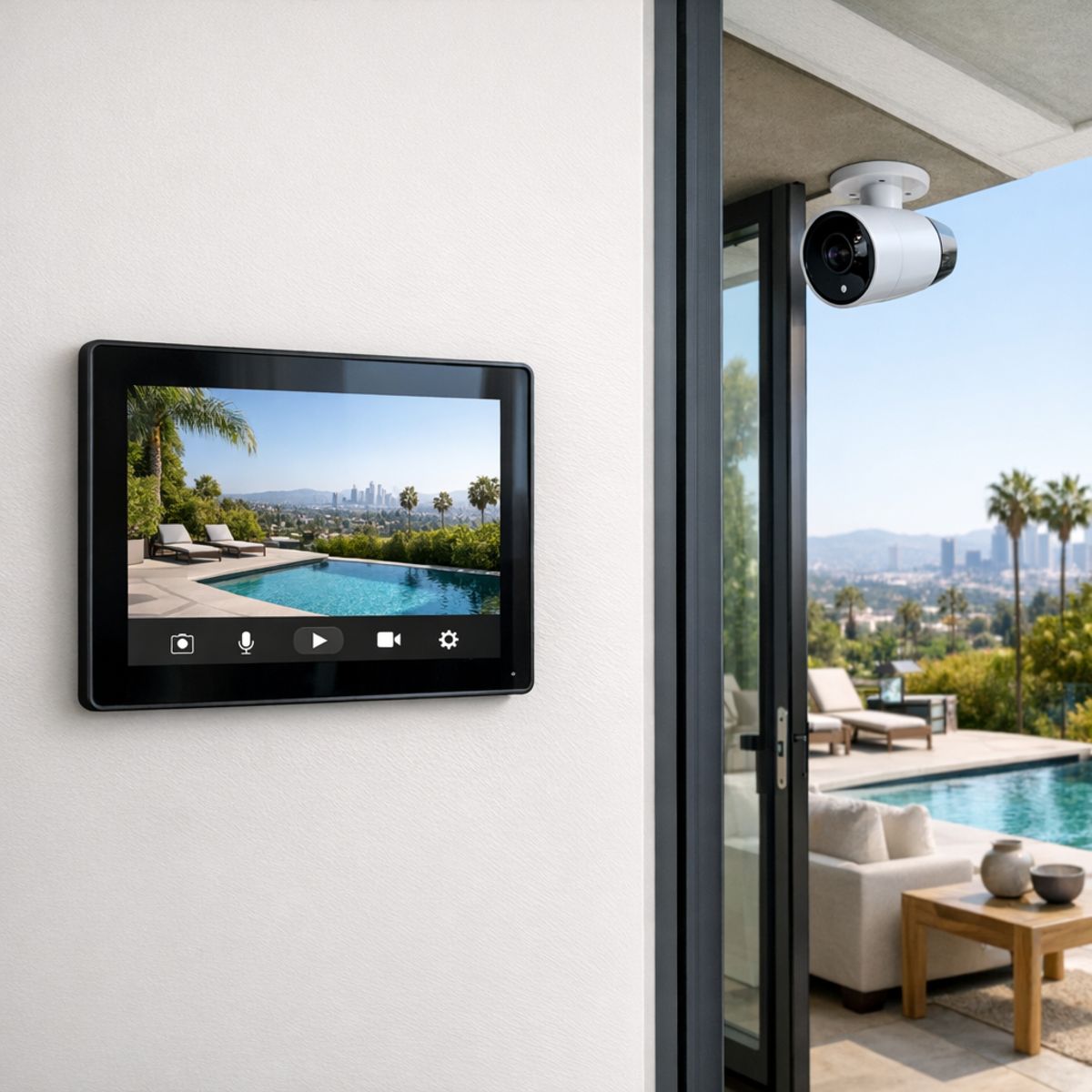
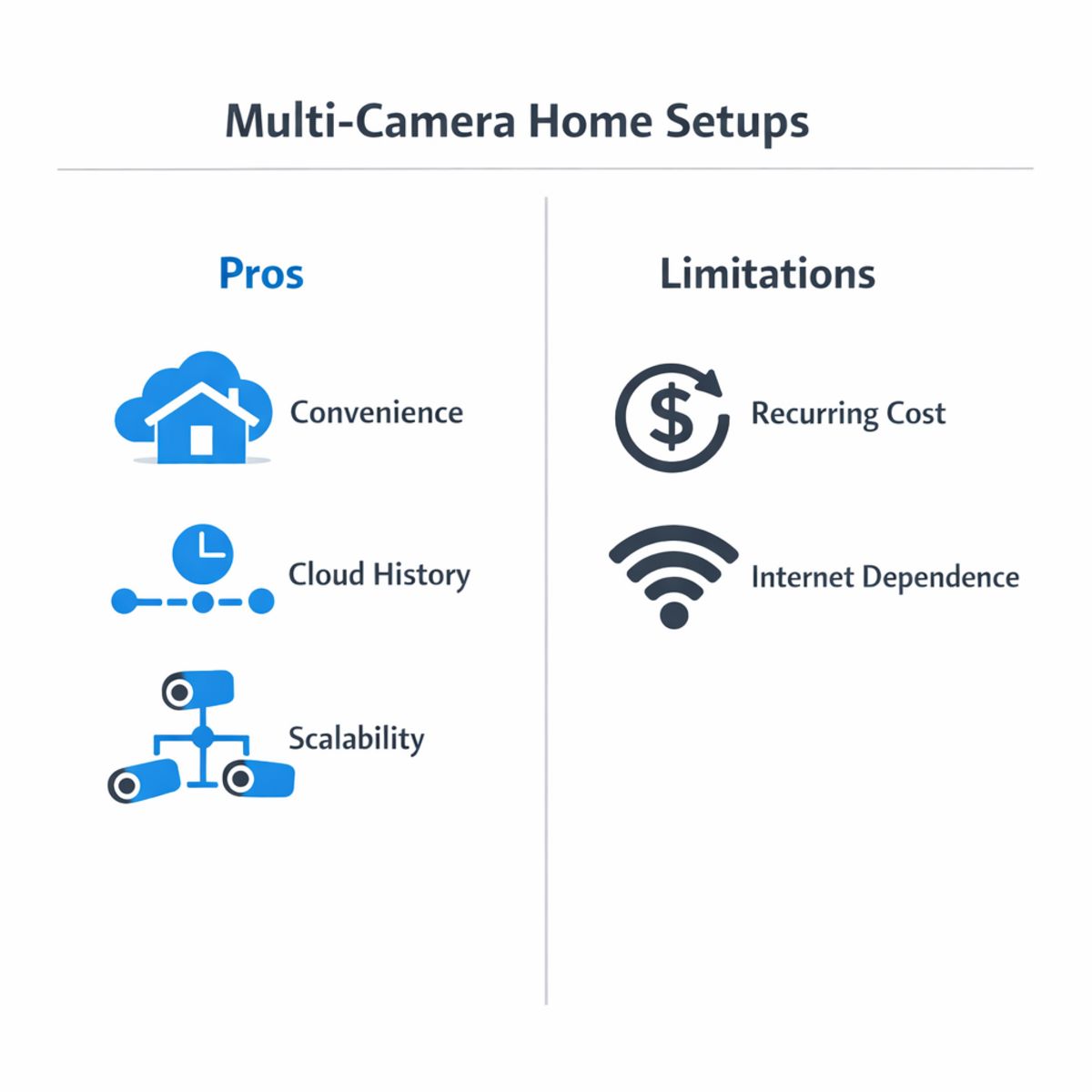
For many homeowners, the main appeal of a Ring subscription is convenience. Instead of relying only on live viewing, a plan typically makes it easier to review recorded events, check what happened while you were away, and save clips that may matter later. That can be especially useful for package deliveries, unexpected visitors, or quick incident review after a motion alert.
A subscription can also create a more complete day-to-day experience. Event history is easier to track, footage is more accessible, and the system often feels more useful over time than a camera setup with limited playback options. For someone starting with a single video doorbell or one camera, that simplicity may be enough to justify the monthly fee.
If your goal is dependable whole-home coverage rather than just basic monitoring, it may also help to compare DIY options with professional security camera installation services to see what level of performance and planning best fits your property.
When the subscription model can feel limiting
The tradeoff, of course, is recurring cost. A monthly or annual fee may feel reasonable for one device, but the value equation can change as your setup grows. Once you move from a single entry point to multiple outdoor security cameras for home coverage, you may start thinking less about app convenience and more about long-term cost, camera placement, and whether the system scales well.
There is also some dependence on internet connectivity and cloud access. If your connection is inconsistent, reviewing footage or receiving updates may not feel as seamless as expected. For some users, feature restrictions without a plan can also make the hardware feel less flexible than they hoped.
That does not make the subscription model a poor choice; it simply means fit matters. Homeowners comparing wireless security cameras for home should look beyond the monthly fee and consider reliability, integration, and how well the system supports a larger security strategy if their needs become more advanced over time.
How to Decide if a Ring Plan Is Worth It for Your Home
If you are trying to decide whether a Ring plan makes sense, the simplest approach is to evaluate your home in steps instead of focusing only on app features. A useful decision usually comes down to coverage, recording needs, network reliability, and total monthly cost. The best home security cameras are not just about software perks. Placement, power, and overall system design matter just as much.
Use this checklist to self-qualify your setup and decide whether basic service is enough, a subscription adds real value, or a different camera strategy may fit better.
1. Map the areas you actually need to monitor
Start by listing the zones that matter most: front entry, package drop area, driveway, side yard, backyard gate, garage, and any indoor spaces you want to check when away. One camera rarely covers every priority area well, so count how many viewpoints you truly need instead of assuming a single device solves the whole problem. This step helps you estimate both equipment needs and whether paying for multiple cameras over time feels worthwhile.
2. Decide how important recorded history is
Next, ask whether live alerts alone are enough. If you mainly want a quick notification when someone approaches the door, basic functionality may be fine. But if you want to review a delivery later, confirm when a visitor arrived, or save footage after an incident, recorded history becomes much more valuable. The more often you expect to look back, share clips, or verify what happened after the fact, the easier it is to justify an ongoing plan.
3. Check your network and future expansion plans
Camera performance depends heavily on WiFi stability and upload reliability, especially as you add more devices. Before deciding, think about whether your current network can support the number of cameras you want in the next year, not just today. If alerts are delayed or video loads slowly, it may be worth reviewing what affects home WiFi speed. A plan may add convenience, but it will not fix weak coverage or inconsistent connectivity.
4. Estimate the total recurring cost
Finally, compare the monthly or annual cost against the value you expect to get from your system. Count your cameras, define your must-have features, and decide how long recordings really need to be available. If your needs are simple, basic service may be enough. If you rely on saved footage and broader coverage, a plan can be worth it. And if you are trying to protect many zones with dependable performance, it may be time to think beyond subscription features and evaluate the full camera and network setup together.
Ring vs. a Professionally Designed Camera System
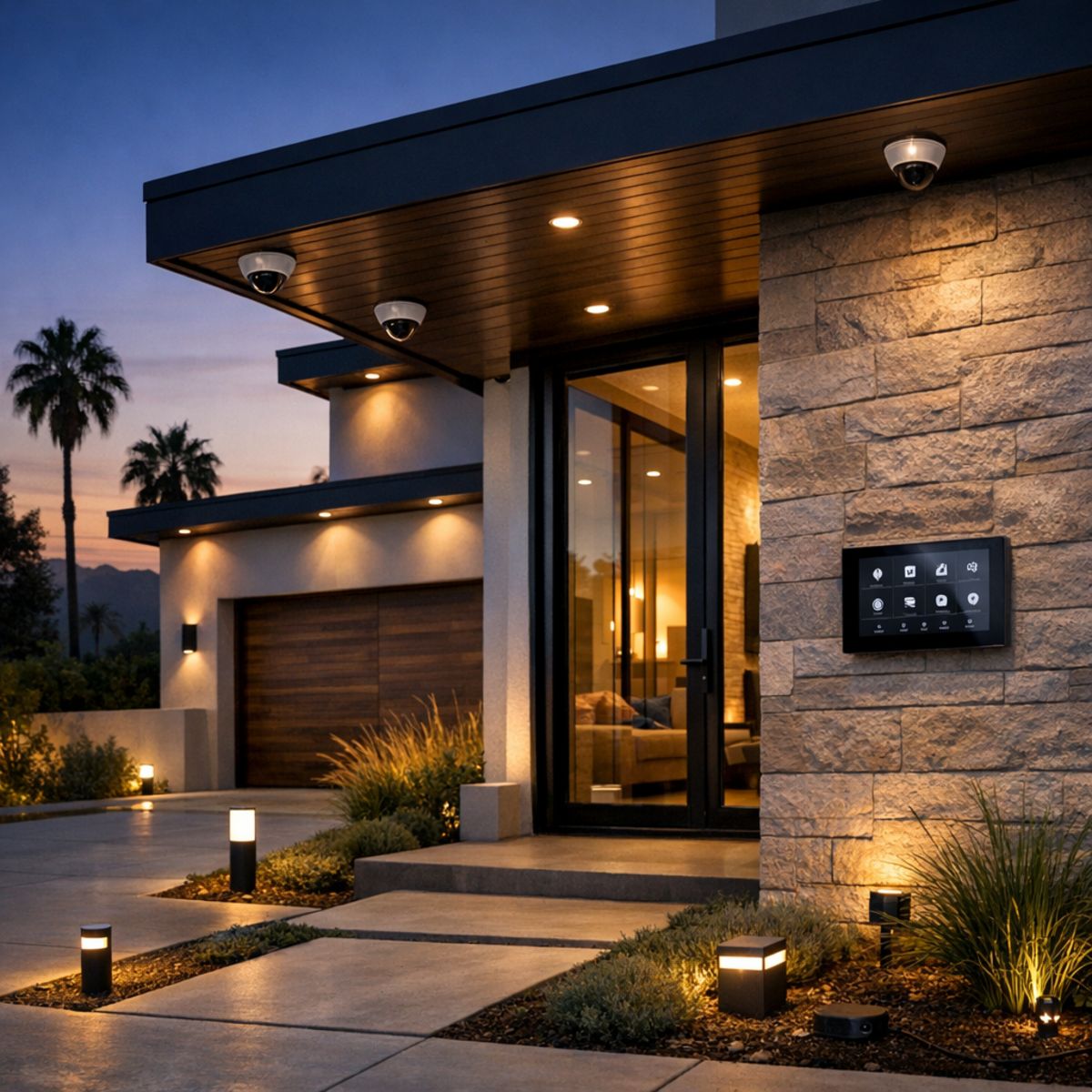
For many homeowners, Ring is a practical starting point. It is easy to buy, simple to install, and familiar to anyone who prefers app-based control without a major upfront project. If your goal is basic awareness at the front door or a quick way to add one or two cameras, a DIY setup can make a lot of sense.
The difference becomes clearer when you compare convenience with long-term system design. Ring is built around straightforward placement and subscription-driven features, while a professionally planned solution is designed around your property layout, daily routines, and security priorities. That often means better camera positioning, fewer blind spots, cleaner wire management, and a more cohesive experience across the entire home. For homeowners exploring custom home security camera system design, that planning process is often the biggest advantage.
Where DIY subscription cameras shine
DIY subscription cameras work well when speed and simplicity matter most. They usually have a lower barrier to entry, especially for apartments, smaller homes, or households that only need coverage in a few key areas. Setup is often fast, the mobile apps are familiar, and adding a single wireless camera can feel like an easy first step into home monitoring. For users who want basic alerts, recorded clips, and remote viewing without much planning, that convenience is a real benefit.
Where professional systems pull ahead
Professional systems usually pull ahead when coverage, integration, and scalability become more important. Instead of placing cameras only where installation is easiest, a professional design considers viewing angles, lighting conditions, entry points, and how people actually move around the property. That can produce more complete coverage and a cleaner finished look. Recording options may also be more flexible, with centralized control that supports a broader home camera system rather than a collection of separate devices.
This is also where cctv cameras or hybrid systems may be the better fit. Some homeowners begin with a simple wireless setup, then later want stronger perimeter coverage, more dependable recording, or deeper smart home integration. A professionally designed system can adapt more easily as needs change, making it a better long-term investment for those who want security technology that grows with the home rather than staying limited to a basic app-driven setup.
Subscription Cost vs. Long-Term System Value
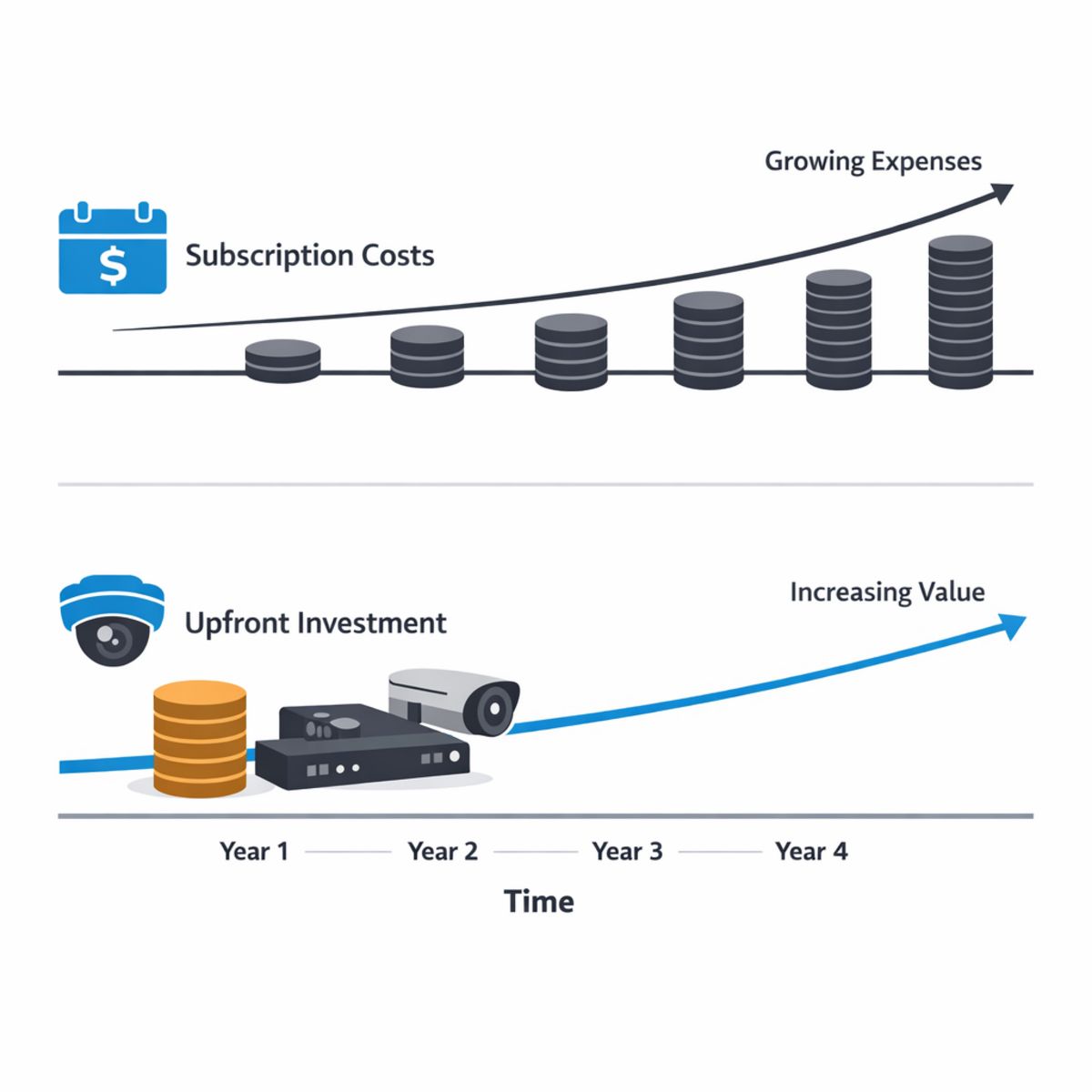
When comparing a subscription-based camera setup with a more permanent security system, it helps to look beyond the monthly fee. A low upfront cost can feel easier in the short term, but over several years the total cost may grow as subscriptions continue, more devices are added, and storage or feature needs expand.
That value equation also changes when your home setup becomes more complex. Adding cameras, improving coverage, or replacing underperforming devices can shift a budget-friendly choice into a more expensive long-term path. By contrast, a better-planned system may cost more at the start but offer stronger durability, cleaner installation, and fewer replacement decisions over time.
It is also smart to include the hidden costs around performance. Network reliability, maintenance, and upgrade needs can all affect what you actually spend to keep cameras working well. If your system depends heavily on wireless stability, a WiFi analyzer app troubleshooting guide can help you evaluate whether connectivity issues are adding to the real cost of ownership.
Smart Planning Tips Before You Choose Any Camera Setup
Before comparing features, it helps to plan where each camera will go and what you need it to capture. Even the best home security cameras perform better when placement, connectivity, and daily usability are thought through in advance. If you want expert help planning camera coverage, start by mapping your entry points and highest-priority views.
Placement matters more than specs alone
- Mount cameras high enough to reduce tampering, but low enough to capture useful facial detail and clear angles.
- Check night visibility around porches, driveways, and side yards where shadows or glare can limit image quality.
- Set motion zones carefully so outdoor security cameras for home focus on real activity instead of trees, streets, or passing headlights.
- Consider power source early, since battery, wired, and solar options affect maintenance and placement flexibility.
- Compare app usability and Wi-Fi reliability, because indoor cameras and outdoor models both depend on stable connectivity for alerts and live viewing.
Frequently Asked Questions
Do Ring cameras work without a subscription?
Yes, many Ring cameras can still provide basic live view and motion alerts without a subscription. However, recording, saved video history, and some review features may be limited or unavailable depending on the device and current plan structure.
What do you lose if you do not pay for a Ring camera subscription?
In most cases, you lose convenient access to stored event footage and the ability to review past recordings over time. You may also miss out on certain app-based features and sharing options that make a Ring camera more useful for ongoing monitoring.
Is a Ring subscription worth it for multiple cameras?
It can be, especially if you have several cameras and regularly check recorded events. The value usually depends on how much coverage you need, how often you review footage, and whether a subscription cost still makes sense compared with a more complete security setup.
How does Ring compare with a professional home security camera system?
Ring is often appealing for DIY setup and quick app-based control. A professional home security camera system may offer more customized camera placement, cleaner installation, stronger integration with other security devices, and recording options better suited for larger homes or higher security needs.
Do wireless security cameras for home always need WiFi?
Not always, but many consumer wireless security cameras for home rely heavily on WiFi for mobile alerts, cloud storage, and remote viewing. Some systems use local recording or different network approaches, so the exact requirement depends on the camera design and how you want to access footage.
When to Talk to a Professional About Camera Design
If your home has multiple entry points, outdoor areas with uneven coverage, smart home devices you want connected, or WiFi that does not reliably reach every camera location, it may be worth getting professional input. A well-planned design can help with cleaner installation, better camera placement, and a more complete setup that fits how you actually use your system day to day.
For readers who are deciding between a basic DIY option and a more tailored solution, expert guidance can make the next step feel much simpler without adding pressure.
Get expert guidance on the right setup
If you want help evaluating camera placement, system design, or integration options, our team can talk through what makes the most sense for your home and priorities.
Final Take on Ring Camera Subscription Options
The best Ring camera subscription choice comes down to fit. Your decision should reflect how much recording you need, how many cameras you plan to use, how reliable your network is, and what you want your system to do over time. For smaller, simpler setups, Ring can be a practical and cost-effective option.
Choose based on fit, not just features
If your home is growing, your expectations are higher, or you want a more unified setup, a professionally designed home security camera system may be the better long-term move. Focus on the system that matches your home, habits, and future plans, and the right next step becomes much clearer.