
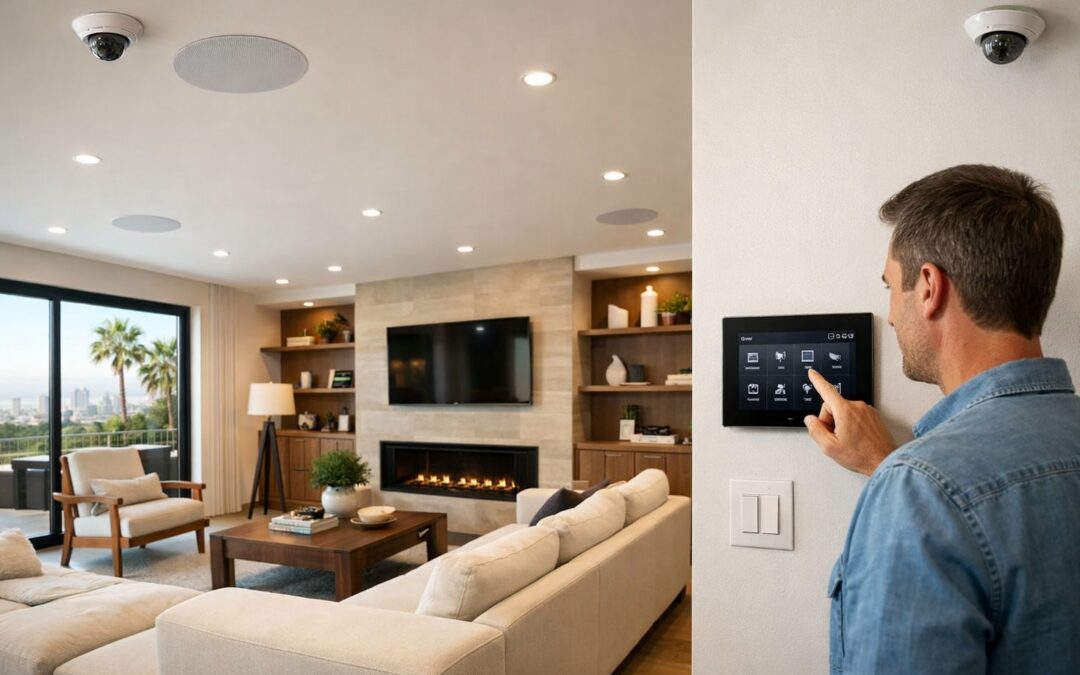
Security cameras have become an essential part of the modern connected home, giving homeowners a simple way to stay aware of what is happening in and around their property. Rather than focusing on fear, today’s systems are designed to support everyday convenience, smarter visibility, and greater peace of mind. With live viewing, motion alerts, and recorded footage, security cameras can help deter unwanted activity while also making it easier to check deliveries, monitor entry points, or keep an eye on family routines from anywhere.
As more options enter the market, buyers often compare image quality, connectivity, storage choices, and installation style before deciding what fits their home best. Some want a simple indoor camera, while others are building a more complete smart security setup with outdoor coverage and app-based controls. The right choice depends on how you live, what you want to monitor, and how hands-on you want setup and maintenance to be.
This guide explains the key features to look for, the main camera types available, where cameras work best, how setup typically works, and when professional help may be worth considering.
What this guide covers
- Common security camera types for different areas of the home
- Must-have features such as video quality, connectivity, and storage
- Basic placement and setup considerations for reliable performance
- When professional installation or system design makes sense
What Security Cameras Are and How the Main Types Differ
Security cameras are visual monitoring devices used to watch an area in real time, record video, send alerts, and connect with other security tools. The term can describe everything from a simple indoor home security camera to a larger multi-camera business system.
CCTV cameras originally referred to closed-circuit television systems, where video stayed on a private local network. Today, many people still use “CCTV” as a general term, even when the system is modern and network-connected. An IP camera is a camera that sends video data over a network, making remote viewing, app access, and easier scaling possible.
You will also see categories based on placement and connection type. Indoor cameras are built for interior spaces, while outdoor cameras are designed for weather exposure and tougher mounting conditions. Wired systems usually offer strong reliability and steady power, while a wireless security camera system can be easier to place and expand. If you want a deeper look at connected options, see this wireless smart security camera guide.
Indoor vs. outdoor cameras
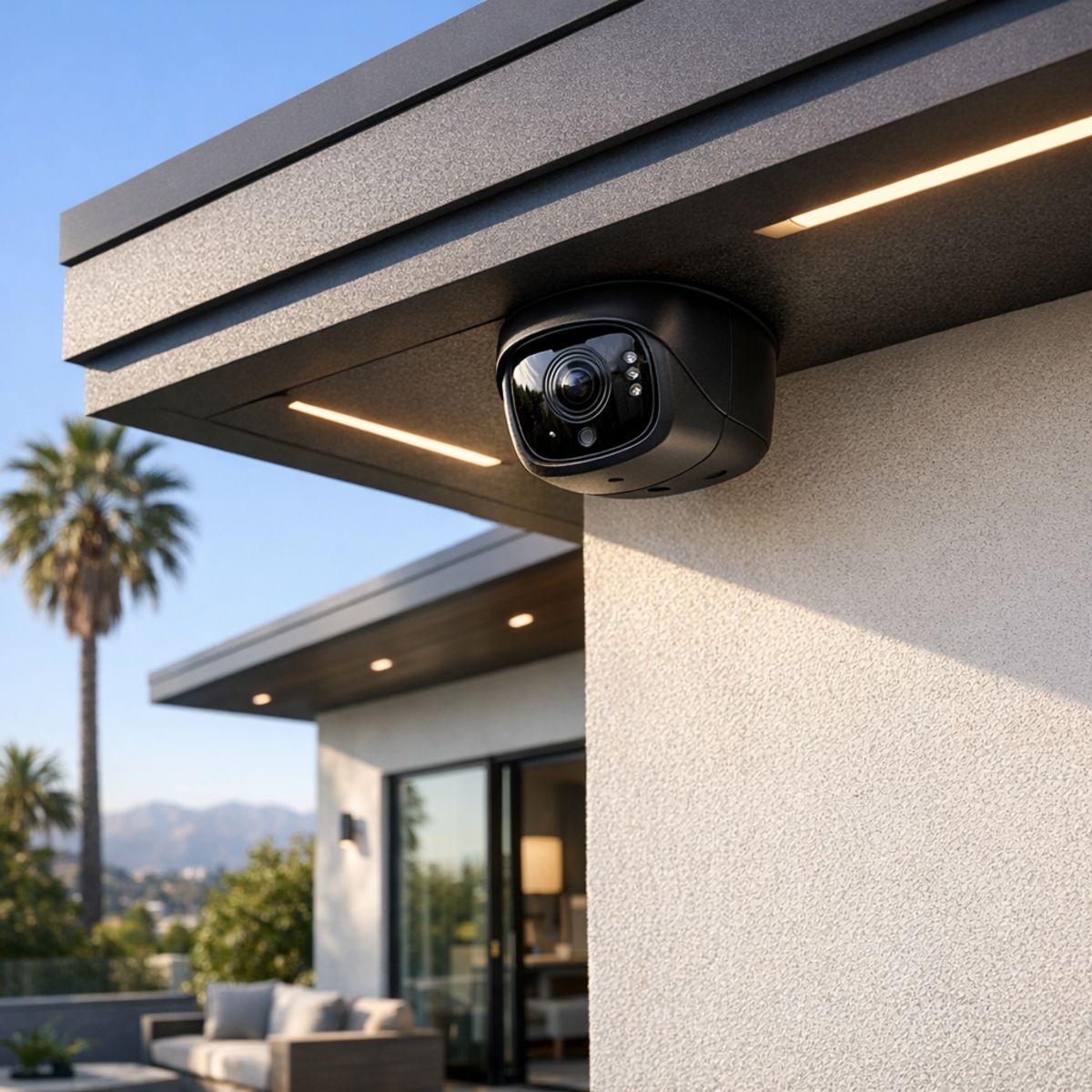
Indoor models are usually smaller and designed for living areas, entryways, or hallways. Outdoor cameras typically add weather resistance, wider viewing coverage, and more durable housings for exterior walls, eaves, or garages.
Wired vs. wireless systems
Wired camera systems can be more stable for continuous recording, but installation is often more involved. Wireless options are more flexible to place, though they may depend more on Wi-Fi strength, battery management, or nearby power.
Smart cameras vs. traditional CCTV setups
Smart cameras often include mobile app control, motion alerts, cloud features, and smart home integration. Traditional CCTV setups focus more on dedicated recording and local monitoring, which can still be a strong fit when simplicity and constant coverage matter most.
Key Benefits of Today’s Best Security Cameras
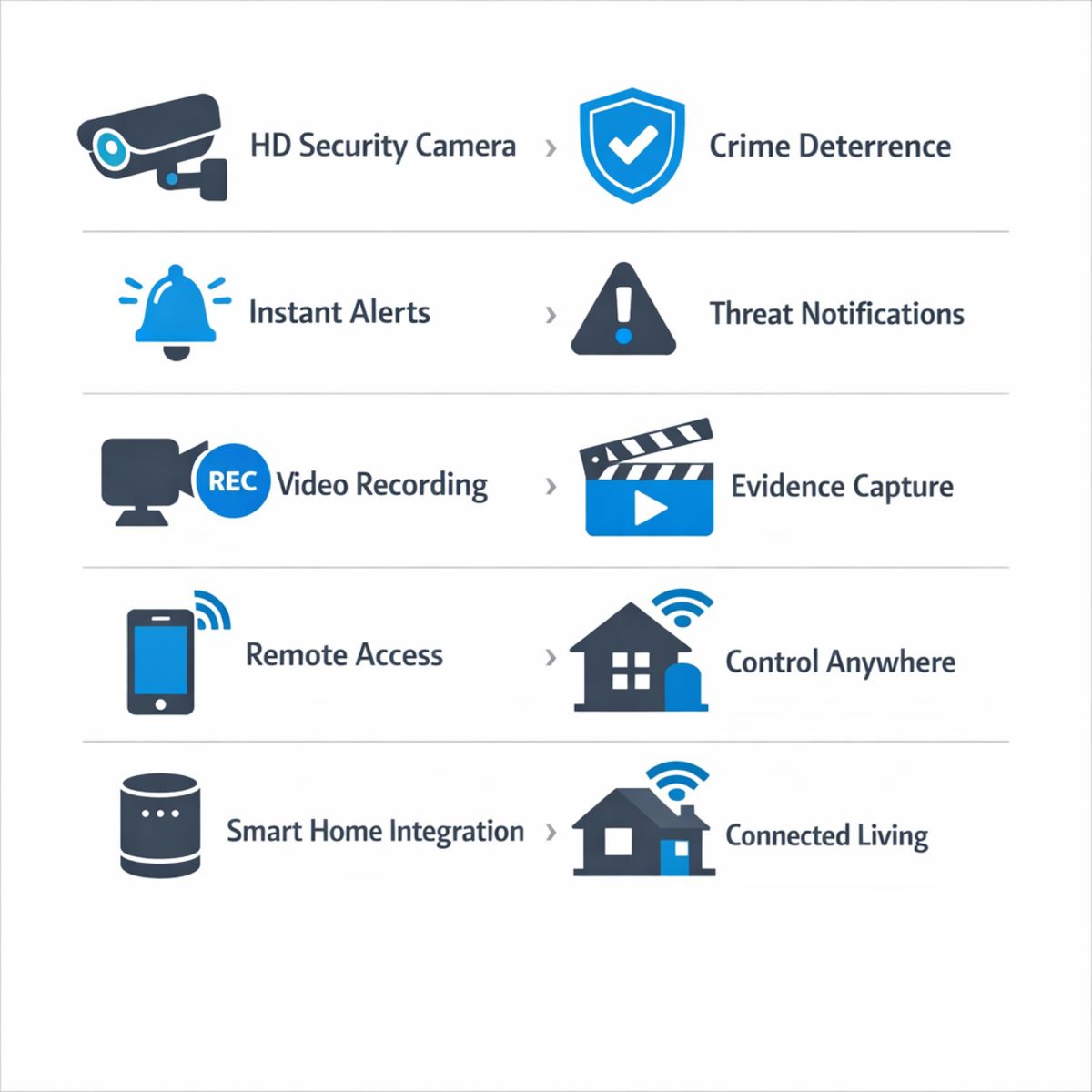
The best security cameras do more than capture footage after something happens. They help homeowners stay aware of what is going on in real time, whether that means checking a front porch delivery, seeing who just arrived at the door, or confirming that the driveway is clear before pulling in. This practical visibility can make everyday routines feel more convenient and less stressful.
Deterrence and day-to-day awareness
Visible cameras can also act as a deterrent, especially around entry points, garages, and side yards. Just as important, modern systems can send motion alerts that help homeowners respond quickly when a person, vehicle, or package is detected. Instead of wondering what caused a notification or noise outside, you can check the event and make a more informed decision.
Remote access and smarter monitoring
Remote viewing and event playback add another layer of convenience. With app-based access, it is easier to keep an eye on the home while traveling, at work, or simply in another room. Many smart security camera systems also fit naturally into a broader connected setup, working alongside smart lighting automation for connected homes, access control, and household automation to create a more responsive living environment.
Taken together, these benefits support peace of mind without relying on exaggerated claims. The value comes from better awareness, faster access to information, and a smoother smart home experience that supports both security and daily convenience.
Which Features Matter Most When Comparing Security Cameras
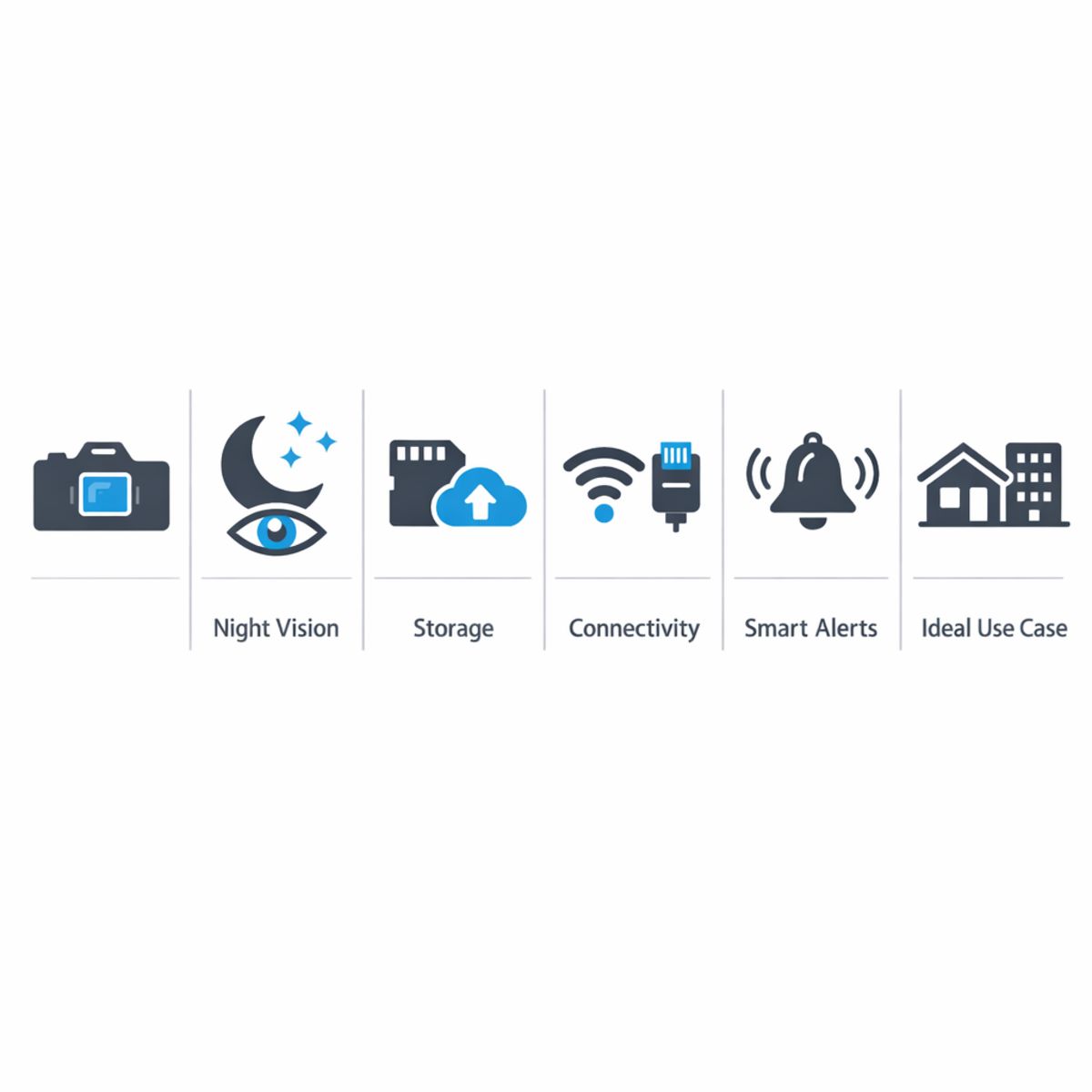
When comparing security cameras, the best choice usually comes down to a handful of features that directly affect day-to-day performance. Instead of getting stuck on marketing claims, focus on the factors that make home security cameras easier to use, more accurate, and more useful when you actually need footage. If you are weighing DIY options against professional security camera installation services, these are the details that most often separate basic cameras from better systems.
Video quality and night performance
Resolution matters, but it is only one part of image quality. A higher-megapixel ip camera can still produce poor results if its sensor struggles in low light or if the lens is too wide for the area being monitored. Clear identification often depends just as much on lens angle, mounting height, and placement as on raw pixel count. Night vision quality, infrared range, and dynamic range also matter because many important events happen in shadows, bright entryways, or mixed lighting conditions.
Look for balanced performance: sharp daytime video, usable nighttime footage, and HDR or wide dynamic range that helps preserve detail when headlights, porch lights, or sunlight create harsh contrast. Better systems tend to deliver more consistent footage rather than simply bigger numbers on a spec sheet.
Alerts, storage, and app experience
Motion detection quality can have a bigger impact on satisfaction than resolution alone. Basic cameras may send too many false alerts, while stronger systems can distinguish between people, vehicles, and packages where relevant. That kind of filtering reduces decision fatigue and makes notifications feel useful instead of disruptive.
Storage is another major comparison point. Cloud recording may offer convenience and off-site backup, while local storage can provide more control and fewer recurring fees. Also pay attention to playback speed, clip organization, event search, and whether two-way audio works clearly through the app. A camera is only as helpful as the app experience that supports it.
Privacy, reliability, and long-term support
Privacy settings deserve close attention, especially for indoor cameras or shared access. Stronger systems usually offer user permissions, account security options, and controls for when cameras record or notify. Firmware and update support also matter because security devices should improve over time, not become vulnerable or outdated.
Finally, reliability often comes down to the full system, not just the camera body. Stable connectivity, dependable recording, and thoughtful placement all affect results. The best comparison approach is to weigh image quality, smart alerts, storage, privacy, and support together so you choose a system that performs well long after installation day.
How to Plan the Right Security Camera Setup for Your Home
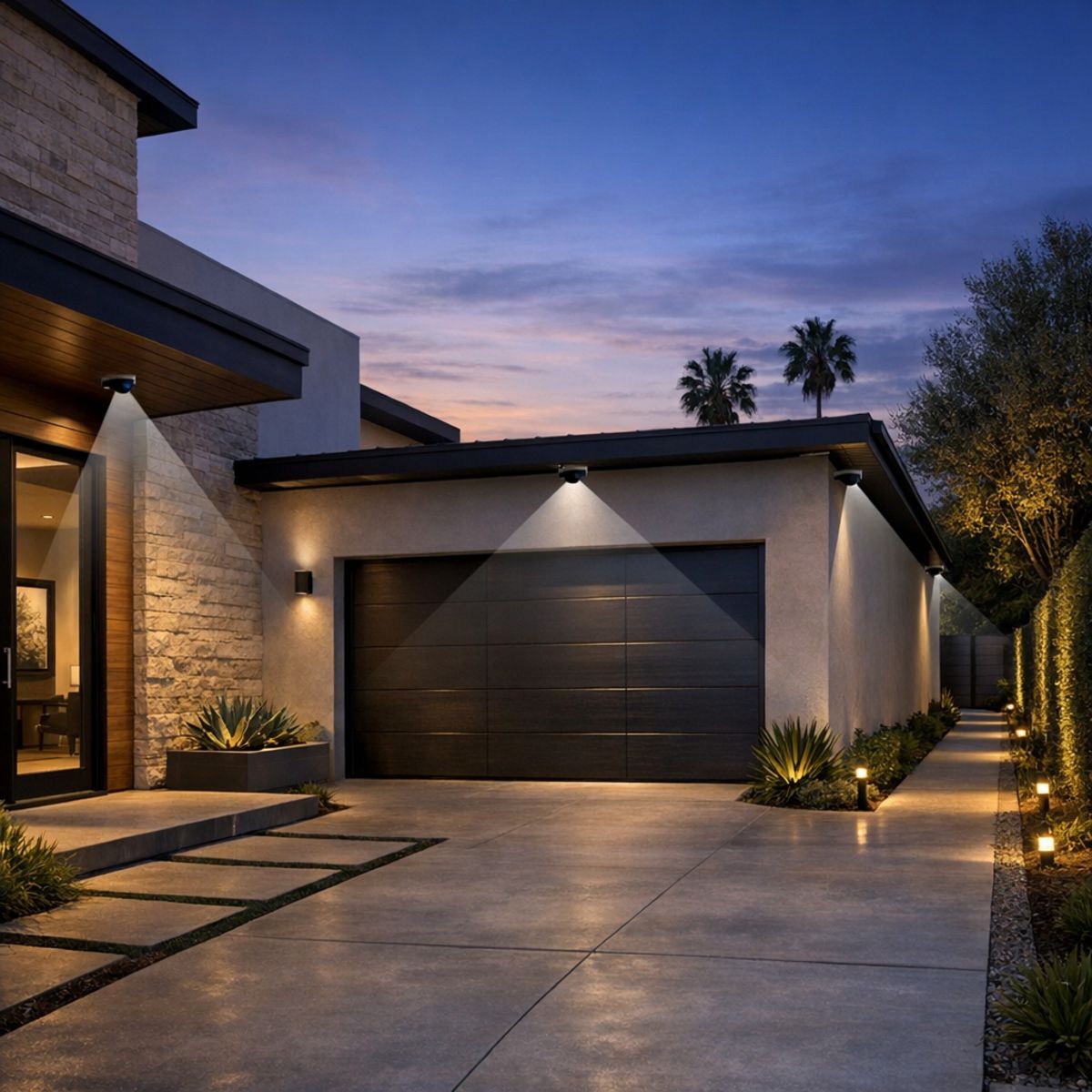
Before buying equipment, it helps to build a simple plan around how your home is used every day. A good camera setup is less about adding the highest number of devices and more about covering the right areas, supporting reliable performance, and leaving room to grow. If you are comparing indoor options and outdoor security cameras for home use, a step-by-step approach can help you avoid gaps, weak connections, or features you may never use.
Step 1: Map the areas you want to cover
Start by identifying your priority zones: front and back entries, driveway, garage, side yard, and any blind spots around the property. If needed, include shared interior spaces such as a main hallway or living area. Focus first on the places where people approach, pass through, or where packages and vehicles are visible. This keeps placement strategic instead of simply adding more cameras than necessary.
Step 2: Review power and network needs
Next, decide whether each location is better suited for wired or wireless hardware. Check for nearby power, possible mounting points, and whether PoE may be practical for a cleaner, more stable installation. If you are considering WiFi cameras, confirm signal strength at each planned location because network quality directly affects video performance, alerts, and remote viewing. For exterior placement, it is also smart to review weather resistant security camera tips before finalizing equipment.
Step 3: Match features to your routine
Think about how you want the system to work day to day. Some households want instant motion alerts, while others care more about continuous recording, package detection, or easy playback. Decide whether local storage, cloud recording, or a dedicated recorder makes the most sense. The right choice depends on how often you travel, how quickly you want notifications, and who in the household will be using the app.
Step 4: Plan for future expansion
Finally, choose a setup that can scale with your home. You may start with entry coverage now and later add lighting, locks, or touch-panel control. Planning ahead for integration can make the system more useful over time and create a smoother path if you eventually want a professionally installed connected home solution.
What a Strong Security Camera Installation Process Looks Like
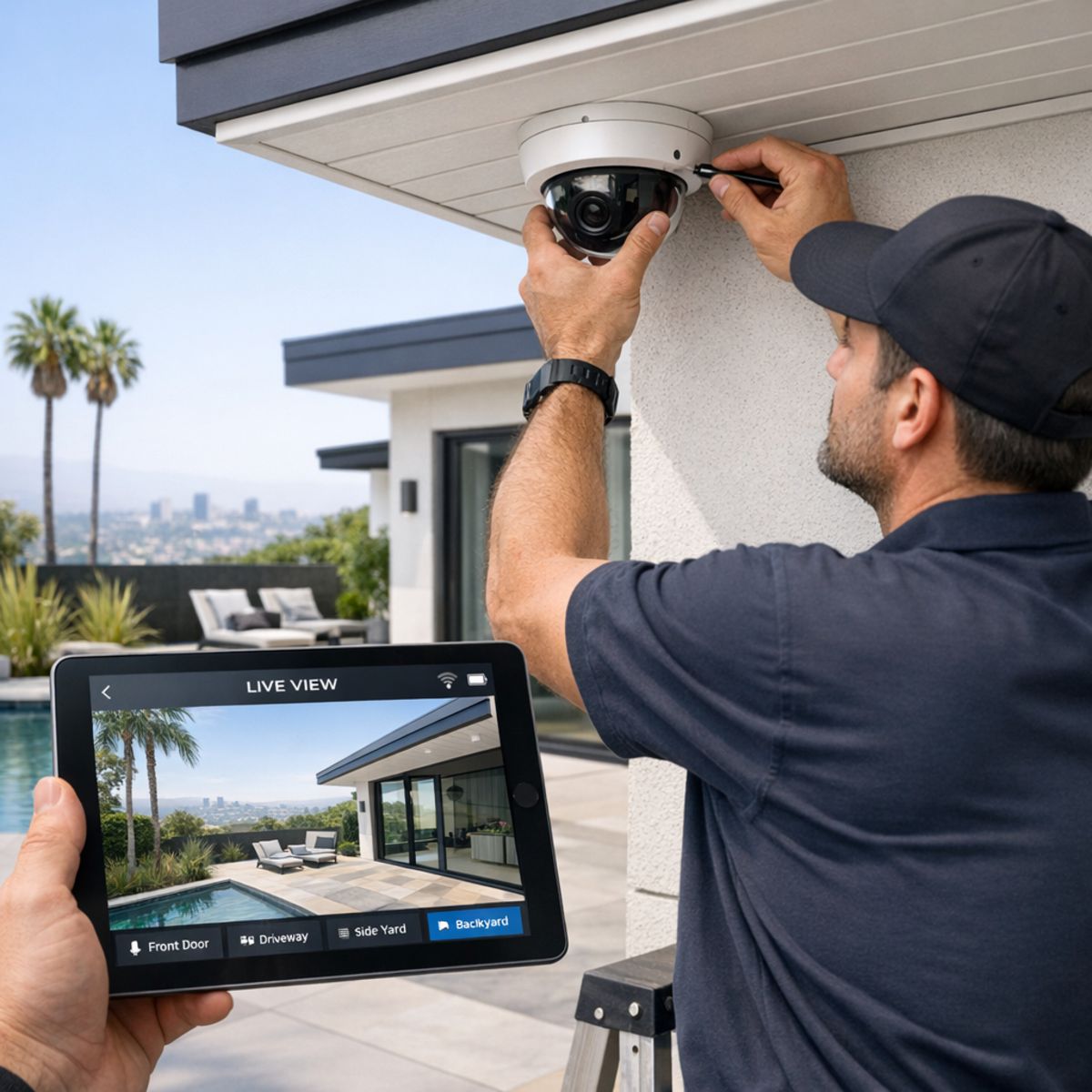
A well-executed security camera installation is more than mounting hardware and opening an app. The best results start with a site evaluation that looks at entry points, sightlines, lighting conditions, power availability, and network reliability. From there, camera locations are chosen to balance coverage with clean aesthetics, while avoiding common issues like glare, blocked views, awkward mounting heights, or angles that create too many false alerts.
A polished system also accounts for how wiring or power will be handled, how devices will connect to the network, and whether the cameras need to work alongside touch panels, mobile apps, or other smart home controls. In homes where connectivity is a factor, understanding what affects home WiFi speed can make a real difference in camera responsiveness and video reliability.
Placement, setup, and testing
Once equipment is installed, setup should include app configuration, recording verification, motion-zone adjustments, and alert tuning. Field-of-view checks help confirm that important areas are covered without capturing too much irrelevant movement from trees, streets, or neighboring spaces. Testing should also confirm image quality during the day and at night, along with remote access performance.
That design-and-performance approach is what separates a basic DIY setup from a system that feels dependable day to day. For homeowners comparing options, expert help with camera system setup can help ensure the final result is both discreet and easy to use.
What Affects the Cost of a Security Camera System
The cost of a security camera system depends on the scope of the project more than any single product choice. Key factors include the number of cameras, image resolution, storage requirements, wiring distance, mounting height, and how complex each installation point is. Systems that need wider coverage, cleaner cable routing, or specialized mounting typically require more time and materials.
It also helps to separate hardware costs from design and installation labor. Cameras, recorders, storage devices, and accessories are only part of the investment. Planning the layout, configuring the system, running cable, testing views, and making sure everything works reliably can have a major impact on the final total.
The biggest cost drivers
Networking upgrades, remote access setup, and deeper integrations can also affect pricing. If you want cameras to work alongside integrated home automation and control, the overall investment may increase because of added programming, compatibility requirements, or automation features.
Frequently Asked Questions About Security Cameras
What is the difference between CCTV cameras and IP cameras?
CCTV cameras traditionally send video through a closed system, often using coaxial cabling and a dedicated recorder. IP cameras transmit video over a network, which can make remote viewing, higher resolutions, and smart features easier to support.
Are wireless security cameras reliable enough for everyday use?
Yes, wireless cameras can be reliable for daily use when they have strong WiFi, stable power, and proper placement. In some homes, wired systems may still offer more consistent performance, especially in larger properties or areas with weak signal coverage.
How many home security cameras does a typical house need?
The right number depends on the home’s layout, main entry points, driveway, backyard, and any interior areas you want to monitor. Many homes start with coverage at front and back doors plus key outdoor zones, then expand based on visibility and security goals.
Do outdoor security cameras for home need special weather protection?
Yes, outdoor cameras should be rated for weather resistance and installed with secure mounting. It also helps to place them under eaves or other sheltered areas when possible to reduce direct exposure to rain, sun, and debris.
Can a smart security camera work with other smart home devices?
Many smart security cameras can integrate with devices such as lights, displays, touch panels, and mobile alerts. Compatibility varies by brand and platform, so it is important to confirm that the camera works with your existing smart home system before buying.
When Professional Help Makes Sense
If you are planning coverage for a larger home, multiple exterior zones, hidden wiring, network limitations, or smart home integration, professional guidance can make the process much easier. Expert design and installation often lead to cleaner installs, better camera placement, stronger coverage, and a smoother day-to-day experience with your system.
Design, placement, and integration support
A well-planned setup helps reduce blind spots, improve reliability, and keep everything working together the way it should. If you want help choosing the right approach for your home, our team is happy to offer practical guidance on system design, placement, or installation.
Choosing Security Cameras With Confidence
The best security cameras come down to how your home is laid out, which features matter most, how you want everything connected, and whether you prefer a simpler or more customized installation. With those decision points in mind, it becomes much easier to compare options confidently and choose a system that supports your home and smart lifestyle.