

WiFi meaning is simple: WiFi is the wireless technology that lets devices connect to a local network and, in most cases, the internet without a physical cable. Most people use WiFi every day on phones, laptops, TVs, speakers, tablets, and smart home devices, even if they never think much about what the term actually means.
In plain English, WiFi is what makes wireless internet access possible around your home, office, or other covered space. More accurately, it connects your device to a nearby network, and that network may then provide internet access. That small distinction matters because WiFi is not just about getting online. It also affects how well your devices communicate, how stable your connection feels, and how reliably your smart home works.
Understanding WiFi helps you make better sense of speed, coverage, dead zones, buffering, and device dropouts. In the rest of this article, we will break down what WiFi means, how it works, and why it matters for everyday internet use and better device performance.
What Does WiFi Mean?
WiFi means a wireless networking technology that lets devices connect to a local network using radio waves instead of cables. In simple terms, it is the wireless link between your phone, laptop, TV, camera, or tablet and the network in your home or building. If that network is connected to an internet service, WiFi can also help those devices get online. For homes that need stronger coverage, whole-home WiFi networking design services can help create a more reliable connection throughout the space.
WiFi is not the same as internet
A common misunderstanding is that WiFi and internet mean the same thing. They do not. The internet is the outside service coming into your property from an internet provider. WiFi is the wireless method your devices use to reach that connection. A simple way to think about it is this: the internet is the service, while WiFi is one of the ways your devices access it inside the building.
In many setups, a modem brings the internet service into the home, and a wifi router sends that connection wirelessly to nearby devices. So if your WiFi is weak, that does not always mean your internet service is down. It may mean the wireless network itself needs improvement.
Why the term appears everywhere
The term shows up so often because many everyday devices depend on it. Phones, laptops, streaming boxes, smart TVs, security cameras, speakers, and smart home products often use WiFi to communicate with your network. That is why understanding the difference between internet service and wireless networking matters: one brings connectivity into the property, and the other distributes it to the devices you use every day.
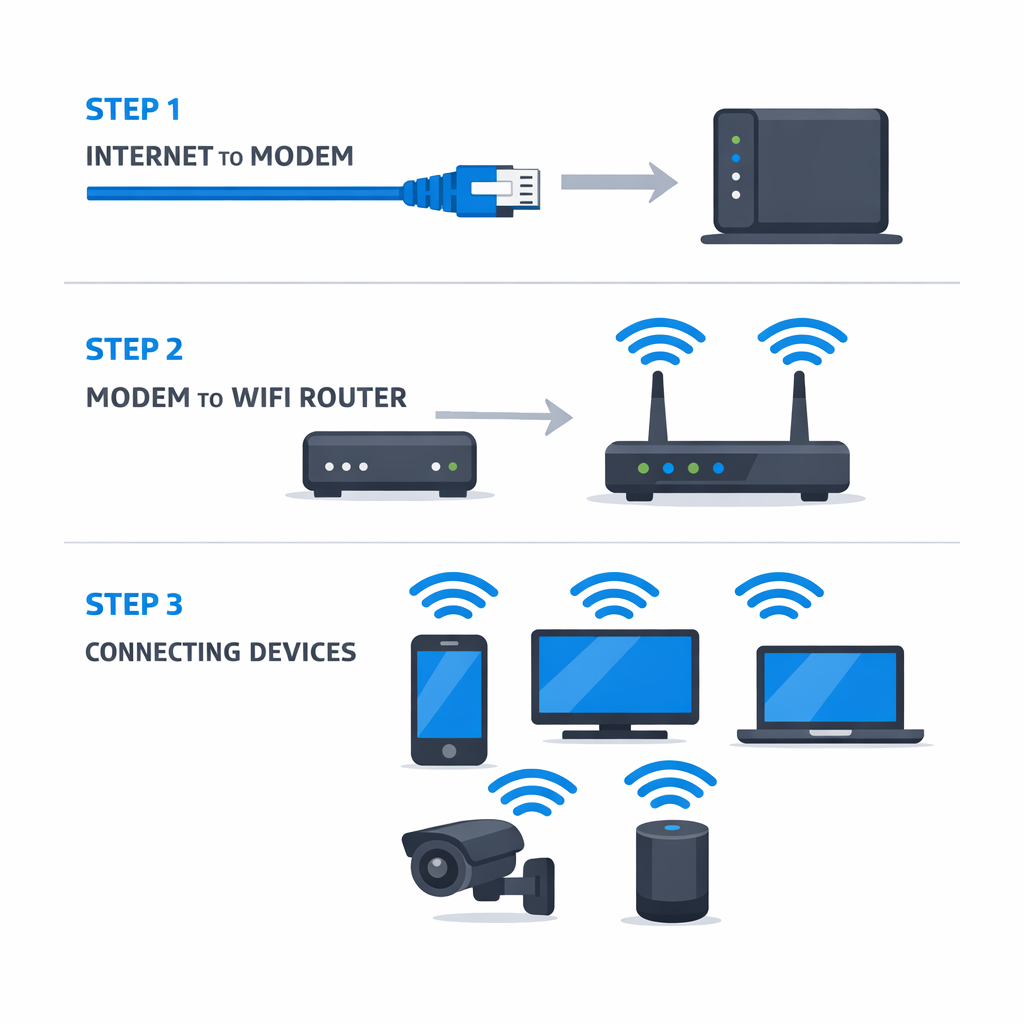
How WiFi Works in Everyday Use
In a typical home, a wifi router creates a wireless network that your phone, laptop, TV, and smart devices can join using a network name and password. Instead of needing a cable, each device sends and receives data through radio signals. That is what makes WiFi so convenient in everyday use, but it is also why wifi speed can change depending on where you are standing and how many devices are active at the same time.
What the router actually does
Your wifi router acts like a traffic manager between your home devices and your internet connection. It takes the internet coming into the house and shares it wirelessly across rooms. When you start a video call, stream a movie, or check a smart doorbell feed, the router helps direct that data to the right device. Many modern systems broadcast on 2.4 GHz and 5 GHz bands, and some newer setups also use 6 GHz. In simple terms, 2.4 GHz usually reaches farther, while 5 GHz often delivers faster speeds at shorter range.
Why some WiFi networks feel fast and others do not
WiFi quality varies because radio signals are affected by distance, obstacles, and competition. A room close to the wifi router may feel fast and stable, while a back bedroom or upstairs office may struggle. Walls, floors, stone, brick, metal, and even large appliances can weaken the signal. Interference from neighboring networks and wireless gadgets can also reduce reliability.
Device load matters too. If several people are streaming, gaming, joining video meetings, and running smart home gear at once, the network has more traffic to manage. That can lead to slower wifi speed, buffering, or lag. Homes with connected cameras often notice this more clearly, especially when multiple video feeds are active. In those cases, planning device placement and bandwidth use becomes important, particularly for setups that support professional security camera installation services.
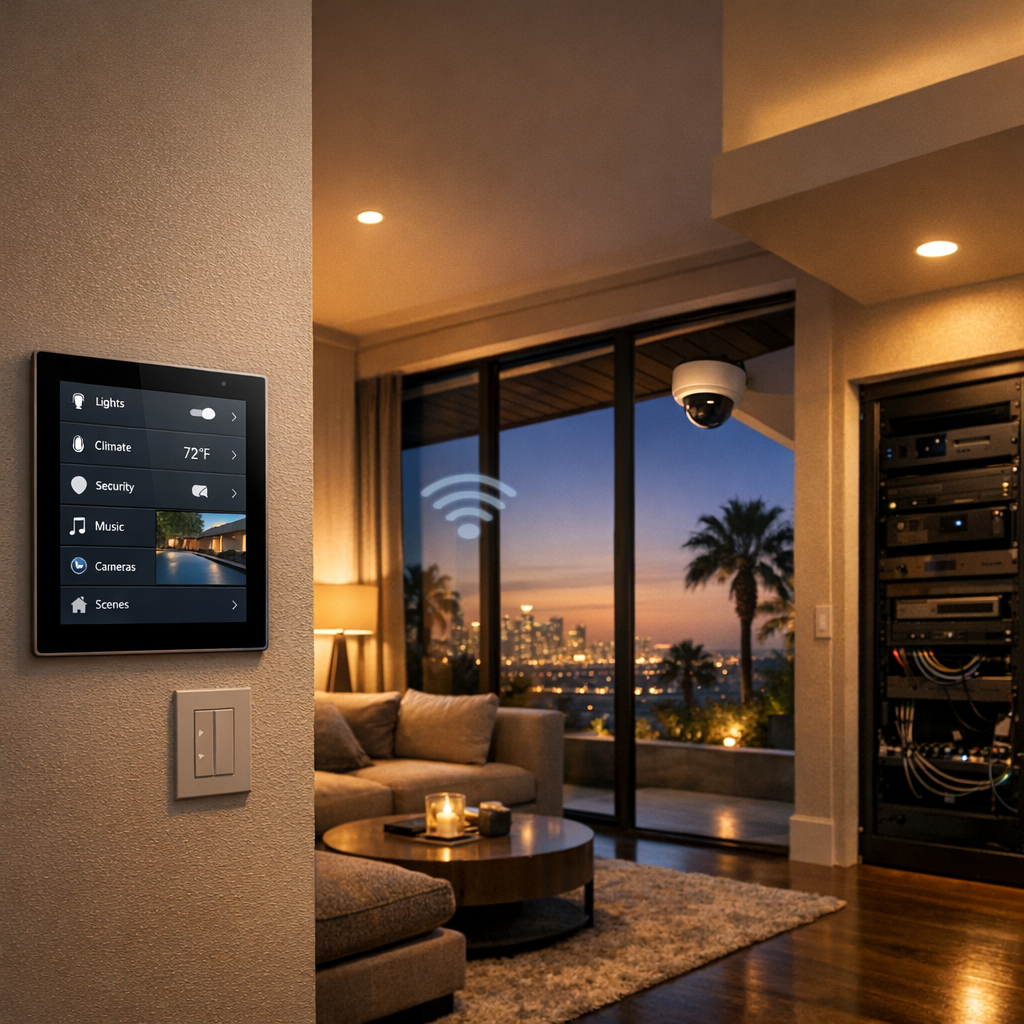
Why Understanding WiFi Matters
Understanding WiFi is useful because it directly affects how your home feels and functions every day. It is not just a technical term in the background. The quality of your connection shapes whether video calls stay clear, movies stream smoothly, apps respond quickly, and smart devices work the way you expect. When performance drops, even a simple wifi test can reveal that the issue is not your device, but weak coverage, interference, or network congestion.
A little WiFi knowledge also makes it easier to spot patterns in real life. If your connection struggles in one room, buffers during peak hours, or lags when multiple devices are active, you can start narrowing down the cause instead of guessing. That matters for remote work, online classes, gaming sessions, and households filled with phones, TVs, speakers, cameras, and automation tools.
From work calls to streaming nights
Modern homes depend on reliable wireless performance to support both convenience and entertainment. Strong WiFi helps keep smart home technology connected and responsive, while weak WiFi can make everyday routines feel frustrating. As connected living expands, understanding network basics becomes just as practical as knowing how your other home systems operate, including CCTV meaning and modern systems.
WiFi vs Related Terms People Often Confuse
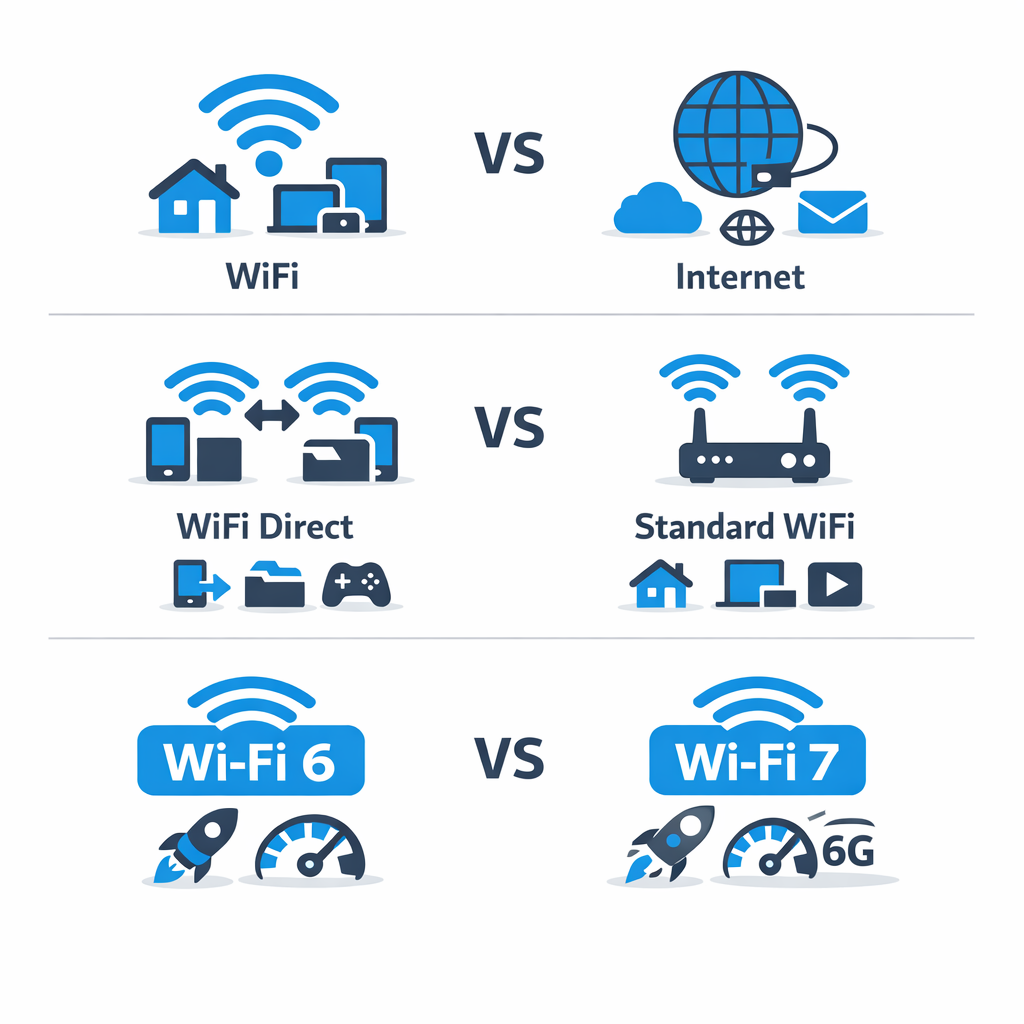
A lot of people use wireless terms interchangeably, but they do not mean the same thing. Understanding the difference between WiFi, internet, wifi direct, and newer standards like wifi 6 vs wifi 7 makes it easier to choose the right setup and set realistic expectations for performance.
WiFi vs internet
WiFi is the wireless connection between your device and your local network, usually through a router or access point. The internet is the outside service that connects your network to websites, apps, cloud platforms, and online tools.
In simple terms: WiFi is how your phone, laptop, or TV connects locally without a cable, while the internet is what lets those devices reach the wider online world. You can have WiFi without internet, such as when devices connect to a router during an outage, but you cannot browse the web unless that network also has internet access.
What is WiFi Direct?
WiFi Direct is a way for two devices to connect directly to each other without following the usual router-based path. Instead of going through a traditional network, the devices create a temporary direct connection for a specific task.
Common examples include printing from a phone to a printer, sharing files between devices, or setting up a quick connection for media playback. It is useful for short-range device-to-device communication, but it is not the same as standard WiFi used to connect many devices across a home or business network.
WiFi 6 vs WiFi 7 in simple terms
When comparing wifi 6 vs wifi 7, the easiest way to think about it is that each new generation aims to improve speed, capacity, efficiency, and responsiveness. WiFi 6 is already a strong option for many homes and businesses because it handles multiple connected devices better than older standards.
WiFi 7 pushes further with higher potential throughput, lower latency, and better support for demanding environments. That said, real-world gains depend on your internet plan, your router, your devices, and the overall network design. For many users, WiFi 6 may be more than enough today, while WiFi 7 can be a future-ready choice for heavier usage and newer equipment.
How to Check and Improve Your WiFi
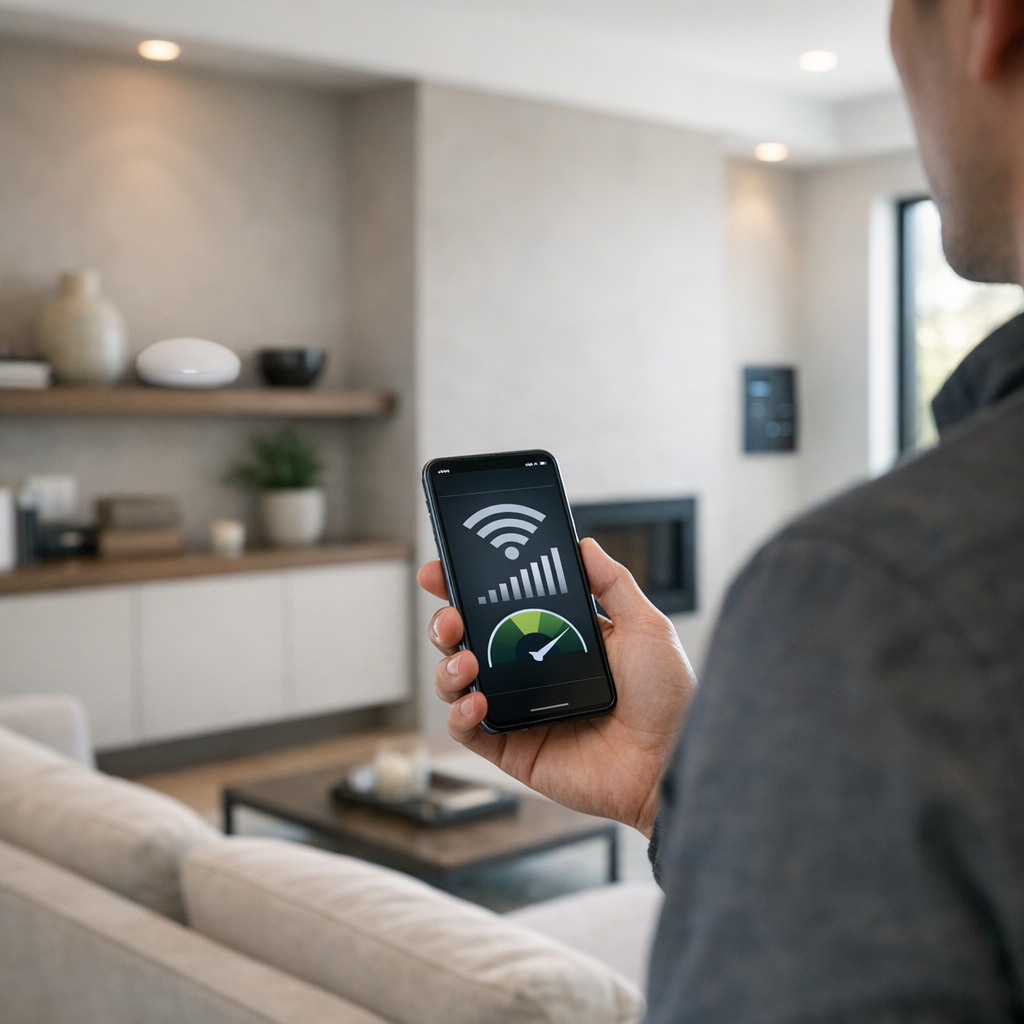
If your connection feels inconsistent, a few simple checks can help you figure out whether the issue is signal strength, congestion, placement, or device overload. Start with the easiest steps first, then move to more advanced troubleshooting if needed.
1. Run a basic WiFi test
Run a wifi test in the rooms where you actually use the network most, such as a home office, bedroom, or media room. Test at different times of day too, since performance can change when more devices are active. Compare results instead of relying on one speed test near the router. If one room is consistently slower or drops out, that points to a coverage problem rather than just an internet provider issue.
2. Use a WiFi analyzer app
A wifi analyzer app can show how strong your signal is in different parts of the house and whether nearby networks are crowding the same channel. You do not need to be highly technical to use one. Look for obvious patterns like weak signal in far rooms, interference near thick walls, or heavy channel congestion in apartments and dense neighborhoods. This can help explain why your WiFi feels fine in one area and unreliable in another.
3. Improve placement and reduce bottlenecks
Place your router in a central, open location instead of hiding it in a cabinet or corner. Keep it away from large metal objects and electronics that may cause interference. Check for firmware updates, review how many devices are connected, and consider whether older equipment is limiting performance. If small changes help, DIY fixes may be enough. If problems keep coming back, a professional wifi health check or expert whole-home WiFi installation help can make sense, especially in larger homes or complex layouts.
Why WiFi Is the Backbone of a Smart Home
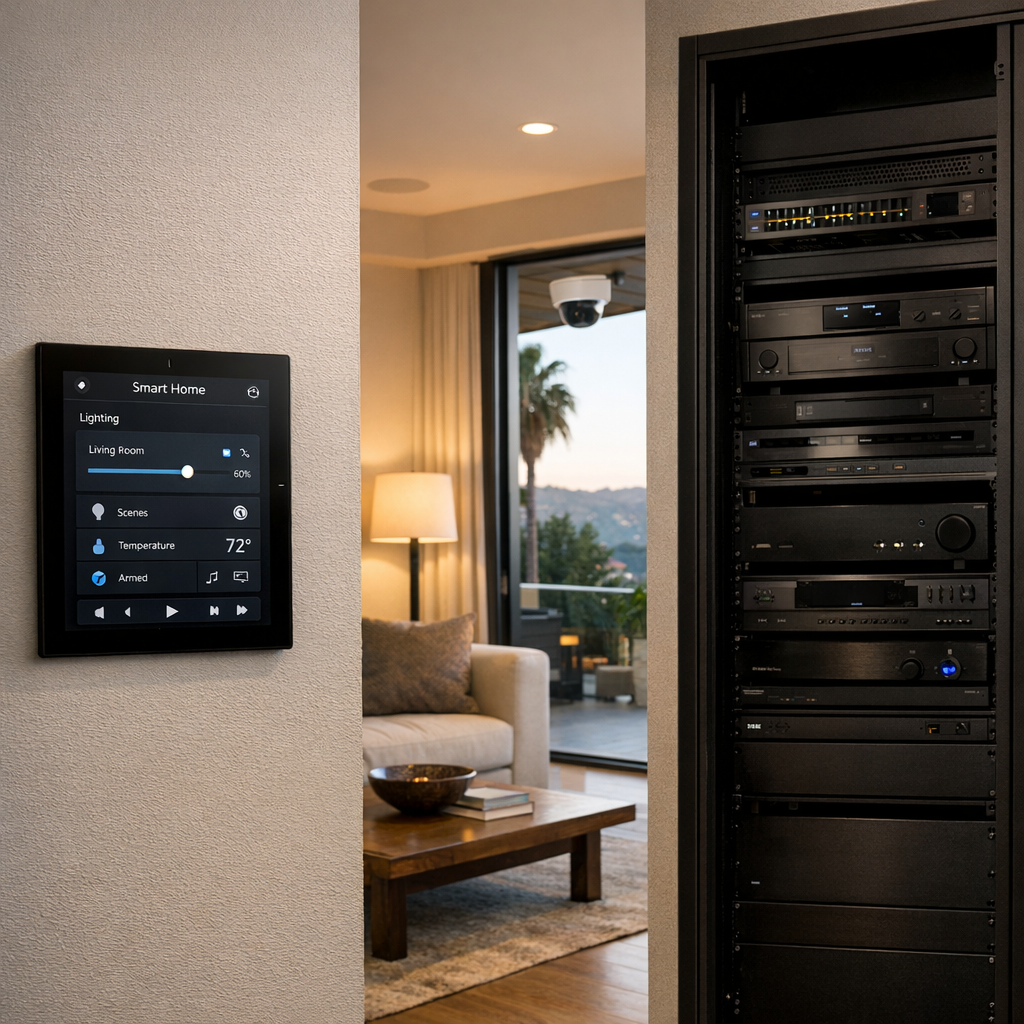
In a modern smart home, WiFi does far more than connect phones and laptops. It supports the systems that make daily living feel seamless, from lighting and voice assistants to cameras, streaming platforms, and whole-home entertainment. When the network is strong, devices respond quickly, automation runs on schedule, and media plays without interruption. That is why reliable connectivity is so important to connected home automation and control.
Weak or inconsistent WiFi often shows up as lag, buffering, audio dropouts, delayed camera feeds, or scenes that only work some of the time. These issues can make even premium devices feel unreliable. A well-designed network creates the foundation for responsive performance across the entire home, helping smart technology feel effortless instead of frustrating.
Where network quality shows up most
Some of the clearest examples are security cameras that need stable video delivery, streaming systems that depend on smooth bandwidth, distributed audio that should stay in sync, and automation scenes that coordinate multiple devices at once. Even shoppers comparing options in an affordable security camera buying guide will benefit from understanding that device quality and network quality work together. In premium connected living, strong WiFi is not an extra feature; it is the backbone.
Frequently Asked Questions About WiFi Meaning
What is the simple meaning of WiFi?
WiFi is a wireless technology that lets devices connect to a local network without cables. It is commonly used to connect phones, laptops, TVs, and smart devices to the internet through a router.
Is WiFi the same as internet?
No. WiFi is the wireless method your device uses to connect to a network, while the internet is the global system of online services and websites. You can have WiFi without internet if the router is working but the internet service is down.
What does a WiFi router do?
A WiFi router sends and receives wireless signals so nearby devices can join your network. It also directs traffic between your home devices and your internet service connection.
What is WiFi Direct used for?
WiFi Direct allows two devices to connect directly to each other without needing a traditional router. It is often used for file sharing, printing, screen mirroring, or connecting devices like cameras and TVs.
How can I test my WiFi speed at home?
You can test WiFi speed by running an online speed test on a phone or computer connected to your network. For more accurate results, test in the same room as the router, then compare that result with speeds from other rooms to check signal strength and coverage.
Is WiFi 7 better than WiFi 6?
WiFi 7 is newer and is designed to deliver higher speeds, lower latency, and better performance across many connected devices. However, the benefits depend on having compatible devices and a router that supports the newer standard.
When It Makes Sense to Get Expert Help
If you are still dealing with dead zones, smart devices that keep dropping offline, weak coverage in a larger home, or inconsistent performance even after upgrading your router or internet plan, it may be time for a more complete solution. These are often signs that the issue is not just speed, but network design.
Signs your network needs more than a quick fix
Professional WiFi and networking support can improve reliability, extend coverage, and help your system handle more connected devices without constant troubleshooting. Smart Home LA offers whole-home WiFi networking design services with an expert but approachable process focused on what your home actually needs.
If your WiFi problems keep coming back, contact the team for clear guidance and a practical path forward.
Final Takeaway on WiFi Meaning
WiFi meaning is simple once you separate it from the internet itself: WiFi is the wireless method your devices use to connect to a network, while the internet is the online service that network can provide. Keeping that distinction in mind makes it easier to understand everyday issues like speed, signal strength, dead zones, and when it may be time to upgrade your equipment.
The key point to remember
If you remember one thing, let it be this: WiFi is about wireless connection, not the internet itself. Understanding that helps you make smarter decisions about coverage, performance, and the setup that best fits your home or business. And if you ever need help improving your network, expert guidance can make the process much easier.