
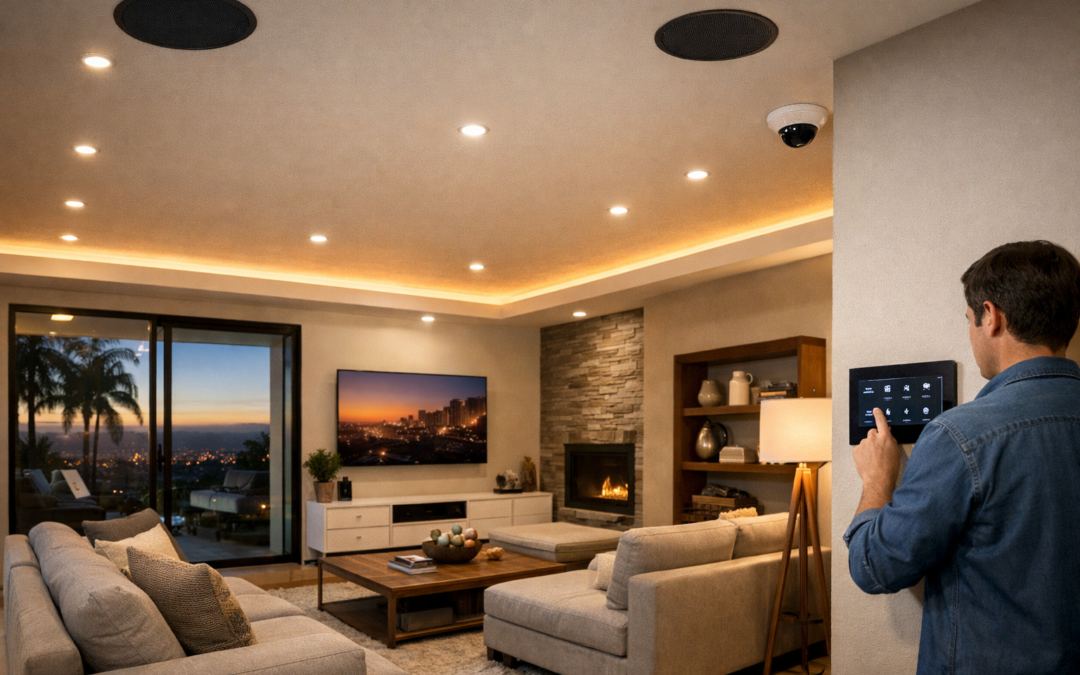
Smart home security cameras matter today because they do more than record what happens around your property. Unlike older standalone systems, smart home security cameras combine surveillance, internet connectivity, and automation to give homeowners faster, more responsive monitoring. That means you can check live video from your phone, receive motion alerts in real time, and connect your cameras with other smart devices for a more coordinated approach to home security.
For modern homeowners, the biggest advantage is convenience without losing visibility. Whether you want to see who is at the front door, monitor deliveries, or keep an eye on your home while traveling, connected camera systems make access simpler and more immediate. Many also offer cloud or local video storage, app-based controls, and compatibility with broader smart home platforms.
This guide is designed to help you make a practical buying decision. Instead of getting lost in technical jargon, you will learn what features actually matter, how different camera types fit different homes, and which decision points to weigh before choosing a system.
What Smart Home Security Cameras Are
Smart home security cameras are internet-connected cameras designed for live viewing, motion alerts, recording, and app-based control. Unlike older standalone recording setups, they are built to work as part of a broader home security camera system that combines video capture, storage, networking, and remote access. In many homes, these systems blend familiar CCTV-style coverage with newer IP and smart features, giving homeowners a clearer and more flexible way to monitor entry points, driveways, and indoor spaces.
The term can be confusing because people often compare smart cameras with CCTV cameras, IP cameras, and basic recording systems. A helpful way to think about it is that traditional CCTV usually refers to a closed-loop setup focused on local video transmission and recording, while smart cameras are designed for connected use. If you want a clearer breakdown of what CCTV means in modern systems, it helps to see how the terminology overlaps.
Traditional CCTV vs connected smart cameras
Traditional CCTV cameras often send footage to a local recorder for on-site review. Connected smart cameras, by contrast, usually support mobile apps, remote viewing, notifications, and easier system management across multiple devices. Many modern products still provide dependable continuous or event-based recording, but they add features like motion zones, two-way audio, and integration with other smart home tools. In practice, today’s systems often combine CCTV-style reliability with IP-based connectivity.
What a complete camera system includes
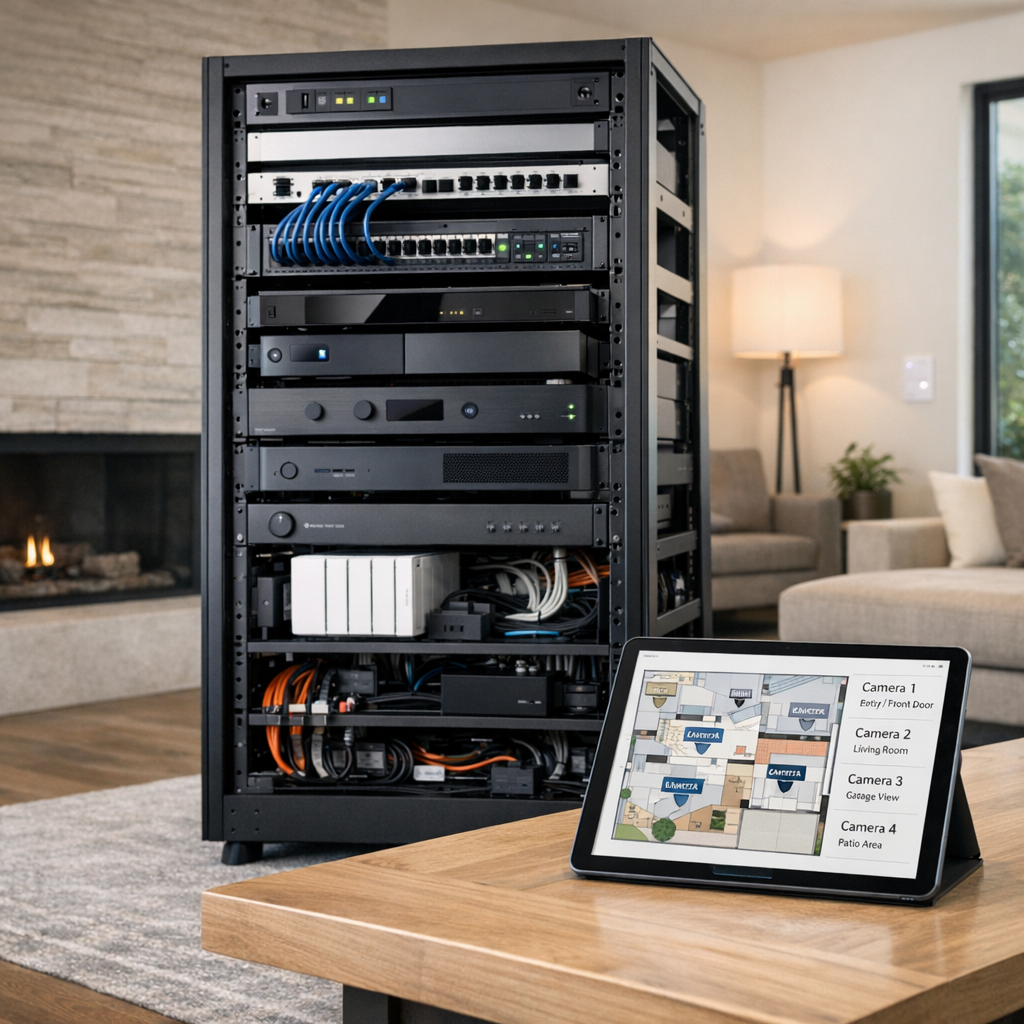
A complete home security camera system includes more than the cameras themselves. It typically involves the cameras, power, a network connection, local recorder or cloud storage, app access, and the logic that determines when to record or send alerts. Some systems also connect with doorbells, locks, lighting, or alarm platforms. An IP camera viewer fits into this setup as the interface that lets users check live feeds, review clips, and monitor activity remotely, making the whole system easier to use day to day.
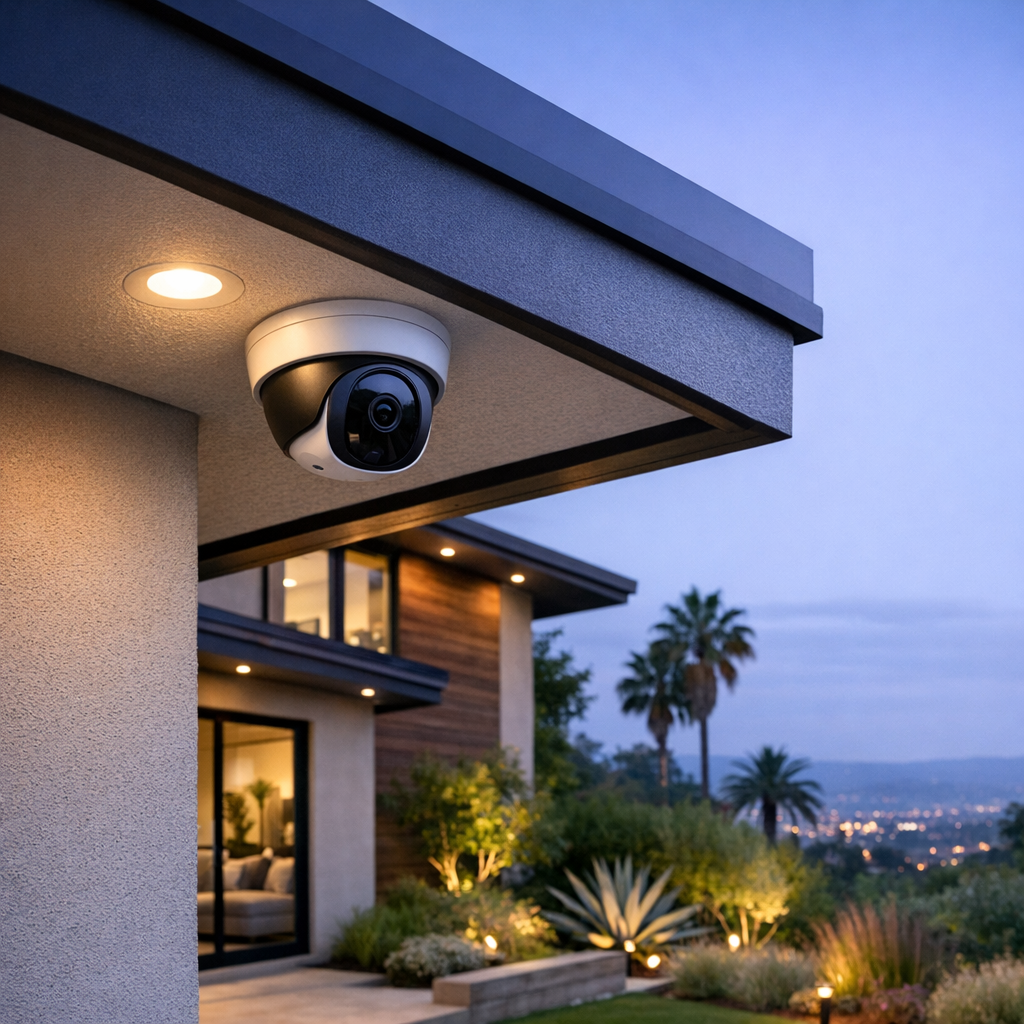
Key Features That Make a Security Camera System More Useful
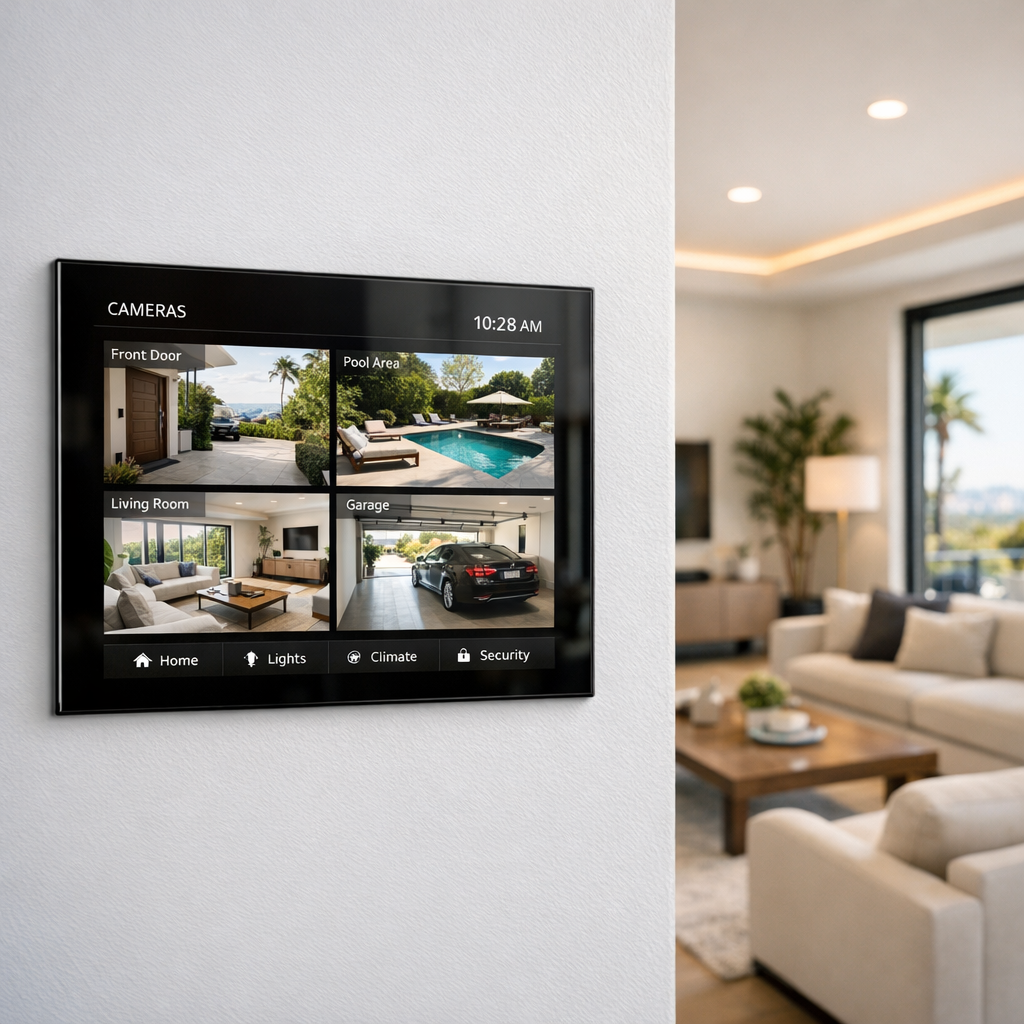
When homeowners compare camera options, the most useful features are the ones that improve awareness, reduce false alarms, and make daily monitoring easier. A better system is not just about adding more cameras or chasing the highest resolution. It is about choosing tools that help you notice what matters, review events quickly, and feel more confident about what is happening around your home. That is why many people start with professional smart camera installation services to make sure features are matched to the layout, lighting, and routines of the property.
Smarter alerts and better awareness
Motion alerts are most helpful when they are specific. Person detection can separate people from passing cars, pets, or tree movement, which means fewer unnecessary notifications. Activity zones add another layer of control by letting you focus on a porch, gate, driveway, or side yard instead of monitoring the entire frame. For everyday use, this makes it easier to respond quickly when a delivery arrives, a child gets home from school, or someone approaches an entry point.
Visibility in daylight and after dark
Image quality matters, but it should be balanced with camera placement, viewing angle, and available light. A sharp image is less valuable if glare, shadows, or poor positioning hide important details. Good night vision helps extend visibility after dark, while an appropriate field of view can cover key areas without stretching the image too wide. In practice, the best results come from combining solid resolution with thoughtful placement and lighting support near entrances, walkways, and outdoor gathering spaces.
Integration with the rest of the home
Two-way audio can let you speak to a visitor or delivery driver without opening the door, while video storage options make it easier to review and save important clips later. Cameras also become more useful when they work with lighting, smart locks, touch panels, or broader home controls. For example, a camera alert can pair with exterior lights turning on, or live feeds can appear on a central interface for faster viewing. That kind of integration adds convenience, supports better decision-making, and helps turn a camera system into a more complete home security tool.
Wireless Smart Security Camera vs Wired Systems
When comparing a wireless smart security camera setup with a wired or PoE-style system, the right choice usually comes down to your property layout, coverage goals, and how stable your network is. Wireless options are often easier to install and expand, which makes them appealing for apartments, finished homes, or anyone who wants less disruption during setup. Wired systems typically take more planning up front, but they can offer more consistent performance over time, especially for larger properties or more demanding coverage plans.
Reliability and performance differences
Wireless cameras depend more heavily on Wi-Fi strength, router placement, and overall network design. In a smaller home with a strong signal, wireless may be more than enough for everyday monitoring. In larger homes, detached garages, or areas with thick walls, signal drops can affect live viewing, alerts, or recording consistency. Wired and PoE systems reduce that dependence because both power and data are delivered more directly, which can improve uptime and make performance more predictable.
Installation and maintenance tradeoffs
Battery-powered wireless cameras are convenient because they can be placed where running wires would be difficult, but they do require periodic charging or battery replacement. Continuously powered wireless models reduce that maintenance, though they still rely on network quality. Wired systems usually involve cable runs and a more involved installation process, but they can be easier to manage long term when you want multiple cameras, steady recording, and fewer interruptions. If you are weighing options for a more permanent setup, reviewing security camera installation service details can help clarify what fits your home best.
In practical terms, wireless is often a strong fit for flexibility and simpler installs, while wired is often better suited to scale, consistency, and demanding environments. Neither is automatically better in every case.
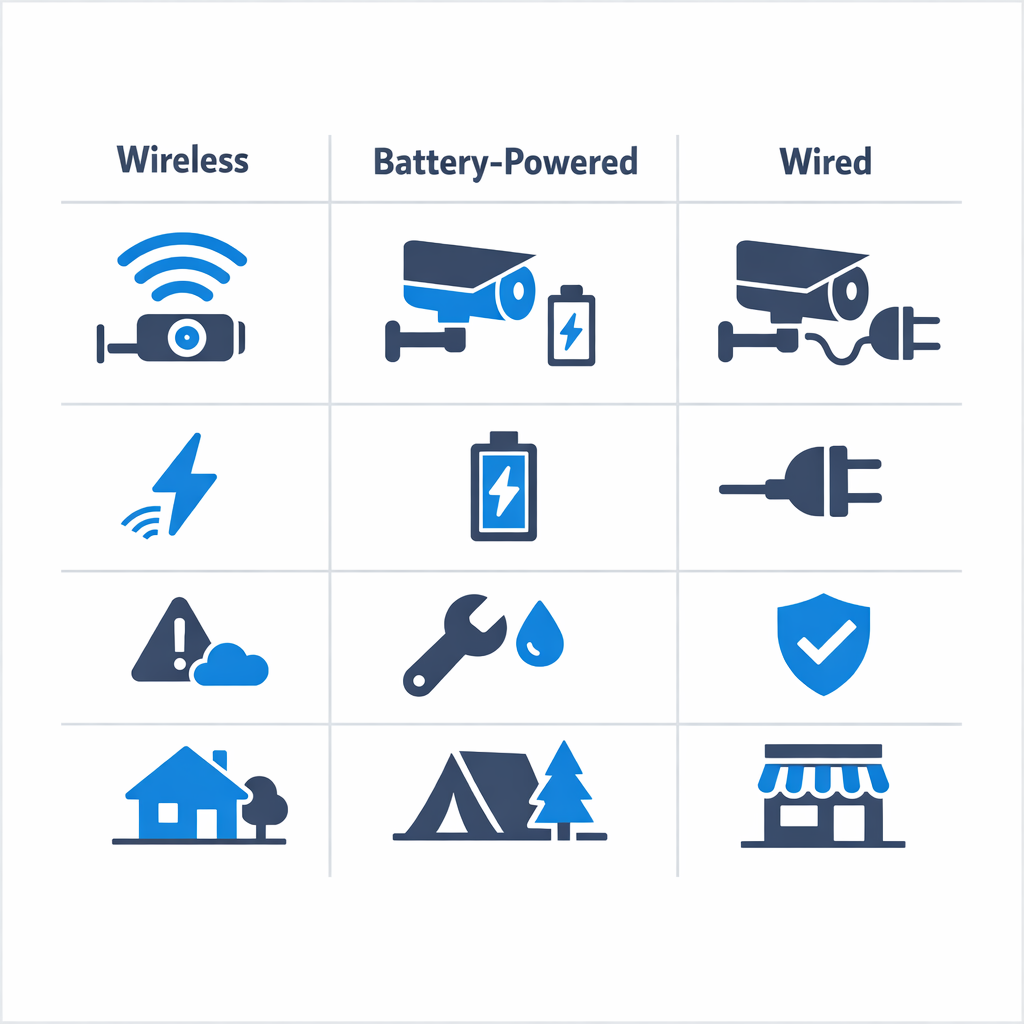
How to Choose the Right Home Security Camera System
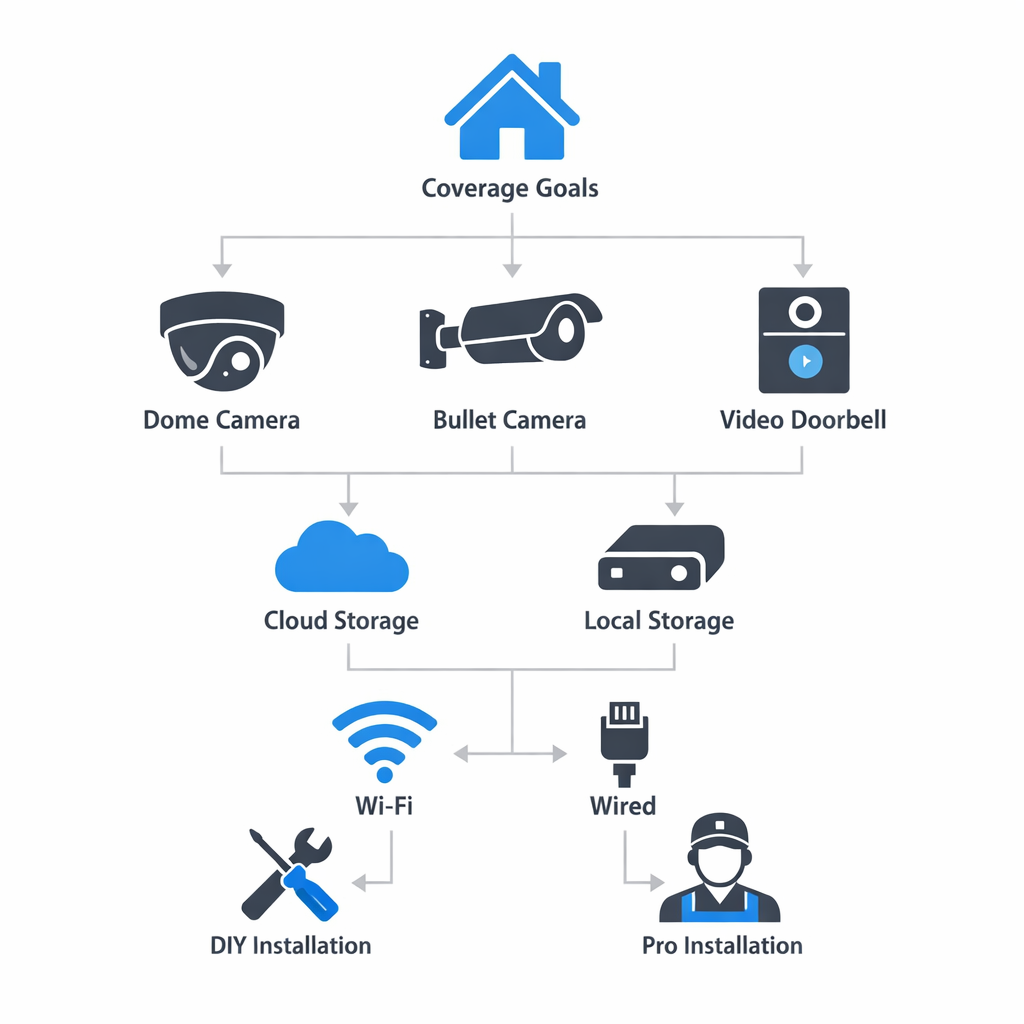
Choosing the right home security camera system starts with understanding what you actually want to protect. Instead of buying the most cameras or the most advanced features, use a simple checklist to narrow down the best fit for your home, routine, and comfort level.
Step 1: Map the areas you want to protect
Begin with your highest-priority zones: front door, driveway, garage, backyard, side gates, and any interior access points. Think about where packages are left, where visitors approach, and where blind spots may exist. A better plan is to place cameras strategically rather than simply adding more devices. Many homeowners need a mix of outdoor, indoor, and doorbell coverage to fully monitor the spaces that matter most.
Step 2: Match the system to your home’s connectivity
Next, review power and network needs. Some cameras rely on strong WiFi, while others work better with wired connections for more stable performance. If your signal is weak near the garage, gate, or backyard, camera quality and live viewing can suffer. Also consider how you want to access footage day to day, whether through a mobile app, desktop view, or shared household access.
Step 3: Decide how you want to store and review footage
Storage is another key decision. Cloud storage can make remote access easy, local storage can offer more direct control, and hybrid options can balance convenience with backup protection. Think about how often you expect to review clips, whether you want event-based recordings, and how long you want footage saved. The right choice depends on your habits as much as the technology itself.
Step 4: Think about future smart home integration
If you already use smart locks, lighting, alarms, or voice assistants, make sure your camera system can work with them. Compatibility matters if you may expand later into broader automation. Choosing a system with future integration in mind can help you avoid replacing equipment too soon and make daily control more seamless.
Finally, plan for placement and setup. Even a strong system can underperform if cameras are mounted too high, pointed poorly, or installed where glare and obstructions reduce visibility. If you want expert help with camera system setup, professional planning can help ensure the system covers the right areas and works reliably from day one.
What Impacts the Cost of Smart Home Security Cameras
The cost of a smart home security camera system can vary widely because every home, layout, and security goal is different. Rather than thinking of it as a single product, it helps to view it as a combination of equipment, planning, and installation. The final scope depends on how much coverage you want, where cameras need to be placed, and how the system will connect with the rest of your home.
Equipment, coverage, and installation scope
One of the biggest cost drivers is the number of cameras. A simple setup covering a front door and driveway is very different from a whole-property design that includes entry points, side yards, interior common areas, and detached structures. Indoor and outdoor cameras also differ in build quality, weather resistance, night vision performance, and mounting requirements, all of which can affect system design.
Recording method matters too. Some homeowners prefer cloud-based storage, while others want local recording hardware for longer retention or more control. Smart integrations can also influence the project, especially if cameras need to work with lighting, alarms, locks, touch panels, or mobile app automation.
Installation labor is another major variable. Existing wiring paths, wall construction, attic or crawlspace access, and the distance between devices can all change the complexity of the work. In some homes, network upgrades that support cameras may be part of the overall scope. That is why quotes often differ: a well-designed system is an investment not just in camera hardware, but in reliable performance, thoughtful placement, and the infrastructure needed to support it.
Common Mistakes to Avoid When Planning Home Security Cameras
Even high-end cameras can disappoint when the system design is weak. The best results come from thoughtful planning, not just better specs. If you are comparing custom security camera installation solutions, avoid these common mistakes first.
Placement and planning errors
- Placing cameras too high or at poor angles, which can reduce usable facial detail and create blind spots.
- Assuming WiFi will be strong everywhere without testing signal strength at each camera location.
- Focusing only on resolution specs instead of field of view, motion coverage, and recording quality.
- Ignoring lighting conditions, glare, shadows, and nighttime performance around doors, driveways, and side yards.
- Skipping coverage overlap between key areas, which can leave gaps during motion events.
- Failing to plan for future expansion, storage needs, or additional cameras as the property changes.
Frequently Asked Questions About Smart Home Security Cameras
Compatibility, storage, and access
Are smart home security cameras better than traditional CCTV cameras?
It depends on your needs. Smart home security cameras are usually better for remote viewing, app alerts, and easier setup, while traditional CCTV systems can be stronger for large properties, continuous recording, and more complex wired installations. For most homeowners, smart cameras offer more convenience and flexibility.
Do smart cameras always need WiFi to work?
Not always. Many smart cameras need WiFi for live viewing, mobile alerts, and cloud features, but some can still record locally without an active internet connection. Wired IP cameras may use Ethernet instead of WiFi, though remote access still typically requires internet service.
What is the difference between cloud and local video storage?
Cloud storage saves footage on remote servers, which makes it easier to access recordings from anywhere but may require a subscription. Local storage saves video on an SD card, NVR, or hard drive in your home, which can reduce monthly costs but may be more vulnerable if the device is damaged or stolen. Many homeowners prefer systems that support both.
Can I view my cameras from my phone with an IP camera viewer or app?
Yes, in most cases. Most modern smart cameras and IP camera systems include a mobile app or compatible viewer that lets you check live video, review clips, and receive motion notifications. The exact features depend on the camera brand, app support, and whether the system is connected to the internet.
Is professional installation worth it for a home security camera system?
Professional installation is often worth it if you want the best camera placement, cleaner wiring, stronger coverage, and fewer setup issues. It can be especially helpful for multi-camera systems, hardwired equipment, or homes with tricky entry points. DIY installation may be enough for simple indoor or plug-and-play camera setups.
When It Makes Sense to Contact the Team
Get expert guidance for your setup
If you want help choosing cameras, planning placement, handling wiring, configuring networking, or tying everything into a connected home setup, this is a natural point to get expert input. The team can help you think through a system that fits your home, priorities, and smart technology goals without adding pressure or complexity.
For personalized guidance on camera system design and installation, Contact the team.
Choosing Smart Home Security Cameras With Confidence
Choosing the best smart home security cameras comes down to fit, not just features. The right setup depends on what you want to monitor, how your home is laid out, how reliable your connectivity is, and whether you prefer local storage, cloud access, or a mix of both. Integration with the rest of your smart home also matters, especially if you want a system that feels simple to use day after day.
Just as important, thoughtful design can make the difference between a camera system that works well in theory and one that works well in real life. Placement, coverage angles, notifications, and ease of access all shape how useful your cameras will actually be over time.
The right system is the one designed for your home
A confident buying decision starts with your property, your routine, and your future plans. When your camera system matches those needs, it becomes easier to choose with clarity and invest in a setup that feels dependable, practical, and built to last.