
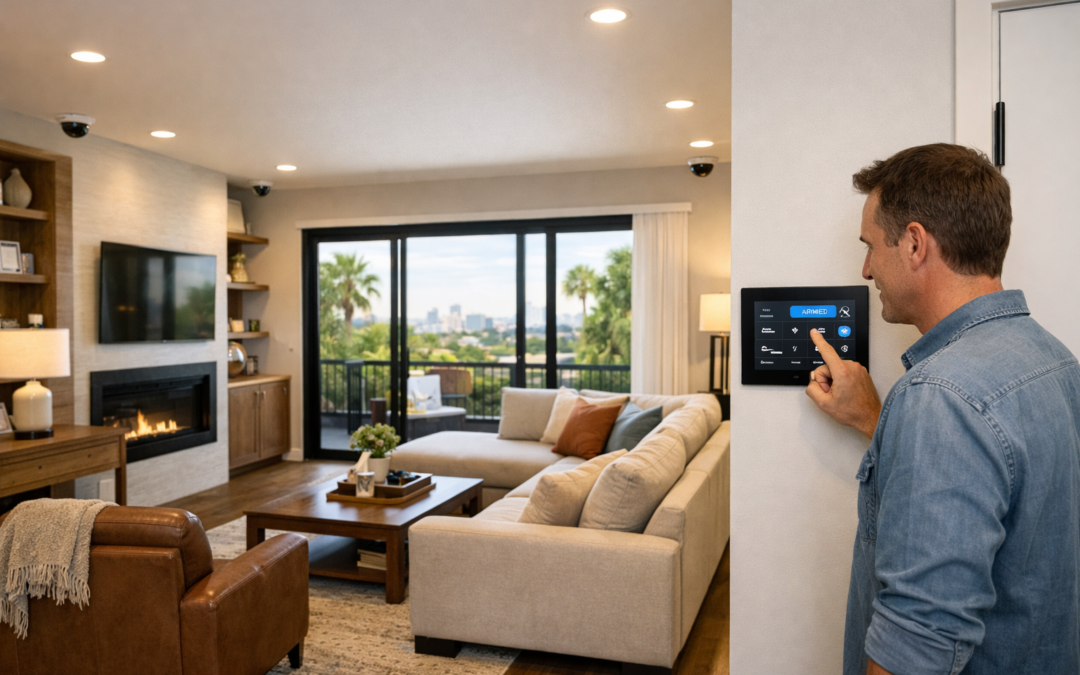
When people search for CCTV, they are often looking for much more than a traditional closed-circuit television setup. Today, CCTV commonly refers to modern home security cameras that connect over IP networks, send alerts to your phone, store recordings locally or in the cloud, and help you monitor your property from anywhere. In other words, the term has evolved, even if the name has stayed familiar.
That is why this guide focuses on what homeowners usually mean when they talk about CCTV: smart, app-enabled security camera systems designed for everyday home monitoring. Whether you are comparing indoor and outdoor cameras, thinking about video doorbells, or planning a full home security camera setup, it helps to understand the language before choosing the right solution.
In the sections ahead, you will learn how modern CCTV systems work, what features matter most, and how to plan a setup that fits your home without getting lost in technical jargon. The goal is to make the topic clear, practical, and easy to act on.
Why the Term CCTV Still Matters
Even though many systems are now connected, cloud-aware, and smartphone-friendly, consumers, retailers, and installers still use CCTV as a catch-all term. Using that familiar label helps people find information quickly, but it can also create confusion if older analog systems and newer smart security cameras are treated as the same thing. Understanding that overlap makes it easier to compare options and choose a system that matches modern expectations.
What CCTV Means in Modern Home Security
CCTV stands for closed-circuit television. In simple terms, it is a video surveillance system where cameras send footage to a limited set of screens, recorders, or devices instead of broadcasting it publicly. In home security, cctv now often refers not only to traditional cctv cameras but also to newer connected systems that use digital networking, remote viewing, and smart alerts.
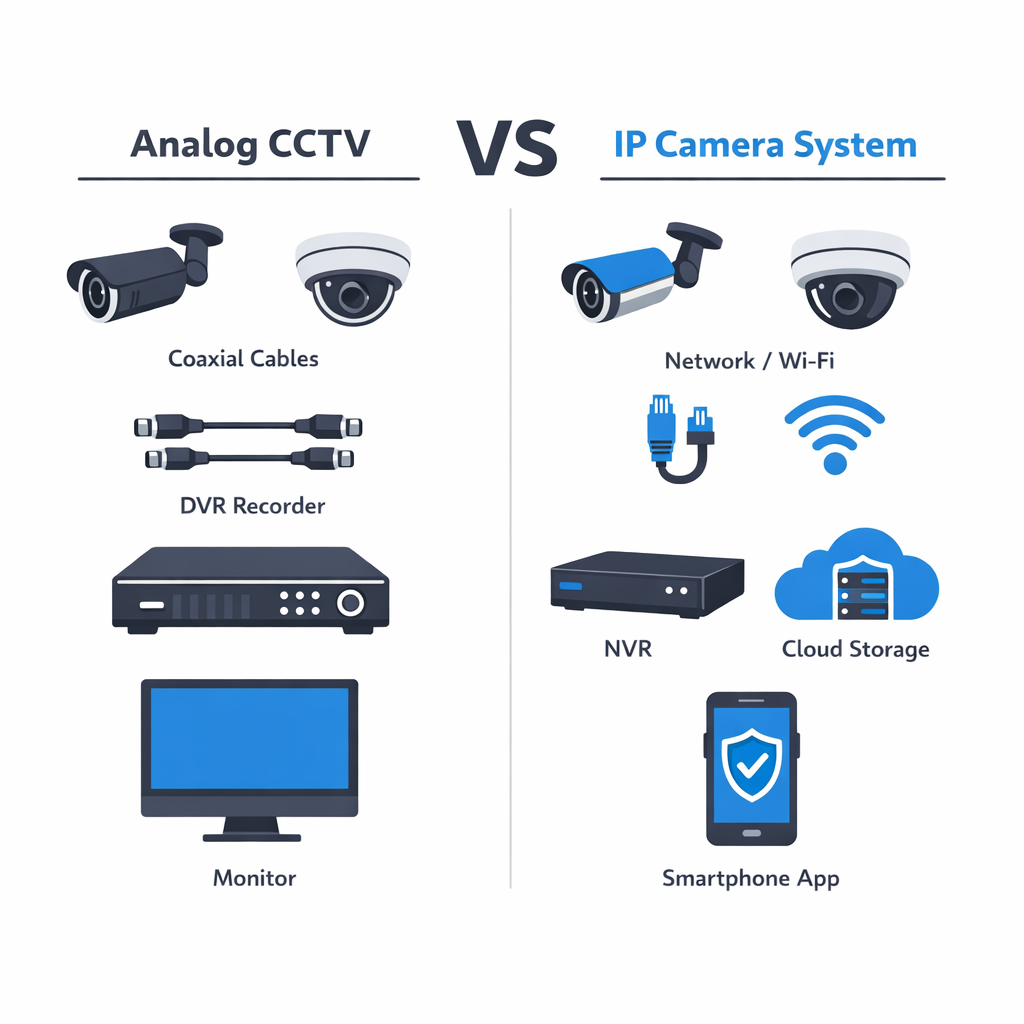
Traditional analog CCTV systems were usually closed-loop setups: cameras connected by cable to a DVR and local monitor. Modern home systems are more flexible. Many use an IP camera or a group of networked cameras that send video through a home network to local storage, cloud storage, or both. That means homeowners can often check live video, review events, and receive motion notifications from a phone app, even when away from home. For a deeper look at what CCTV means in modern systems, it helps to think of today’s setups as part surveillance, part smart home technology.
Traditional CCTV vs Connected Camera Systems
The biggest difference is connectivity. Older CCTV focused on local viewing and recording. Modern connected camera systems add network access, mobile control, smarter motion detection, and easier expansion. While both serve the same core purpose—monitoring and recording activity—today’s systems are designed for convenience, visibility, and faster response.
Core Parts of a Typical System
Most systems include cameras, power, a network connection or cabling, a recorder or cloud storage, and user access through an app or control interface. Many also include motion detection, event clips, and search tools that make footage easier to review. Together, these parts turn basic video monitoring into a practical modern home security solution.
How a CCTV System Works Step by Step
A modern CCTV system is designed to make home monitoring simple. Step by step, it captures activity, sends video where it needs to go, stores important footage, and helps you check alerts from almost anywhere. Whether you are comparing systems or planning professional security camera installation services, understanding the workflow makes it easier to choose the right setup for your home.
1. Cameras Capture Video
The process starts with the camera itself. Each camera uses a lens and image sensor to capture what is happening in a specific area, such as a front door, driveway, backyard, or side gate. Resolution affects how clear the image looks, while field of view determines how much area the camera can see. Many modern cameras also include day and night performance features, so they can continue recording in low light or darkness. The goal is simple: get a clear view of the spaces that matter most.
2. Footage Is Sent and Stored
Once video is captured, it is transmitted through the system. In many homes, an ip camera sends footage over the network, either through a wired connection or a reliable wireless setup. That video may go to a recorder such as an NVR, to local storage, to the cloud, or to a combination of these options. Storage settings determine how long footage is kept before it is overwritten. This part of the process is important because reliability, retention time, and network stability all affect how well the system performs day to day.
3. Motion Events Trigger Alerts and Playback
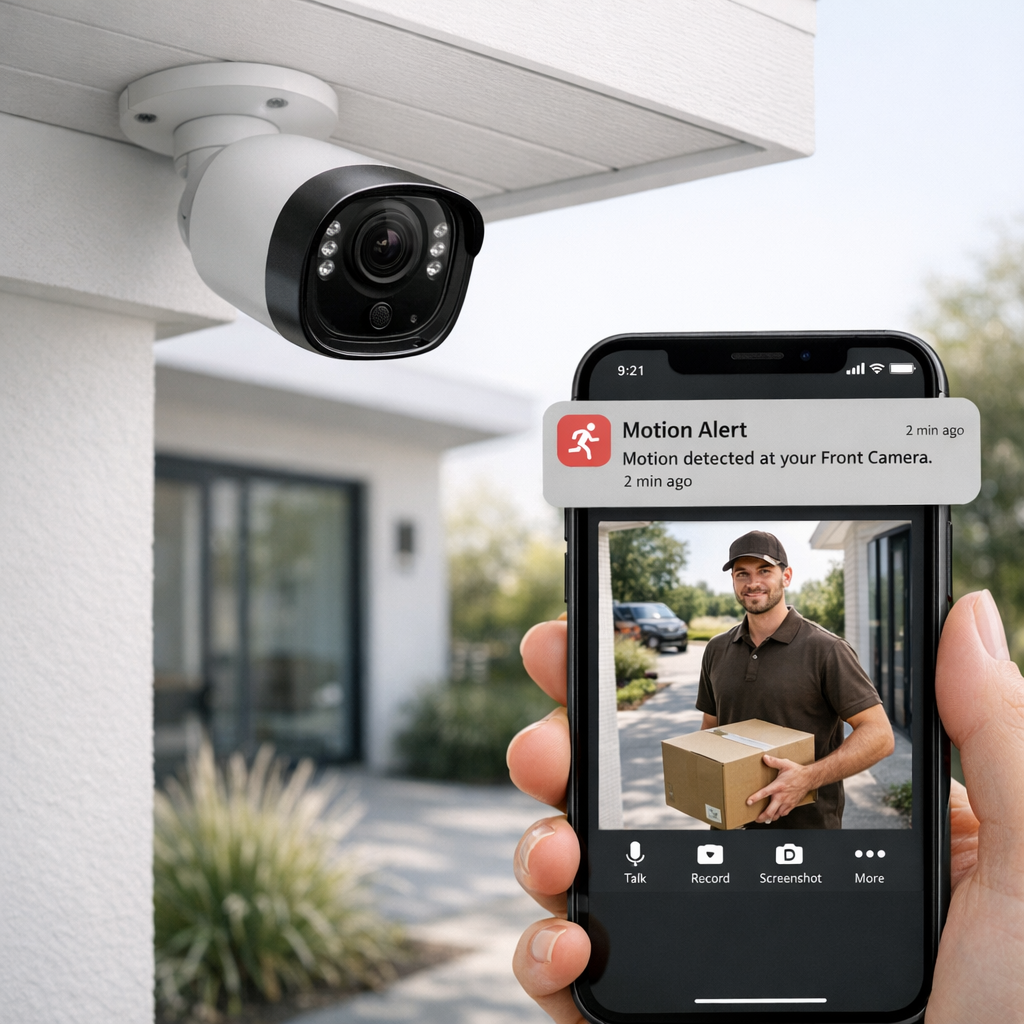
When the system detects motion or another selected event, it can mark that moment, save a clip, and send a notification to your phone or control interface. From there, you can open the app, watch a live view, review recorded footage, and check what happened without digging through hours of video. This is where modern systems feel especially convenient. Instead of only recording in the background, they actively help homeowners stay informed. A thoughtful cctv installation can also improve camera coverage, reduce blind spots, and create smoother integration between cameras, recording equipment, and remote access tools.
Why Homeowners Still Choose CCTV Systems
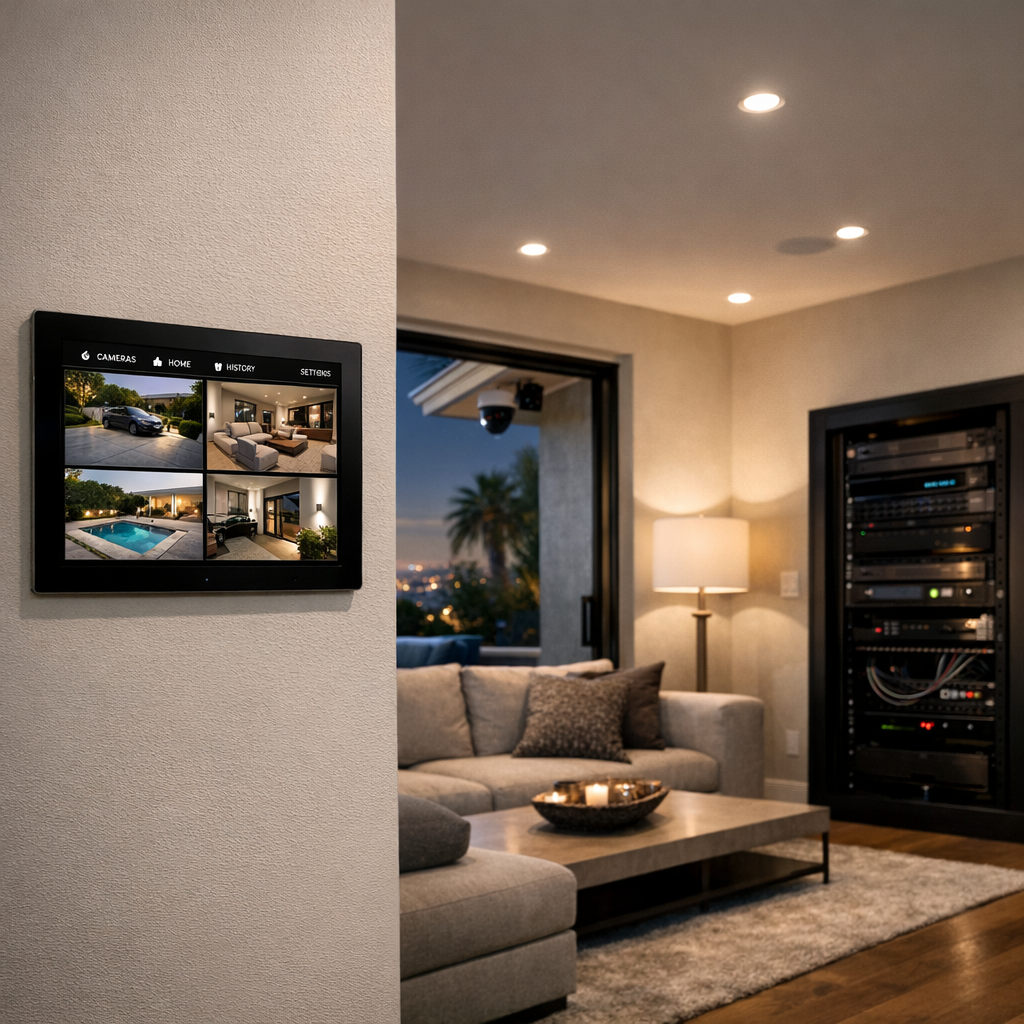
A modern home security camera system offers more than a way to review footage after an incident. For many homeowners, CCTV supports day-to-day awareness, helps them feel more in control of their property, and adds practical convenience to everyday routines.
Deterrence and Everyday Awareness
Visible cameras can act as a strong deterrent by making unwanted visitors think twice before approaching a home. Just as important, they give homeowners a clearer view of what is happening around entrances, driveways, side paths, and back gardens. That visibility is useful for checking on deliveries, seeing who has arrived at the door, and keeping an eye on activity around the perimeter without needing to be at the window.
- Helps discourage opportunistic trespassing or tampering
- Makes package monitoring easier during the day
- Improves visibility around key access points
- Supports greater peace of mind when away from home
Remote Access and Smart Convenience
Modern CCTV systems are also designed for convenience. With app access, motion alerts, and live viewing, homeowners can check their property from work, while travelling, or even from another room. Many systems can also work alongside lighting, alarms, and smart home controls, making them more useful than passive recording alone. Instead of simply capturing events, they help homeowners respond faster and stay informed in real time.
The result is a balanced mix of security and lifestyle benefits: better awareness, easier monitoring, and a more connected approach to protecting the home without relying on exaggerated promises.
Comparing CCTV Camera Types and Features
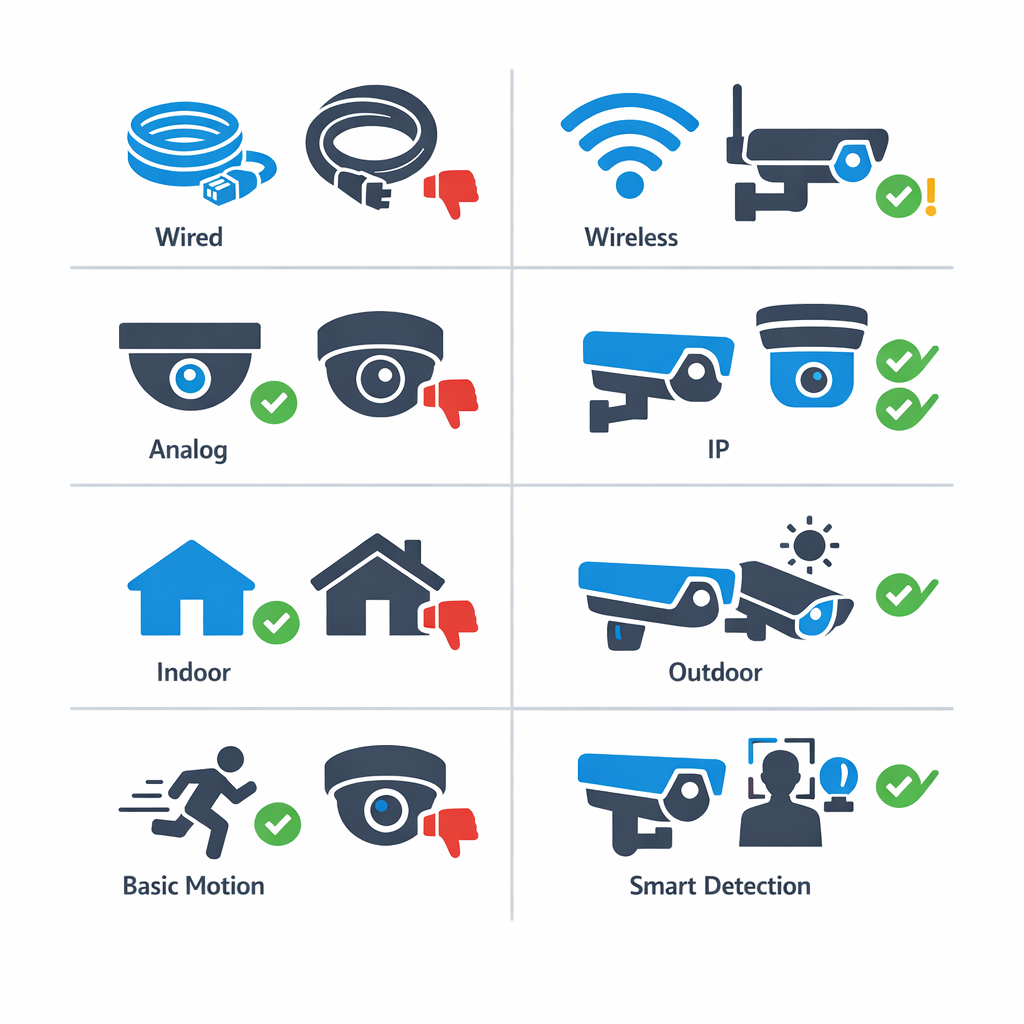
When comparing camera options, the right choice usually depends on your property layout, security priorities, and how much flexibility you want in the system. The best security cameras are not always the most expensive ones; they are the models that fit your entrances, lighting conditions, storage preferences, and day-to-day usability. If you want expert help choosing camera systems, it helps to understand the main categories first.
Wired vs Wireless Cameras
Wired cameras are often chosen for reliability. They typically provide a stable connection, consistent recording, and fewer signal issues, which can make them a strong fit for larger homes or permanent installations. The tradeoff is more involved installation, especially when running cables through walls or ceilings.
Wireless cameras offer more placement flexibility and can be easier to add in finished spaces. However, “wireless” often refers to data transmission, not complete cable-free operation, since many models still need power. They can be a practical option for renters, smaller properties, or areas where wiring is difficult, but performance may depend on Wi-Fi strength and network stability.
Analog CCTV vs IP Camera Systems
Analog CCTV systems are usually more basic and may appeal to buyers focused on lower upfront cost. They can still work well for straightforward monitoring, but image quality, remote access, and expansion options are often more limited.
IP camera systems generally provide higher resolution, better app access, and more advanced features such as smart alerts, person detection, and easier integration with connected devices. Many modern homes prefer IP-based systems because they scale more easily and support clearer footage for identifying details.
Features That Matter Most
Key buying criteria include resolution, night vision, field of view, and storage. Higher resolution can improve facial or license plate detail, while strong low-light performance matters more than megapixels alone in darker areas. A wider field of view may reduce blind spots, but placement still matters. For outdoor cameras, weather resistance is essential; for indoor cameras, privacy controls and app usability may matter more.
Also compare storage choices such as local recording versus cloud plans, along with how useful the mobile app is for reviewing clips and managing alerts. Basic motion detection may be enough for simple coverage, while smart detection can reduce false alarms and make footage easier to review. If budget is part of the decision, this affordable security cameras buying guide can help narrow down practical options.
How to Plan a CCTV Installation That Fits Your Home
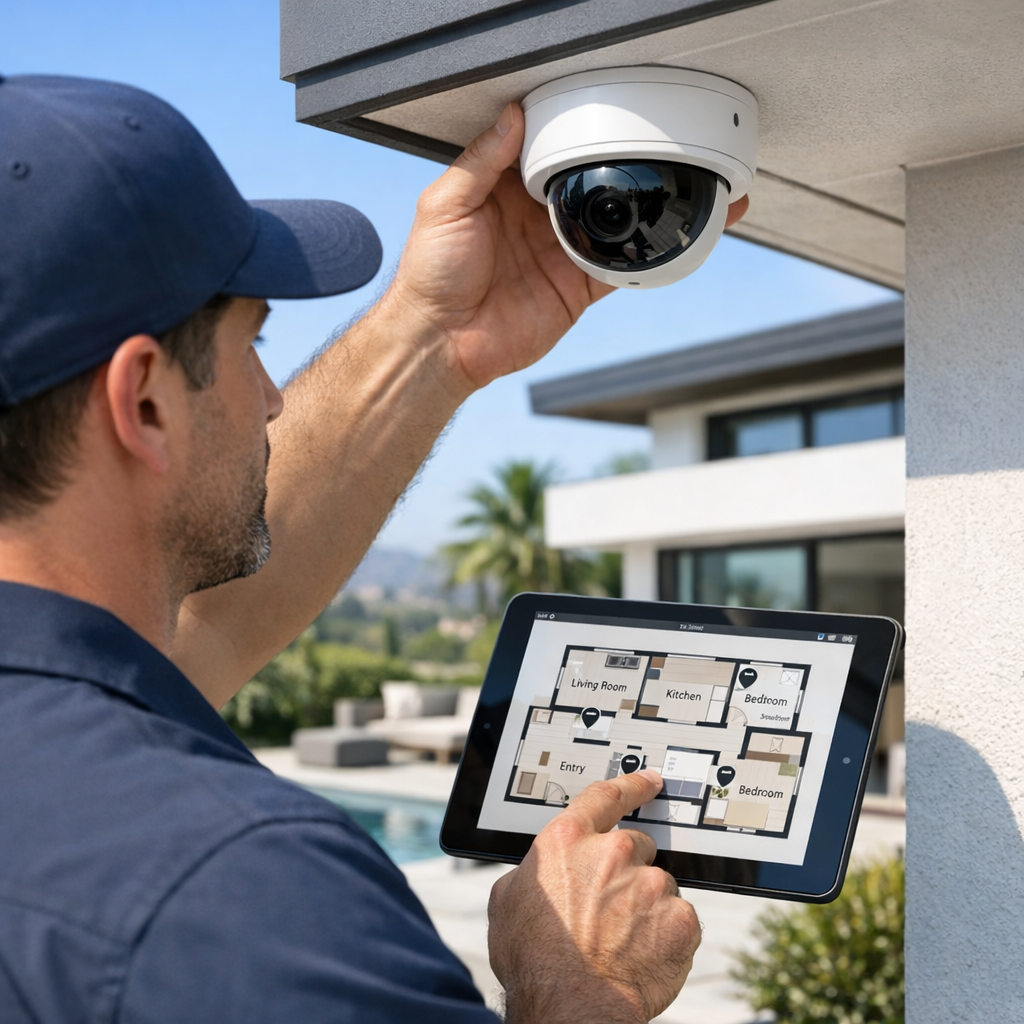
A successful cctv installation starts with a plan, not just a shopping list. The goal is to think about coverage, daily routines, and the areas that matter most before choosing equipment. In many homes, camera placement has a bigger impact on results than the number of cameras alone.
Start With Coverage Goals
Begin by mapping the zones you want to monitor: front entry, driveway, backyard, side gates, and any interior transition points such as a main hallway or mudroom. This helps you focus on likely access routes and blind spots instead of placing cameras randomly. Also consider lighting conditions at different times of day, since glare, shadows, and low-light areas can affect image quality just as much as camera specs.
Think about what you want each camera to do. One may be best for identifying faces at the front door, while another is better for watching a wider area near a garage or patio. Planning with purpose usually leads to cleaner coverage and fewer gaps.
Consider Power, Network, and Storage
Before installation, check whether each location has reliable power access and strong network coverage. Weak Wi-Fi can limit performance, especially for outdoor cameras far from the router. Storage needs matter too: higher resolution and longer retention require more capacity, whether you prefer local recording, cloud options, or a mix of both.
It is also smart to leave room for future expansion and smart home integration. A flexible plan makes it easier to add cameras later, connect alerts, and keep the system aligned with your household’s privacy preferences in a practical, general sense.
What Affects the Cost of a CCTV System
CCTV costs can vary widely because the budget depends on the system design, not just the cameras themselves. Key factors include how many cameras are needed, the resolution required, whether cabling is simple or complex, and how much footage storage you want. Smart features such as motion alerts, remote access, analytics, and integration with alarms or access control can also increase the total investment.
The Biggest Budget Factors
DIY setups may reduce upfront labour costs, but professional installation can improve coverage, reliability, and long-term performance. Ongoing costs may also apply, such as cloud storage subscriptions, software licences, servicing, or maintenance. The best way to compare options is to look at overall fit and value rather than relying on generic price ranges.
Common Mistakes to Avoid When Choosing CCTV
Quick Checklist of Avoidable Errors
- Choosing more security cameras instead of better placement; map entry points, driveways, and blind spots first.
- Ignoring network quality; confirm Wi-Fi strength or wired capacity before selecting connected cameras.
- Overlooking night performance; compare low-light clarity, infrared range, and lighting conditions.
- Picking storage without a retention plan; estimate how many days of footage you actually need.
- Focusing only on specs; match the system to the property layout and daily use.
- Skipping professional guidance on integration; strong custom home technology installation expertise can help systems work together smoothly.
Frequently Asked Questions About CCTV
What is the difference between CCTV and a security camera system?
Today, the terms often overlap. CCTV is commonly used as a broad label for video surveillance, while a modern security camera system may include app access, smart alerts, remote viewing, and either local or cloud storage. In practice, many homeowners use the terms interchangeably.
Are modern CCTV cameras the same as IP cameras?
Often, yes, but not always. Many modern CCTV systems use IP cameras that send video over a network, which supports higher flexibility and smart features. However, some systems labeled CCTV may use different technology, so it is best to compare recording method, resolution, and connectivity.
Is wired CCTV better than wireless for homes?
Wired is often more consistent, while wireless is often easier to place. A wired setup can provide stable performance for continuous recording, but wireless can be a practical fit where cabling is difficult. The better choice depends on your layout, power access, and coverage goals.
How many security cameras does a typical home need?
There is no single number that fits every property. Most homes start by covering main entry points, driveway access, rear access, and any blind spots, with indoor cameras added only if needed. The right plan should follow your visibility goals rather than an arbitrary camera count.
Can CCTV systems send alerts to a phone?
Yes, many modern systems can send alerts to a phone. Depending on the system, you may receive motion, person, or activity notifications and be able to open a mobile app for live viewing, playback, and system control. Features vary, so app quality and alert settings matter.
Need Help Choosing the Right CCTV Setup?
If you’re comparing options and want a clearer plan, our team can help you think through camera selection, placement, and smart home integration based on your property and priorities. We’ll help you narrow down what makes sense for your layout, coverage goals, and day-to-day use, so your next step feels informed and practical.
When you’re ready, contact the team for help planning or upgrading your CCTV or home security camera system.
The Best CCTV System Is the One Designed Around Your Home
Modern CCTV is no longer just a basic recording setup. For most homeowners, it now means a connected camera system that can combine clear footage, smart alerts, remote access, and dependable day-to-day performance. The key is not choosing the system with the longest feature list, but choosing one that matches how your property is laid out and how you actually want to use it.
A Smarter Way to Think About CCTV
A good decision usually comes down to three things: effective placement, the features that genuinely improve security, and how well the system works as part of your wider home setup. When those elements are planned properly, the result is a CCTV system that feels practical, reliable, and easy to live with. In the end, the best choice is the one that gives your home the right coverage, the right tools, and the right fit from the start.