
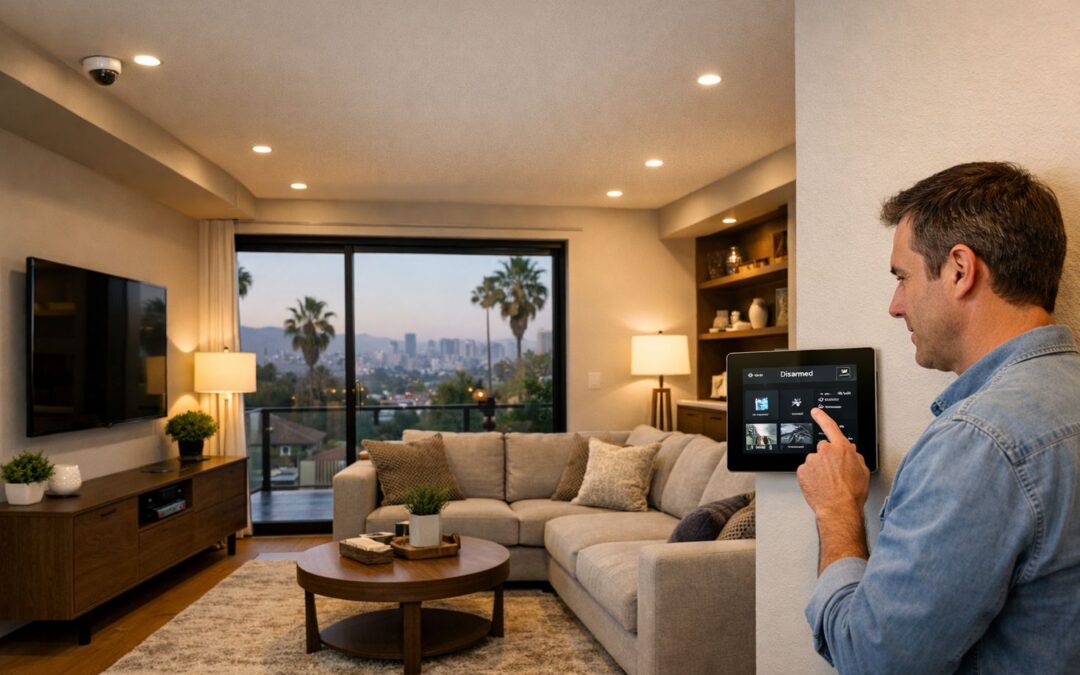
Most homeowners assume that once cameras are installed, they will automatically get clear security camera footage when something happens. In reality, many systems record video that is too dark, too blurry, too far away, or too difficult to access when it matters most. That is why the real value of a camera system is not just having cameras on the house, but whether the footage is actually useful as evidence.
For homeowners in Los Angeles, that difference matters. A camera may capture motion, but if poor placement, weak lighting, unreliable connectivity, or limited storage gets in the way, the recording may not help identify a person, vehicle, or sequence of events. Useful footage depends on more than the device itself. It comes from the right combination of camera choice, installation quality, settings, and system design.
In this article, we will look at what makes recorded video truly valuable, including image clarity, access, storage, and the setup decisions that determine whether your system protects your home or simply gives the appearance of security.
What Counts as Good Security Camera Footage?
Good security camera footage is not just video that records—it is video you can actually use. That means the image is clear enough to identify what happened, the camera covers the right area, and playback is easy to access when you need it. For homeowners comparing wireless security cameras or outdoor systems, the goal is to match image quality to the job the camera needs to do.
A few basic terms help define quality. Resolution affects how sharp the image looks. Field of view describes how wide an area the camera can see. Frame rate influences how smoothly motion is captured, which matters when someone walks quickly across a driveway or a car passes by. Night vision helps in low light, while retention refers to how long footage is stored before it is overwritten or deleted.
Clarity vs. coverage
A wide-angle camera can watch more of a front yard, gate, or driveway, but wider coverage often means less detail on faces or license plates. In other words, seeing everything is not the same as seeing enough. A front door camera may need tighter framing for visitor identification, while a driveway camera may need a broader view to track vehicle movement. If you are weighing features, this wireless smart security camera guide can help compare options.
Day and night performance
Outdoor footage also has to handle real conditions. Even in Los Angeles, glare, deep shadows, porch lights, headlights, and motion at night can reduce useful detail. Good footage keeps subjects visible without washing out bright areas or blurring movement. The best setup balances lighting, placement, and settings so recorded video stays useful both during the day and after dark.
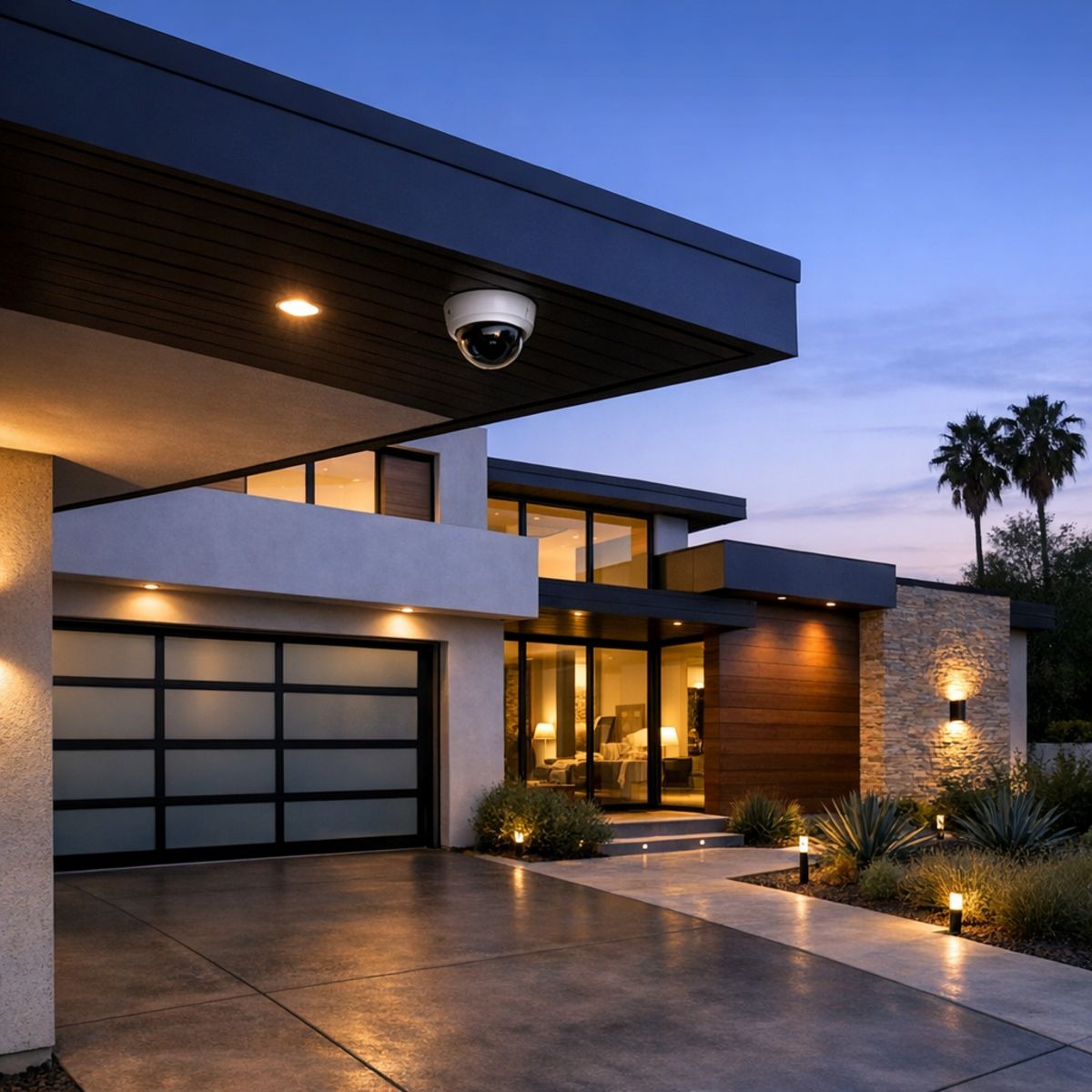
Why Better Footage Improves Home Security
Better video does more than record what happened. It helps homeowners understand events quickly, respond with confidence, and feel more in control of daily activity around the property. With clearer clips, it becomes easier to verify deliveries, confirm who approached the door, check when children arrived home, or review unusual movement without second-guessing what you are seeing.
That clarity also reduces false alarms and uncertainty. Instead of wasting time reviewing blurry footage, you can identify whether an alert was caused by a visitor, a service provider, wildlife, or something that truly needs attention. This makes security camera installation in Los Angeles more valuable because the system supports faster incident review, stronger deterrence, and easier event tracking.
Everyday convenience, not just emergencies
For many households, the biggest benefit is everyday peace of mind. Clear footage helps you check package drop-offs, monitor gate activity, confirm service visits, and see who came by while you were away. When video is easy to review, home surveillance becomes a practical tool for daily awareness, not just emergency evidence.
More value in a connected home
Footage quality becomes even more useful when cameras are part of an integrated smart home system. Alerts sent to your app, dependable remote access, and coordinated lighting can improve responsiveness and visibility the moment something happens. In that kind of setup, better footage supports smarter decisions, faster verification, and a more seamless home security experience.
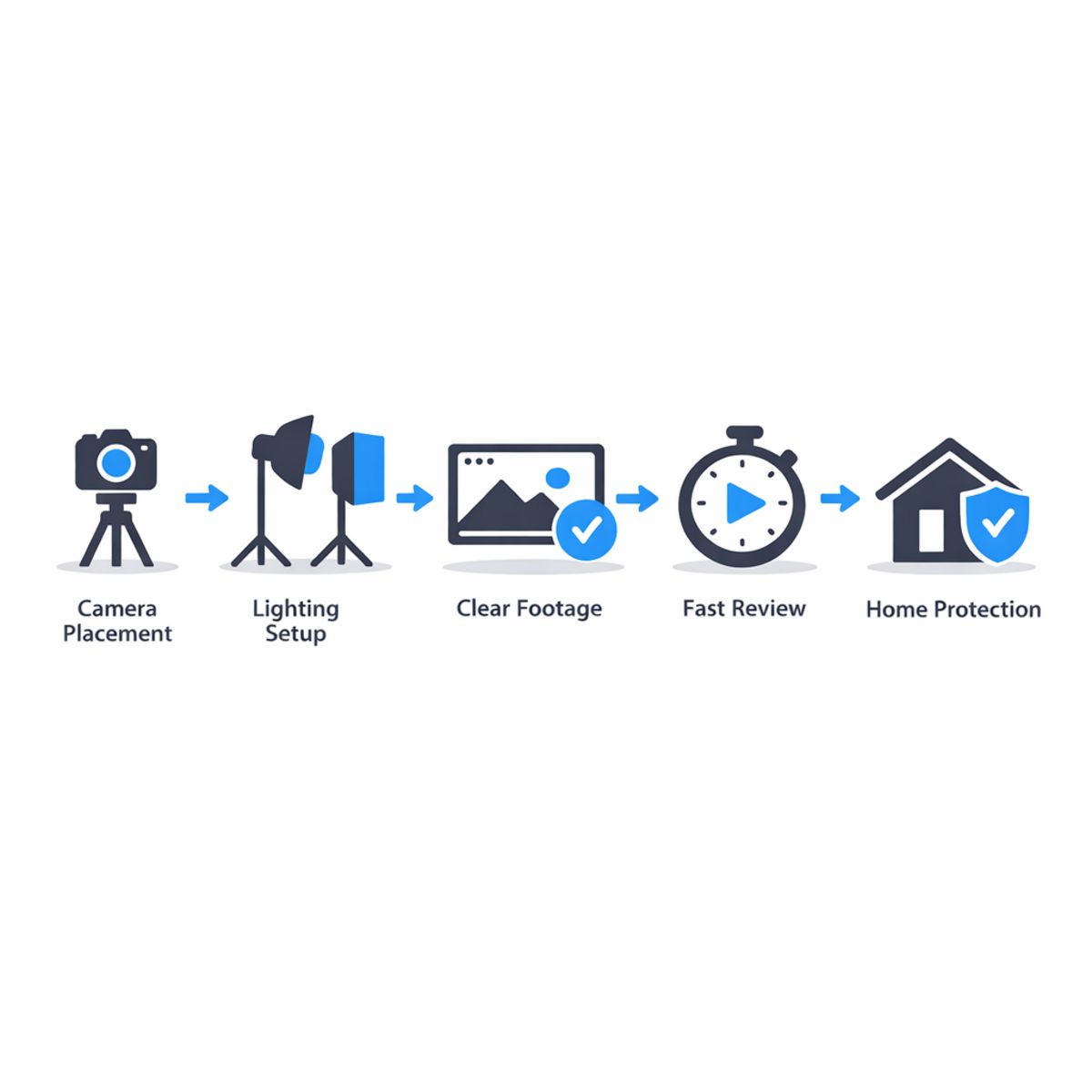
What Affects Security Camera Footage the Most
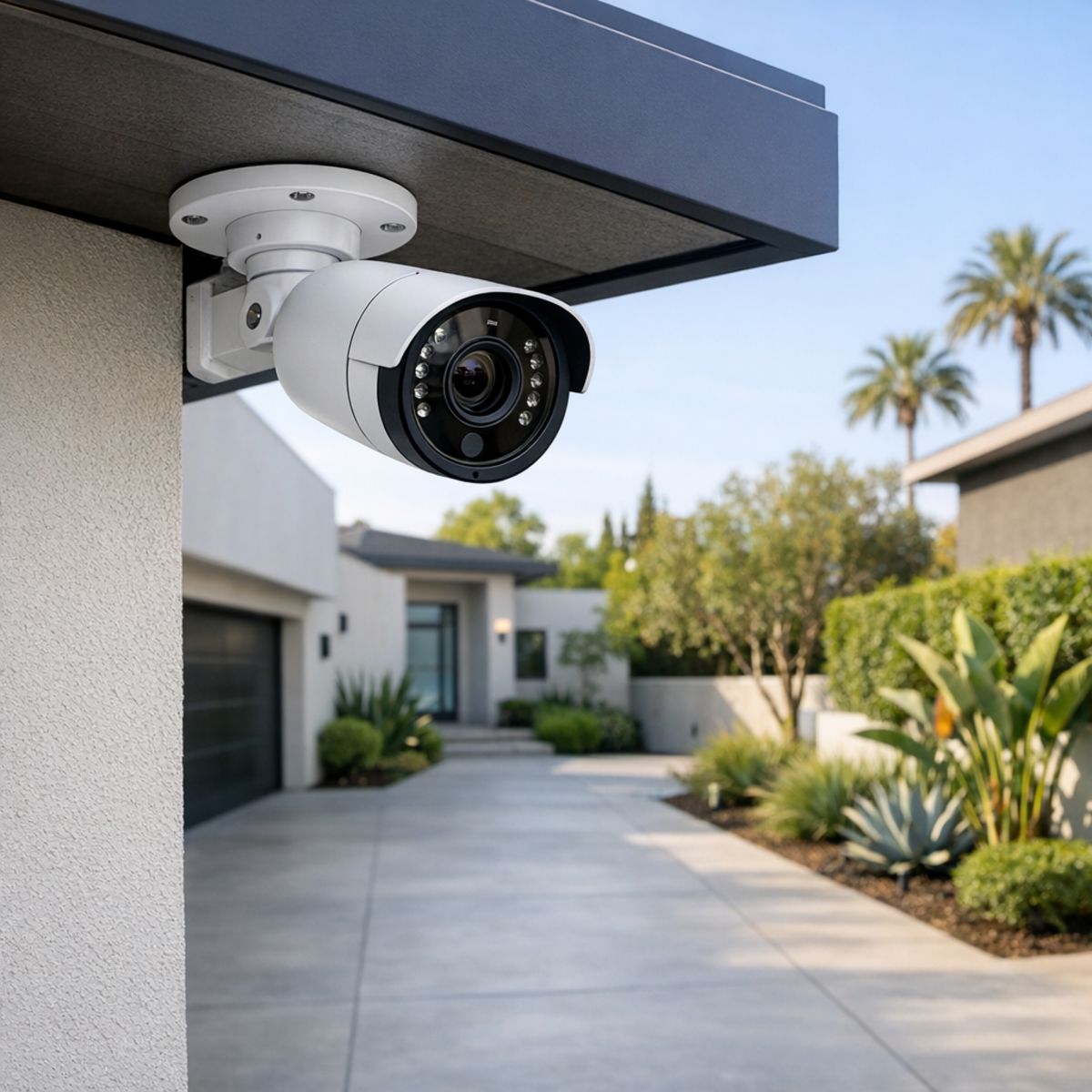
The quality of security camera footage depends on more than the camera itself. In most homes, the biggest differences come from where the camera is installed, how much usable light it gets, and whether the system can reliably record and store video when motion happens. For homeowners comparing outdoor and wireless smart home security cameras, these factors often matter more than a simple spec sheet.
Placement and viewing angle
Placement is usually the first factor to get right. A front door camera needs a different lens angle and mounting height than one covering a driveway, side yard, or gate. If a camera is mounted too high, you may capture the top of a person’s head instead of a clear face. Too low, and it may be easier to tamper with or block. Clean sightlines also matter. Trees, decorative columns, parked cars, and fences can all create blind spots. Good security camera installation balances coverage area with detail, so the footage is actually useful when you need it.
Lighting and night visibility
Lighting has a major effect on footage quality, especially outdoors. Bright backlighting from the street or a sunset can turn a subject into a silhouette. At night, porch lights and landscape lighting can improve color and clarity, while poorly lit areas may force the camera to rely on infrared, which has range limits and can flatten detail. Weather can also affect visibility, so homeowners researching weather resistant security cameras for Los Angeles should consider glare, rain, and changing daylight conditions along with camera specs. Resolution and frame rate matter too, but they work best when the lighting supports them. Motion settings should also be tuned so the camera records enough pre-roll and event length instead of clipping important activity.
Connectivity and storage reliability
For wireless security camera installation, network strength is critical. Weak signal, interference, or inconsistent bandwidth can lead to delayed alerts, lower video quality, or missed recordings. That is why it helps to understand what affects home WiFi speed before choosing camera locations. Battery-powered models can also miss activity if power-saving settings are too aggressive. Finally, storage method and retention settings shape long-term reliability. Whether footage is stored locally, in the cloud, or both, short retention windows or overwritten clips can leave gaps when reviewing an incident later.
Wired vs. Wireless Cameras: Which Delivers Better Footage?
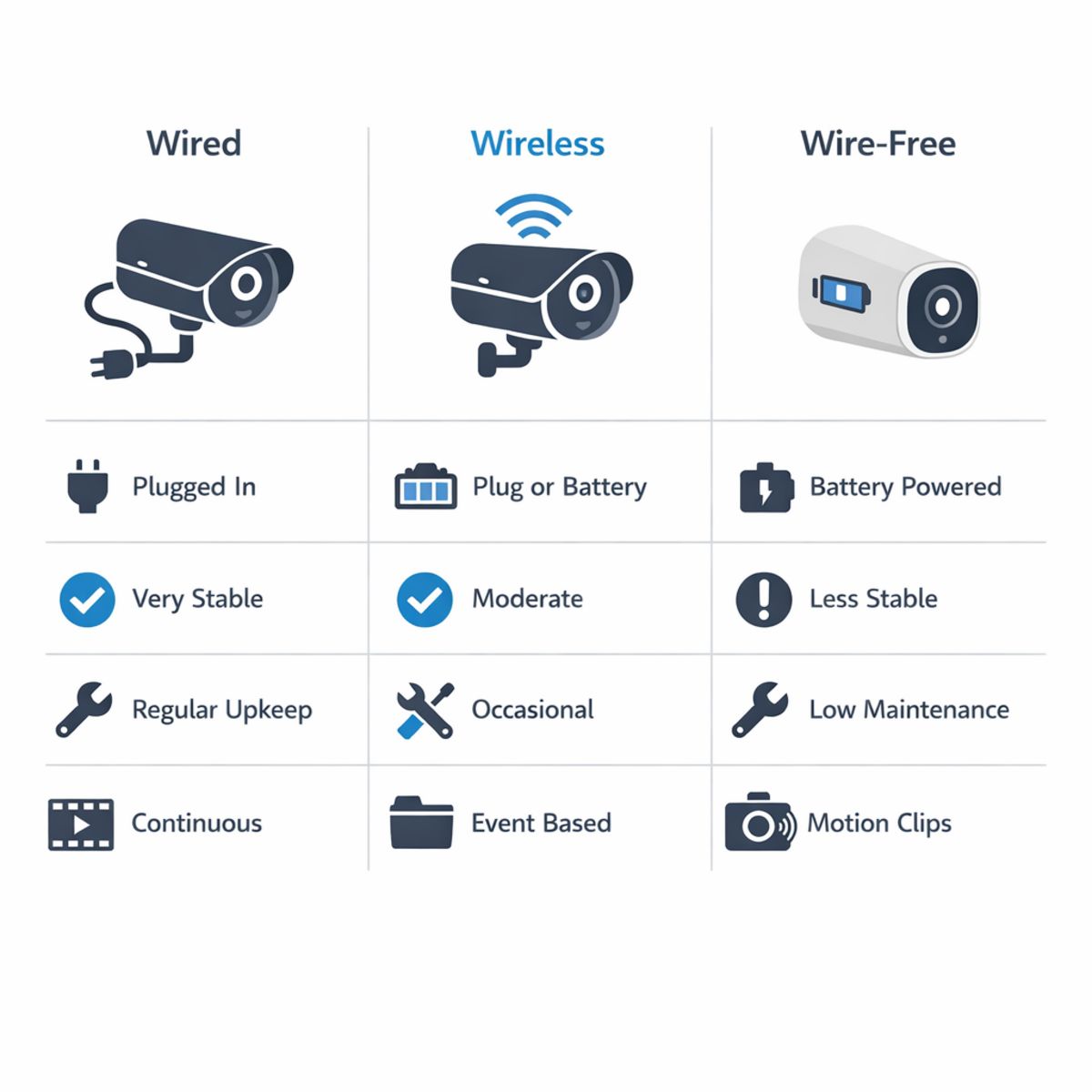
When comparing camera types, footage quality is not just about resolution. Reliability depends on how each system handles power, signal strength, recording method, and daily use. In many homes, wired cameras offer the most consistent video because they have stable power and a direct connection path. Wireless cameras can still deliver excellent results, but they depend more on Wi-Fi strength and thoughtful placement. That is why the best outdoor security camera system usually comes down to property layout, coverage goals, and how much maintenance you want to manage.
Where wireless cameras make sense
Wireless cameras are popular for retrofits because they reduce cabling and allow more flexible placement around entry points, garages, and backyards. For many homeowners, they are a practical way to add app-based monitoring without major construction. A wireless setup can work especially well when the home already has strong network coverage outdoors and the cameras are installed in locations with reliable power. For homeowners exploring custom security camera solutions in Los Angeles, system design often matters more than whether a product is marketed as wired or wireless.
Where wire-free setups can struggle
Wire-free security cameras outdoor setups are convenient, but they can involve tradeoffs. Because they run on batteries, they may need regular charging and often rely on motion-triggered clips instead of continuous recording. That can affect footage consistency during busy periods or in areas with frequent activity. Outdoor security camera wire free systems also depend heavily on network stability, which can be a challenge at gates, detached garages, or long side yards. In short, wire-free security cameras outdoor options work well for lighter-duty coverage and flexible placement, while wired or hybrid systems are often better for homes that prioritize steady recording, lower maintenance, and dependable footage over time.
How to Improve Security Camera Footage at Home
Improving security camera footage at home usually starts with a few simple checks rather than replacing your system. If your clips look unclear, miss important activity, or load slowly, a step-by-step review can often improve both image quality and day-to-day performance. Homeowners comparing options may also find this guide to wireless smart security cameras helpful for understanding what affects results over time.
Step 1: Review what each camera actually sees
Start by checking recorded clips, not just the live view. Look at whether faces, packages, gates, driveways, and vehicles are visible where they matter most. A camera may seem well placed during setup but still miss key details because it is mounted too high, pointed too wide, or blocked by trim, plants, or glare. Make small angle changes and review new clips afterward, especially during the times of day when activity usually happens.
Step 2: Adjust lighting, motion zones, and recording settings
Clean the lens first, since dust and water spots can soften the picture more than many people realize. Then review nearby lighting. Porch lights, landscape lights, and even reflections from windows can affect nighttime clarity. If your system allows it, tighten motion zones so trees, passing traffic, or shadows do not create constant false alerts. Also check recording quality settings and review night footage to confirm the camera is capturing useful detail instead of only bright hotspots or dark silhouettes.
Step 3: Confirm network strength and footage retention
Finally, test app playback and make sure clips load reliably on your phone. Weak WiFi can cause delayed notifications, dropped connections, or missing footage even when the camera itself is fine. It is also worth checking how long recordings are stored before they are overwritten. Seasonal reviews help too, especially for outdoor cameras affected by weather, foliage growth, or changing light. If problems continue, the issue may be placement, coverage design, or network performance rather than the camera alone.
When Is It Worth Upgrading Your Camera Setup?
If your current system still captures clear, reliable footage in the areas that matter most, optimization may be enough. Better camera placement, stronger network coverage, and smarter recording settings can often improve results without replacing everything.
An upgrade becomes worth considering when the problems are consistent: dead zones around key entry points, weak WiFi that causes dropouts, poor night video, limited storage retention, or footage that simply does not provide useful detail when you need it most. These issues usually point to a mismatch between the system and the property rather than a small settings problem.
Signs your current setup is falling short
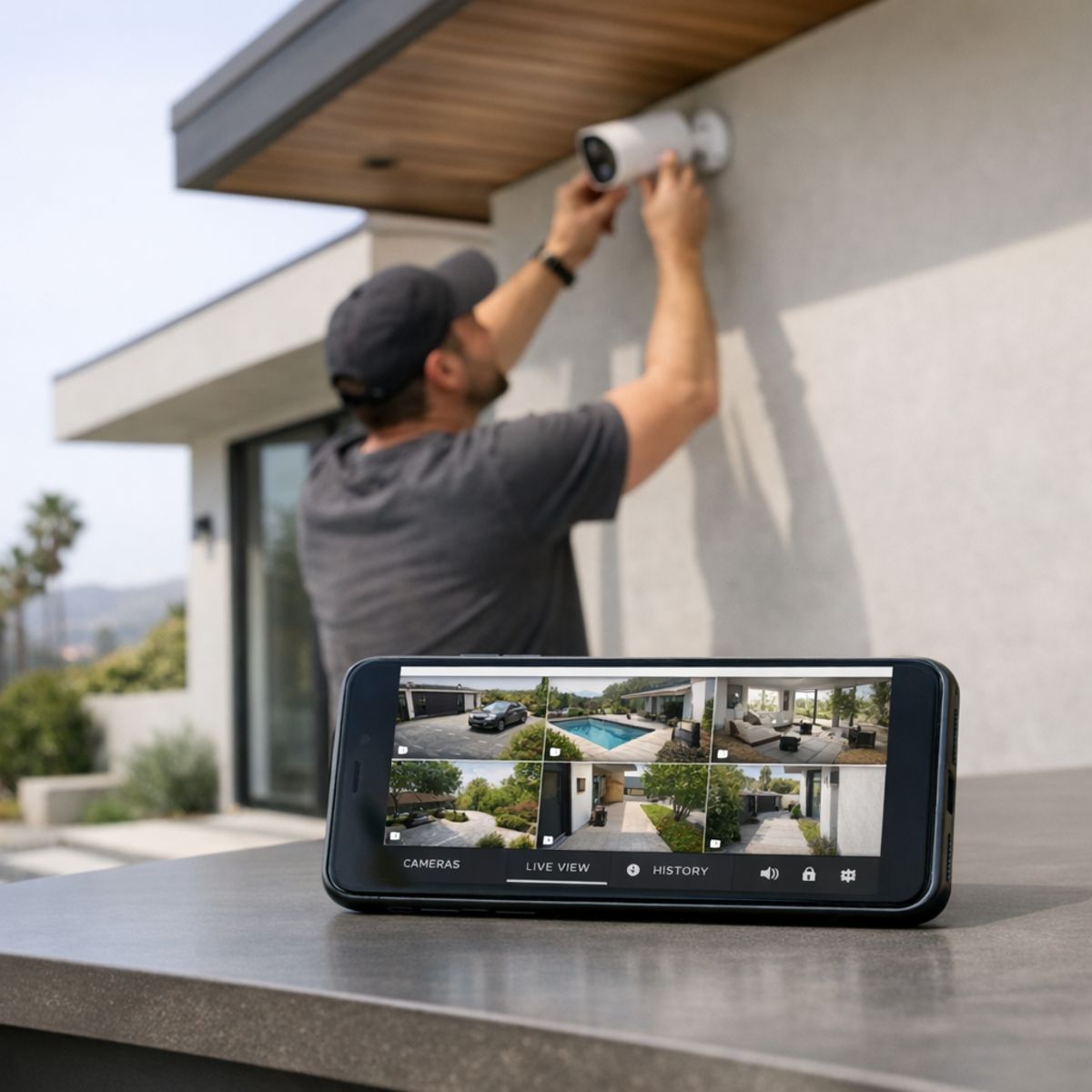
If you have added devices over time but still have coverage gaps or unreliable performance, a strategic upgrade is often more effective than adding random equipment. In many homes, the best next step is to upgrade with professional camera installation based on your layout, lighting conditions, and security goals.
Frequently Asked Questions About Security Camera Footage
How can I make my security camera footage clearer?
Start with the simplest fixes: clean the lens, check for smudges or spider webs, and make sure the camera is aimed at the right area. Better lighting, less backlight, and reviewing resolution or bitrate settings can also improve security camera footage. For Los Angeles homes, placement that avoids direct sun glare is especially important.
Do wireless security cameras record all the time?
Some wireless security cameras support continuous recording, while others record only when motion is detected. The answer depends on the camera model, power source, storage setup, and whether battery-saving features are enabled. Homeowners should confirm recording mode before assuming footage is being captured 24/7.
What affects outdoor camera footage at night?
Night footage is often affected by glare from porch lights, deep shadows, limited infrared range, and motion blur from fast movement. Dirty lenses and poor camera angles can also reduce detail after dark. A well-placed camera with balanced lighting usually produces more useful nighttime footage.
How long should security camera footage be stored?
Storage length depends on your goals, available space, and how often the system records events. Many homeowners want enough history to review deliveries, visitors, or suspicious activity without filling storage too quickly. A practical retention plan should balance footage usefulness, video quality, and storage cost.
Is professional wireless security camera installation worth it?
For many homeowners, professional installation is worth it because placement, Wi-Fi strength, and system setup all affect footage reliability. A properly installed system can reduce blind spots, improve recording consistency, and make playback easier when an incident happens. It can be especially helpful for larger homes or more complex outdoor coverage.
Get a Camera System Designed for Better Footage
Better footage usually comes from better system design, not just adding more cameras. Smart Home LA helps homeowners in Los Angeles plan for stronger coverage, cleaner angles, reliable networking, and seamless integration with the rest of the home. If you want a setup tailored to your property, we can help you think through placement, performance, and professional security camera installation options in a practical way.
Contact the team
Final Thoughts on Getting More From Your Camera System
Getting useful security camera footage comes down to more than having cameras in place. Clear, reliable video depends on smart placement, adequate lighting, stable connectivity, and enough storage to preserve the moments that matter.
The real goal is usable footage when you need it most. Take a fresh look at your current system and ask whether the video it captures is truly clear, consistent, and helpful in a real-world situation.