
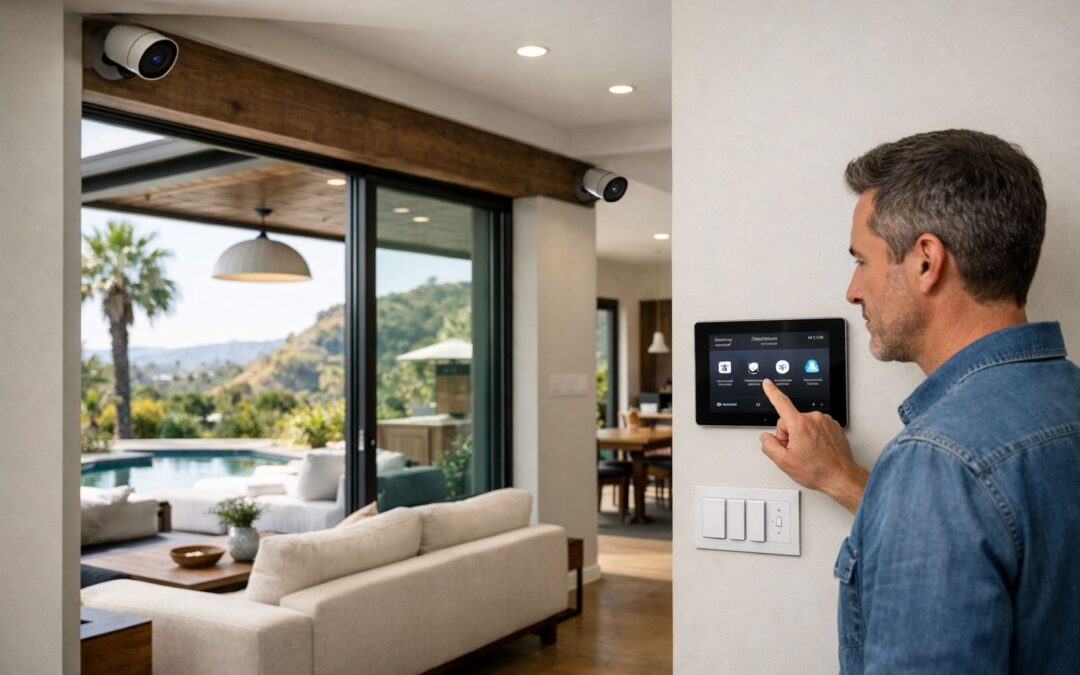
Weather resistant security cameras are an important consideration for homeowners in Los Angeles because outdoor conditions can be harder on electronics than they first appear. Even in a generally mild climate, cameras may be exposed to intense sun, heat, dust, coastal moisture, sprinkler overspray, and occasional rain. Those factors can affect day-to-day performance, image clarity, and how long a camera continues working reliably.
Weather resistance is not just about whether a camera turns on after a storm. It also influences how well the housing protects internal components, how stable the connection stays, and whether the lens and sensors keep delivering clear footage over time. For outdoor setups, placement and exposure matter just as much as the product label.
In this guide, we’ll look at the features that matter most before buying or installing a system, including enclosure ratings, mounting location, power and connectivity needs, and how well cameras integrate with the rest of your home security setup.
What Makes a Security Camera Weather Resistant?
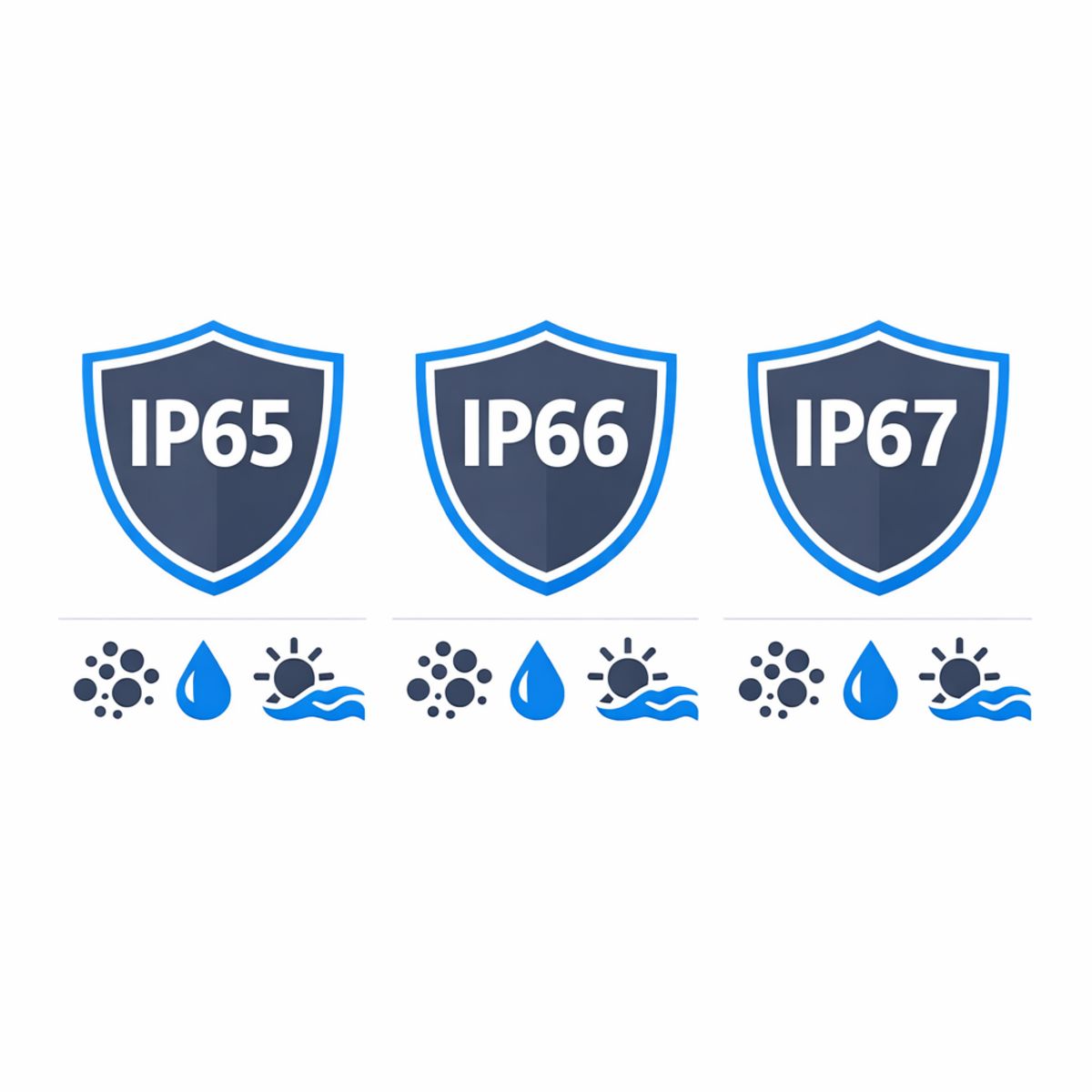
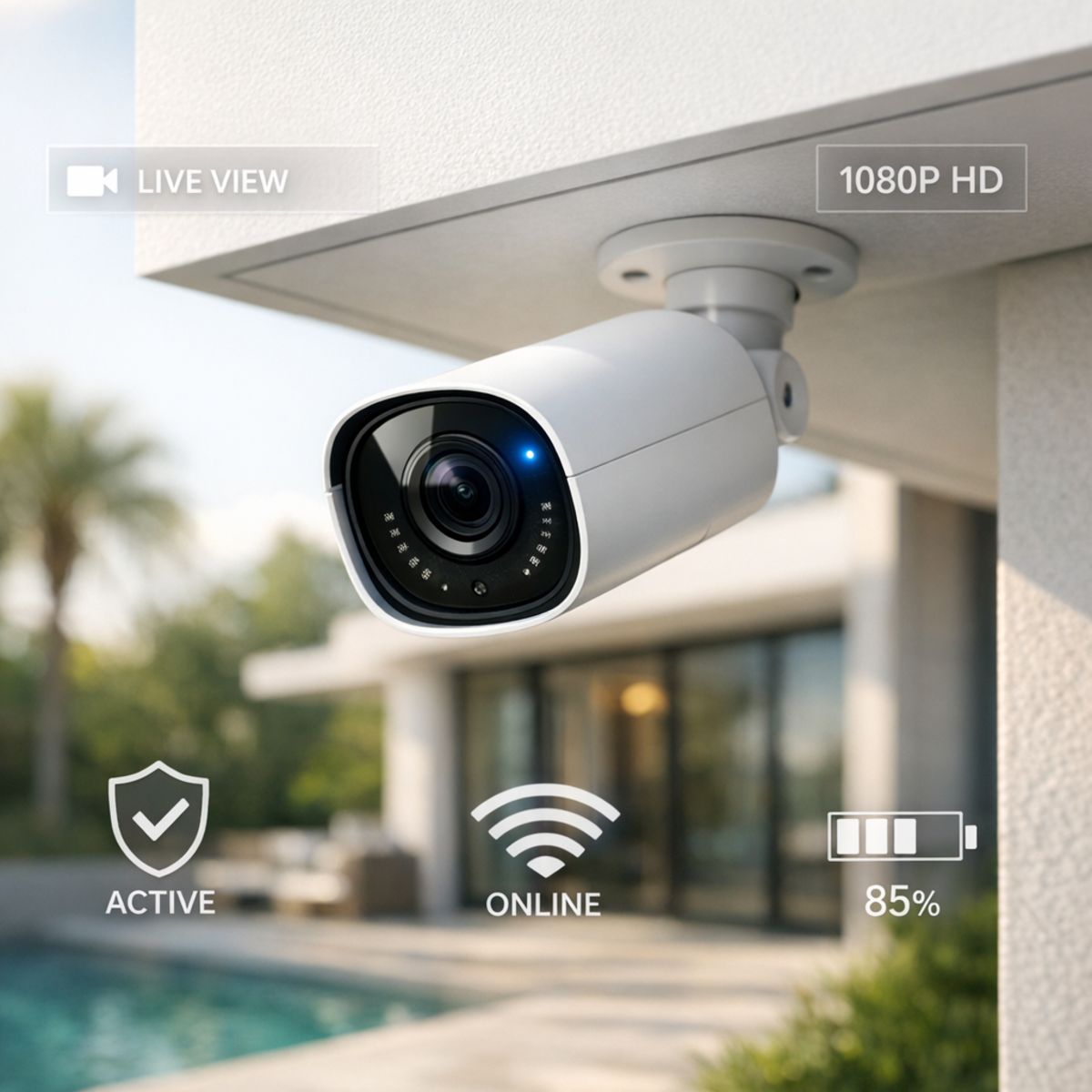
A weather resistant security camera is designed to keep working when it faces dust, rain, heat, and changing outdoor conditions. In practical terms, that usually starts with the camera’s IP rating, which tells you how well the enclosure resists solids and moisture. For many homes, outdoor models begin around IP65 or IP66 because those ratings indicate meaningful protection against dust and water exposure.
IP ratings explained simply
The “IP” in IP65, IP66, or IP67 stands for ingress protection. The first digit refers to protection against solids like dust, while the second digit refers to water resistance. IP65 generally means the camera is dust tight and can handle water jets or heavy rain. IP66 offers a similar dust seal with stronger water resistance. IP67 adds protection for temporary immersion, but that does not automatically mean a camera is ideal for every exposed outdoor location. If you want more background on comparing camera types, this modern CCTV and smart camera guide can help put those specs in context.
Why the rating is only part of the story
A weather resistant label is not the same as a blanket “weatherproof” claim. Real-world performance also depends on enclosure sealing, lens protection, housing quality, and the operating temperature range listed by the manufacturer. A camera mounted under an eave may face less stress than one exposed to direct sun, wind-driven rain, or coastal salt air. UV resistance helps prevent cracking or fading over time, while corrosion-resistant finishes and sturdy mounting hardware matter in humid or coastal environments.
In short, buyers should look beyond the headline rating. Check whether the housing feels built for outdoor use, whether the lens area is protected, and whether brackets, screws, and seals are made to last. Those details make it easier to judge whether a camera is truly suited for year-round outdoor security.
Benefits of Choosing the Right Outdoor Camera System
Choosing the right outdoor camera system delivers benefits that go well beyond a spec sheet. For Los Angeles homeowners, a properly rated setup can mean more dependable performance through heat, sun exposure, dust, and occasional rain, with fewer interruptions when you want to check live video or review an event. That translates into clearer footage, more reliable alerts, and less frustration in day-to-day use. It also helps protect your investment by reducing premature wear, moisture-related issues, and unnecessary maintenance over time.
Reliability and longer service life
A well-designed exterior camera installation is built for consistent operation, not just short-term performance. Better placement, weather resistance, and discreet mounting under eaves or along architectural lines can support stable video quality while preserving curb appeal on upscale homes, hillside properties, and modern residences. Homeowners often gain more confidence from a system that stays online, captures usable footage, and needs fewer service calls over the years.
Smarter daily use for busy households
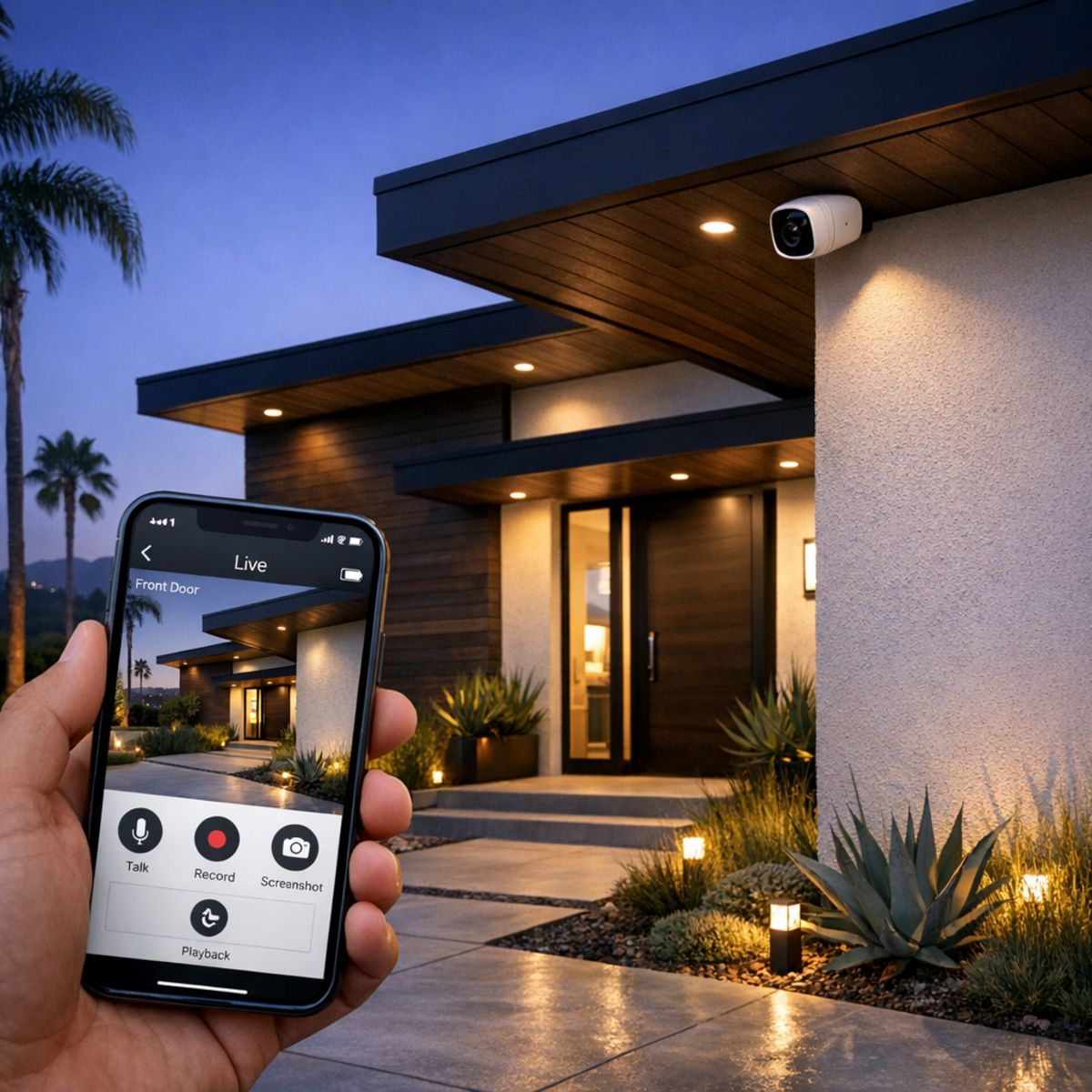
The right smart outdoor security camera also adds everyday convenience. Remote viewing, motion notifications, and package monitoring are more useful when the camera is positioned and protected correctly. Many homeowners also value how these systems can complement lighting and automation routines, creating a more connected lifestyle. If you are exploring security camera installation in Los Angeles, focusing on long-term reliability and smart-home compatibility can lead to better usability, stronger peace of mind, and a cleaner final look around the home.
Wired, Wireless, and Wire-Free Outdoor Cameras: Which Fits Best?
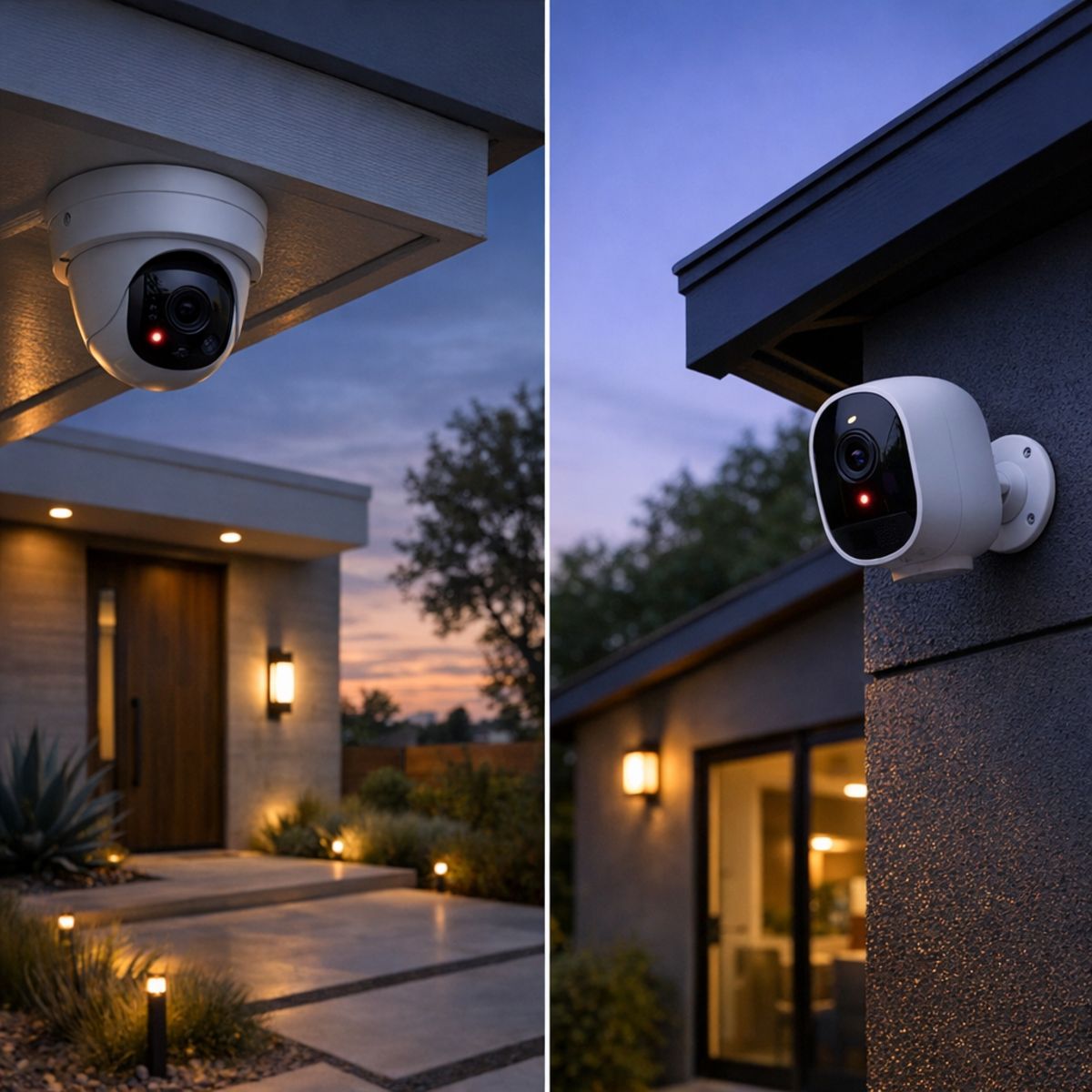
The terms wired, wireless, and wire-free often get used interchangeably, but they do not mean the same thing. Many wireless smart home security cameras send video over WiFi while still needing a power cable. By contrast, an outdoor security camera wire free setup usually refers to a battery-powered unit with no power or data cable at the mounting point. Understanding that distinction helps homeowners choose a system that fits the property instead of choosing based on a label alone.
For Los Angeles homes with long driveways, side yards, gates, or detached garages, the best option depends on coverage goals, recording expectations, and how practical installation will be.
When wired cameras are the stronger choice
Wired cameras are usually the better fit when you want continuous power, dependable recording, and a stable setup across multiple camera locations. They work especially well for larger homes, perimeter coverage, and areas like front entries or driveways where 24/7 visibility matters. Installation takes more planning because cable routes need to be considered, but that added effort often pays off in long-term reliability.
When wire-free cameras make sense
Wire free security cameras outdoor can be a smart choice for rentals, detached structures, or spots where running cable would be difficult or disruptive. They offer flexibility for monitoring a gate, backyard corner, or detached garage without major installation work. The tradeoff is that battery maintenance, recharge schedules, and recording limits need to be part of the plan. Readers comparing options may also find this wire free security camera guide helpful for understanding those tradeoffs in more detail.
Why many homes benefit from a hybrid setup
In practice, many properties benefit from a hybrid approach. Hardwired cameras can cover the most important perimeter zones for continuous recording, while selective wireless smart home security cameras or battery units fill in harder-to-reach areas. This can be a practical solution for Los Angeles homes that need strong coverage at the front of the property while adding flexible monitoring around side yards, gates, or detached spaces.
How to Choose and Place Weather Resistant Security Cameras
Choosing weather resistant security cameras starts with a simple plan, not just a product comparison. For many Los Angeles homes, the best results come from mapping outdoor activity first, then selecting features that fit each location. If you are comparing models, these smart home security cameras buying tips can also help narrow your options before you install anything. Whether you are planning a DIY setup or wireless security camera installation with professional help, the goal is clear footage in the places that matter most.
1. Assess the property layout
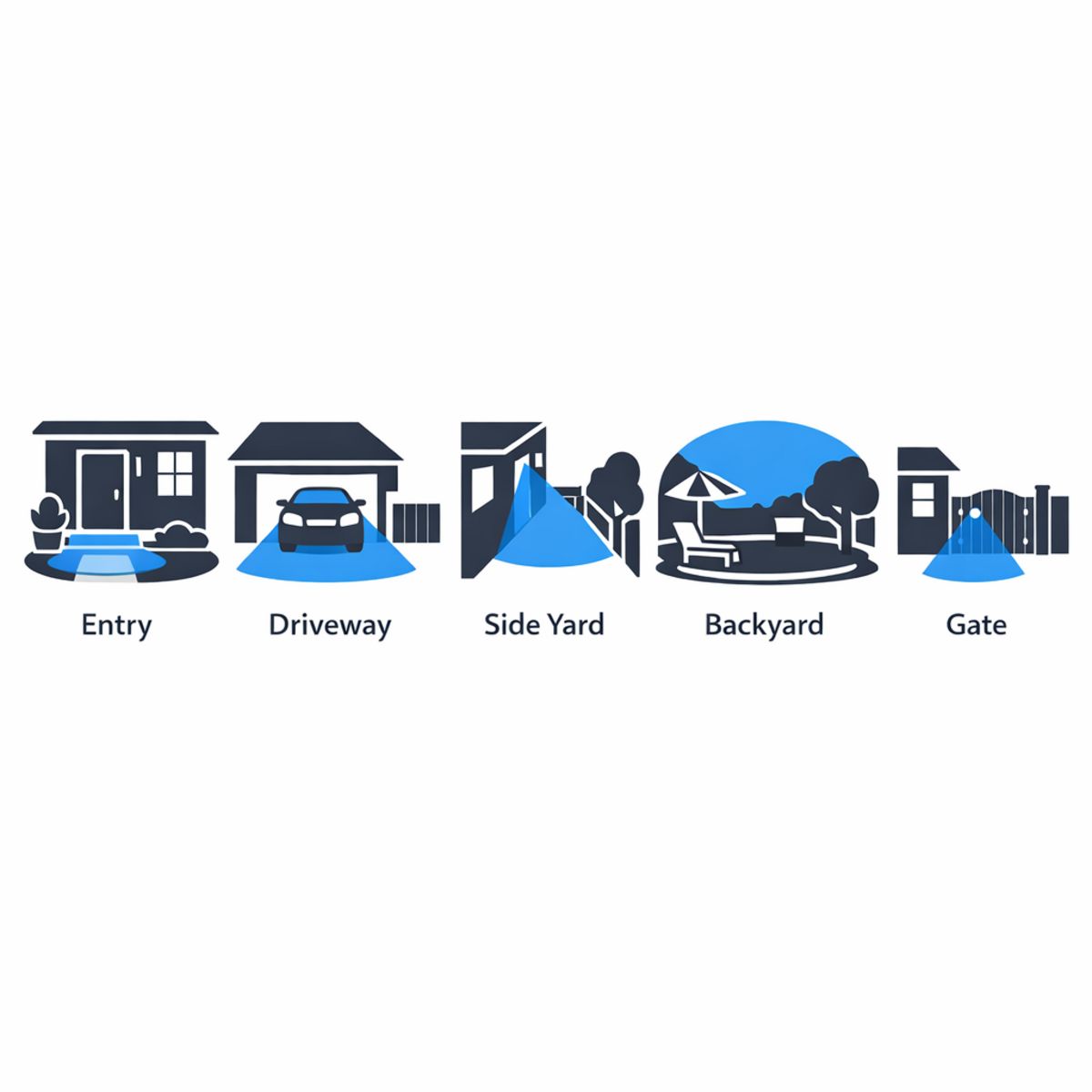
Start by walking the perimeter and listing vulnerable zones: front door, driveway, side yard, rear access, garage, gate, and package drop areas. In many Los Angeles neighborhoods, narrow side paths and detached garages are easy to overlook, but they often need coverage just as much as the main entry. Note where people approach the home, where cars park, and where lighting changes at night.
2. Match camera style to the location
Choose camera types based on what each zone needs to capture. A bullet camera can work well for a driveway or long side yard because it points clearly down a path. A dome or turret camera may suit covered entries where you want a wider view. Floodlight cameras can help at dark rear access points, while compact wire-free units may fit gates or spots where wiring is difficult. Match the viewing angle, recording needs, and power source to the space rather than using the same model everywhere.
3. Confirm power and connectivity
Before buying, check outlet access, low-voltage routes, or PoE possibilities. If you prefer wireless models, test WiFi strength where each camera will go, not just inside the house. Also review storage options, app compatibility, smart alerts, operating temperature, and the IP rating so the camera can handle outdoor exposure reliably.
4. Optimize placement for better footage
Mount cameras high enough to discourage tampering, but not so high that faces become hard to identify. Aim to reduce glare from afternoon sun, porch lights, windows, or reflective walls. A slight angle adjustment can also reduce false alerts from passing cars or tree movement. Focus on usable footage with minimal blind spots, especially at entries, gates, and the driveway.
What Affects Cost and Installation Complexity?
The scope of a camera project depends less on a single product choice and more on how the whole system needs to work in the home. For many homeowners researching Los Angeles security camera installation service, the biggest budget and planning differences come from camera count, where each device will be mounted, how power and data will reach it, and whether the system is meant for simple monitoring or broader smart-home integration.
Main cost drivers
More cameras usually mean more labor, more configuration, and more storage needs. Wiring paths can also change complexity significantly, especially when routes involve attics, exterior walls, finished surfaces, or long distances back to recording hardware. Mounting on brick, stucco, eaves, or other challenging surfaces may require additional planning. In a cctv installation, recording equipment, retention preferences, and network reliability all affect the final scope.
DIY versus professional installation
A basic smart camera installation may be manageable for a homeowner if the setup is small, uses easy mounting locations, and relies on a straightforward app ecosystem. But wireless security camera installation still requires planning for signal strength, power access, notification settings, and device placement that avoids blind spots. Professional help becomes more valuable when the project includes multiple coverage zones, hidden wiring, recording hardware, remote access setup, or integration with alarms, locks, lighting, or other smart-home systems.
Features to Look for in the Best Outdoor Security Camera System
A practical feature checklist
- Prioritize clear image quality, strong night vision, and dependable weather resistance for around-the-clock coverage.
- Look for person detection and motion alerts that reduce false notifications and make events easier to review.
- Two-way audio adds convenience for deliveries, visitors, and quick communication when you are away.
- Compare local and cloud storage carefully so you understand ongoing costs, retention, and access options.
- Check app usability and network reliability, including what WiFi means for performance.
- Smart-home compatibility matters if you want cameras to work smoothly with lighting, locks, or voice control.
- The best outdoor security camera system depends on your property layout, coverage zones, and integration goals, not just one standout spec.
Frequently Asked Questions
Are weather resistant security cameras good enough for Los Angeles weather?
Yes, in most cases they are. Los Angeles usually has mild weather, but outdoor cameras still need to handle heat, sun exposure, dust, and occasional rain. A weather-resistant model with proper placement under eaves or other cover is often a practical choice.
What IP rating should an outdoor home security camera have?
For many homes, IP65 or higher is a solid starting point. That rating generally indicates protection against dust and water spray. Even with a good rating, placement still matters, especially near sprinklers, direct sun, or exposed rooflines.
Are wireless smart home security cameras reliable outdoors?
They can be, but reliability depends more on signal strength, power source, and installation location than on the word “wireless.” Some wireless cameras still use wired power, while wire-free models rely on batteries. Stable connectivity and clear placement are key.
Do wire free security cameras outdoor need strong WiFi?
Yes. Wire-free outdoor cameras usually need a dependable WiFi signal to send alerts, stream video, and save footage to the cloud or app. Weak signal can cause delays, dropped connections, or lower video quality, especially at the edge of the property.
Where should outdoor cameras be installed around a home?
Common locations include front doors, driveways, garages, side gates, and backyard entry points. Cameras should be mounted high enough to reduce tampering but low enough to capture useful detail. Avoid aiming directly into bright sun or toward a neighbor’s private space.
Is professional installation worth it for outdoor cameras?
It can be worth it if you want better placement, cleaner wiring, stronger network planning, and smoother system integration. DIY installation may work for simple setups, but professional help can improve coverage and long-term performance for larger or more complex homes.
Ready to Plan Outdoor Camera Coverage?
If you want help choosing weather resistant security cameras for your property, our team can guide you through the next step. We can help with camera placement, wiring, smart integration, and installation planning in Los Angeles, so your setup fits your home and coverage goals without adding pressure or confusion.
When you are ready for practical recommendations and professional support, Contact the team for outdoor camera planning and installation support.
Final Thoughts on Choosing Outdoor Cameras
Choosing the right outdoor camera comes down to a few practical essentials: the right IP rating for weather exposure, smart placement for clear coverage, dependable power, stable connectivity, and smooth integration with the rest of your system. In most cases, long-term performance depends more on matching these details to the space than on picking a single standout feature.
What matters most
The best setup is the one that fits your property layout, daily routine, and security priorities. Durable hardware, thoughtful positioning, and strong overall system design will usually deliver better results than chasing specs alone. By focusing on how and where the camera will actually be used, you can choose outdoor cameras with more confidence and build a system that feels reliable, practical, and well suited to your needs.