
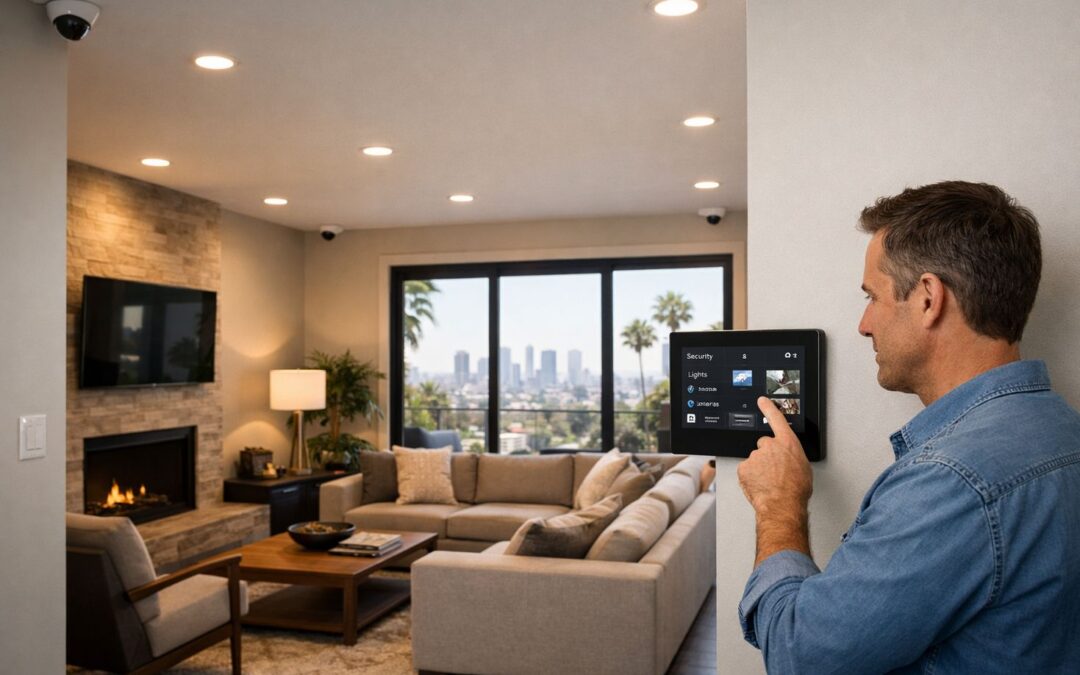
CCTV installation is the process of designing, placing, connecting, and configuring cameras for reliable property monitoring. In modern homes, that no longer means choosing a few standalone cameras and hoping for the best. Today, CCTV often overlaps with IP-based and app-connected systems that let homeowners view footage remotely, receive alerts, and connect security with the rest of a smart home setup.
Before installation, many homeowners compare wired, wireless, and smart security camera options to find the right balance of performance, convenience, and long-term reliability. The best setup depends on more than camera quality alone. Coverage, connectivity, storage, integration with other devices, and the value of professional setup all shape how well a system works in daily life.
This guide looks at CCTV as part of a connected home security strategy, helping you make clearer planning and buying decisions from the start.
What this guide covers
You’ll learn how modern CCTV cameras work, how to choose between different system types, what the installation process typically involves, and when professional help makes practical sense.
What CCTV Installation Means Today
Today, CCTV installation usually means much more than a few basic cameras and a recorder. For most homeowners, it refers to a connected home security camera system that can capture higher-resolution video, store footage locally or in the cloud, and allow app-based monitoring from almost anywhere. If you want a clearer explanation of what CCTV means in modern systems, it helps to think of today’s setups as smart security ecosystems rather than old-style standalone surveillance.
Analog, IP, and smart camera platforms
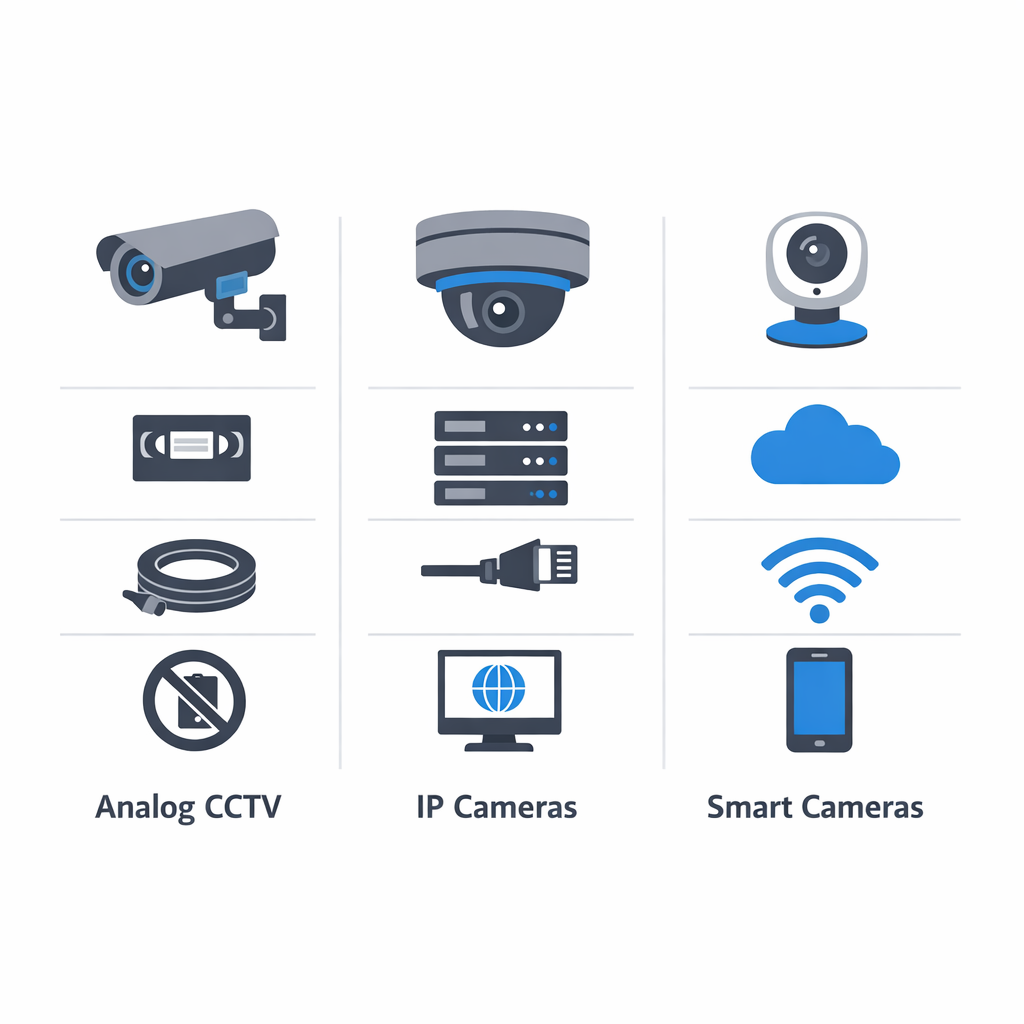
Legacy analog CCTV cameras typically send video to a DVR, which records footage from coax-connected cameras. Modern IP cameras, by contrast, send digital video over a network to an NVR or other storage platform, often delivering sharper images, better remote access, and easier expansion. A wireless smart security camera may connect through Wi-Fi and cloud services, making it simple to check live views, receive alerts, and manage settings from a phone. In many homes, CCTV installation now blends traditional security goals with smart home convenience.
The core parts of a complete system
A complete system can include wired PoE cameras, wireless cameras, video door stations, storage through an NVR or DVR, network connectivity, power, and mobile access. App-based monitoring lets users review clips, talk through supported devices, and receive motion notifications. An ip camera viewer might be a dedicated mobile app, a wall-mounted touchscreen, or an integrated smart home interface. In practical terms, modern CCTV installation is about creating a reliable, easy-to-use camera system that fits how people live today.
Why Thoughtful CCTV Installation Delivers Better Security
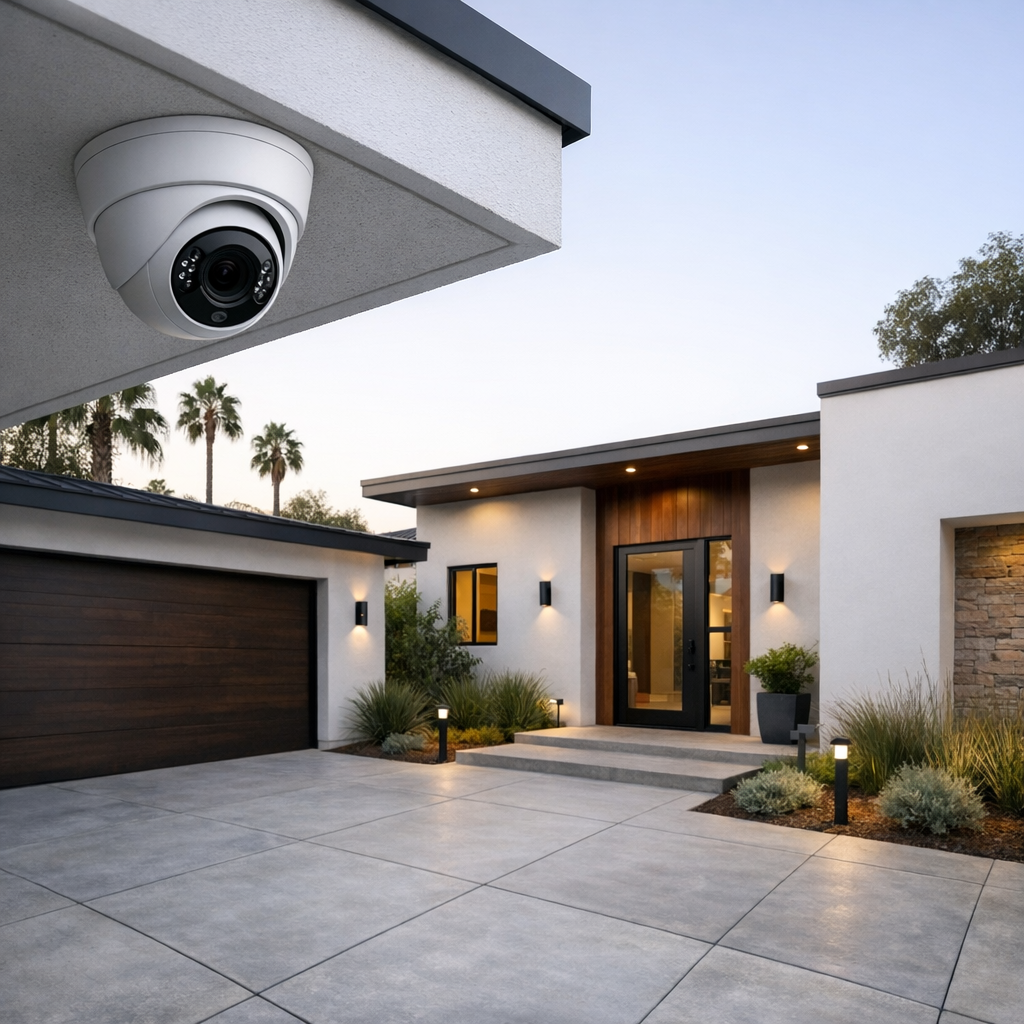
A strong CCTV setup is not just about buying good cameras. The real value comes from how the system is designed, positioned, and integrated into the home. With professional security camera installation services, homeowners get coverage that is built around real entry points, sightlines, lighting conditions, and everyday routines rather than guesswork.
Coverage matters more than camera count
Strategic placement often delivers better results than simply adding more devices. A well-designed security camera system can cover driveways, front doors, side yards, garages, and package drop areas with fewer blind spots and better viewing angles. Placement also affects image quality, motion detection, night visibility, and the usefulness of alerts. A camera pointed too high, too low, or into glare may record activity without capturing the detail you actually need.
Reliable monitoring is a daily-use feature
Professional installation also improves reliability and ease of use. Clean cable management, stable mounting, and proper network setup help cameras stay online and recording consistently. Just as important, the system should be simple to check from an app, easy to review, and smart enough to reduce unnecessary notifications. Fewer false alerts and smoother daily access make the system more useful over time, not just impressive on day one.
Thoughtful design can also support broader convenience. Many modern systems work well alongside lighting, locks, and home controls, creating a more connected experience that fits naturally into smart home automation without adding complexity.
How to Plan a CCTV Installation Step by Step
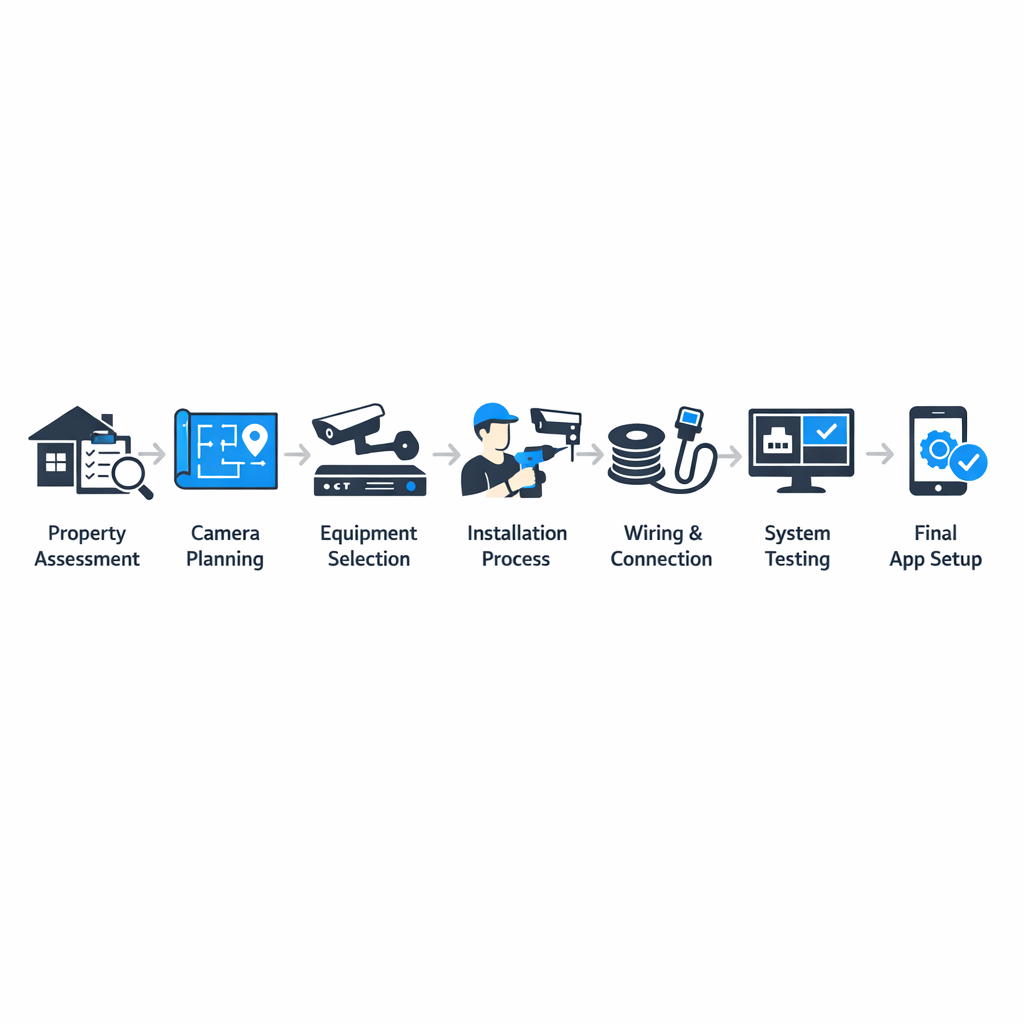
A successful CCTV installation starts with planning, not product shopping. If you define your goals first, compare system types carefully, and check the basics like power, storage, and connectivity, you can avoid blind spots, weak performance, and unnecessary costs. The steps below give homeowners a practical framework to follow before choosing equipment or scheduling installation.
1. Define what you want the system to do
Start by identifying your priority zones and the result you want from each camera. A front door camera may focus on package monitoring and visitor awareness, while a driveway camera may need wider perimeter coverage. Backyard cameras often support deterrence, and entry-point cameras may need evidence-quality recording with clear facial detail. When your goals are specific, it becomes much easier to choose the right lens, resolution, and placement.
2. Pick the right camera and system type
Next, choose between wired, wireless, or hybrid cameras. Wired PoE systems often deliver stronger long-term stability and consistent performance, especially for larger properties or multi-camera layouts. A wireless smart security camera may be easier to place where running cable is difficult, making it a practical option for flexible coverage. Hybrid systems combine both approaches when you need reliability in some areas and convenience in others. For more product guidance, review smart home security camera buying tips.
3. Check networking, power, and storage
Before buying, evaluate whether your home can support the system. Wireless cameras depend on strong WiFi at the exact mounting location, not just near the router. Wired cameras may require Ethernet runs and access to power or a network switch. You should also decide how footage will be stored: local recording, cloud plans, or a combination of both. Think about retention time, backup options, and whether remote access matters for daily use.
4. Plan placement before installation day
Good camera placement is just as important as camera quality. Plan mounting heights that capture faces without making the camera easy to tamper with. Check viewing angles for blind spots, glare from windows or headlights, and night lighting conditions that can wash out important details. Also consider weather exposure and whether a camera needs protection under eaves or at gates. A simple placement sketch can prevent expensive repositioning later.
5. Configure viewing, alerts, and access
Once the hardware plan is clear, decide how the system should work day to day. Choose whether you want continuous recording or motion-based clips, remote viewing from a phone, and smart alerts for people, packages, or vehicles. Set user permissions so family members or staff only see what they need. If the cameras are part of a larger smart home, think about automation options such as lights triggered by motion or arming schedules tied to routines.
6. Test access and usability before finalizing
Finally, test the app experience, notification speed, login permissions, and playback quality before you commit to the final setup. A CCTV installation should not only record video but also be easy to manage every day. When the planning process covers goals, infrastructure, placement, and usability, you are far more likely to end up with a system that feels dependable and worth the investment.
Wired vs Wireless Smart Security Cameras
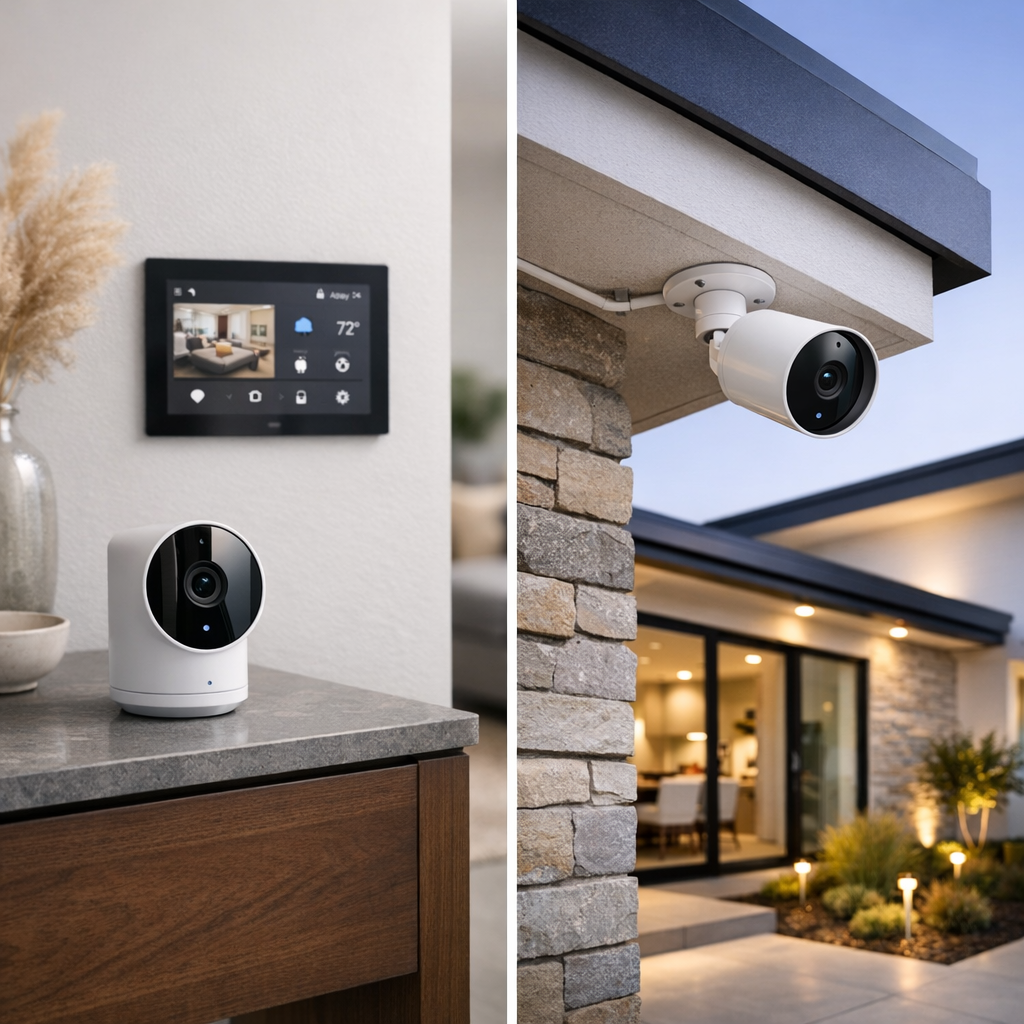
Choosing between wired and wireless smart security cameras usually comes down to tradeoffs, not a single best option. The best home security cameras for one property may be the wrong fit for another, especially when layout, power access, recording needs, and maintenance expectations differ.
When wired systems make sense
Wired PoE systems are often the stronger choice for permanent coverage, larger homes, and outdoor areas where reliability matters most. Because power and data run through cable, they typically deliver more consistent video performance and reduce concerns about battery charging or WiFi signal drops. They can also scale well when you want multiple cameras recording continuously across a wider property. The tradeoff is installation complexity: routing cable takes more planning, time, and sometimes professional help.
When wireless cameras are the better fit
A wireless smart security camera can be easier to place in apartments, finished interiors, or hard-to-wire spots. Plug-in WiFi cameras offer convenience without battery upkeep, while battery-powered models help where outlets are limited. It is also worth noting that “wireless” often refers to data connection, not always power source. These options are useful for quick deployment, but they may involve more maintenance, depend more heavily on signal strength, and can vary in image consistency during heavy network use.
Hybrid setups often give homeowners the most practical balance: wired cameras for key exterior coverage and plug-in or battery units for flexible indoor or secondary areas.
What Affects CCTV Installation Cost
CCTV installation cost depends on the scope of the system rather than a one-size-fits-all price. A small setup with a few cameras will usually involve less hardware and labor than a fully integrated monitored property, but the real difference often comes from the details. Projects built around custom security camera installation solutions are typically shaped by the property layout, performance goals, and how much future flexibility is needed.
Hardware, labor, and infrastructure variables
The biggest cost drivers usually include the number of cameras, the type of cameras selected, and the recording method. Higher-resolution cameras, specialty lenses, night vision performance, and wider coverage areas can all affect equipment cost. Labor can also vary based on cabling distance, attic or wall access, exterior mounting conditions, and whether lifts, conduit, or weatherproofing are needed.
Infrastructure matters too. Some homes or properties need network upgrades, stronger Wi-Fi coverage, additional power solutions, or better storage capacity for video retention. If the system is being tied into alarms, remote access, or smart home integration, that can expand the installation scope and planning time.
Why long-term value matters more than lowest price
A lower upfront quote is not always the better value. A well-planned security camera system may cost more initially because it accounts for reliable coverage, clean installation, easier maintenance, and room for future expansion. Better design can reduce blind spots, avoid unnecessary equipment, and improve day-to-day performance over time. In many cases, paying for the right system design upfront helps prevent expensive adjustments later.
Features That Make a Modern Security Camera System Smarter
The features homeowners use most
Today’s systems do more than record video. Homeowners often rely on mobile alerts, person detection, package zones, two-way audio, night vision, and remote access to stay informed without constantly checking feeds.
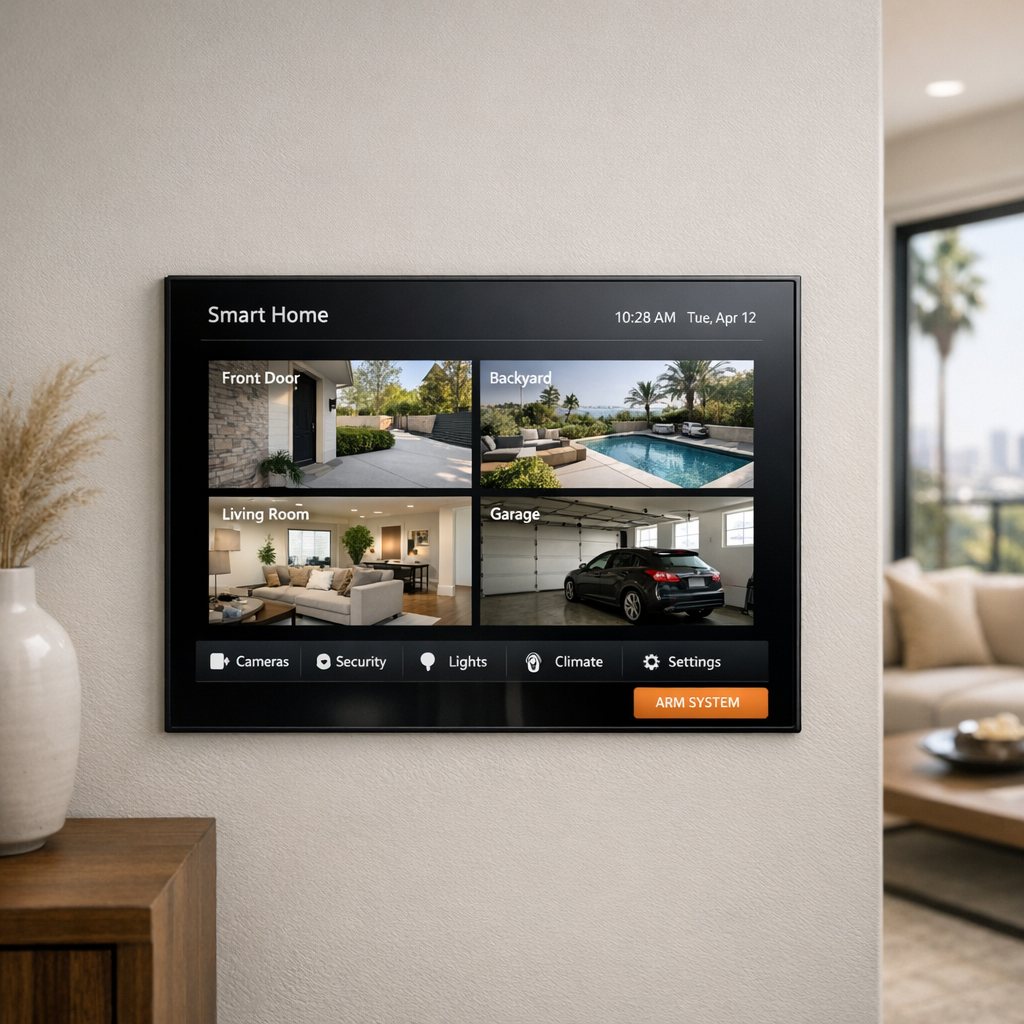
Smart integration also adds everyday value. Cameras can work with lighting, touch panels, and broader integrated home automation control options for faster response and simpler routines.
Some users also prefer a unified IP camera viewer or smart home dashboard, making it easier to monitor multiple areas from one clean interface.
Frequently Asked Questions About CCTV Installation
What is included in CCTV installation?
A typical CCTV installation includes planning camera locations, mounting the cameras, running cabling or connecting devices to the network, and setting up the recorder or storage method. It also usually covers app configuration, motion settings, basic user guidance, and testing to confirm the home security camera system works as expected.
Are wireless smart security cameras as reliable as wired systems?
Wireless smart security cameras can be very reliable when they have strong WiFi, stable power, and proper placement. Wired systems are often better for continuous recording, while wireless options can be a great fit for flexibility and easier installation.
How many cameras does a typical home security camera system need?
Most homes need enough cameras to cover key entry points and main outdoor areas. A common setup might include the front door, driveway, backyard, and side access, but the right number depends on your layout and how much detail you want in each zone.
Can CCTV cameras work with smart home automation?
Yes, many CCTV cameras can integrate with smart home automation platforms and related devices. Depending on the system, you may be able to trigger lighting, receive app notifications, view cameras on touch panels, or build scenes that improve everyday convenience and security.
Do I need local recording, cloud storage, or both?
Local recording gives you on-site storage and often avoids monthly fees, while cloud storage adds remote access and backup if a device is damaged or stolen. For many homeowners, using both offers a practical balance of convenience, redundancy, and cost control.
What should I look for in the best home security cameras?
Focus on the features that match your home rather than the most heavily marketed model. Good image quality, strong night vision, accurate motion detection, a reliable app, flexible storage options, and compatibility with your smart home setup all matter when choosing the best home security cameras.
Ready to Build a Smarter Camera System?
If you want a camera setup that fits your property and the way you live, it helps to start with a professional plan. The right solution depends on layout, coverage goals, network performance, and how you want everything to work with your smart home. Our team can help you evaluate placement, choose the right system type, and review integration options before installation.
For more on our security camera installation service details, or to discuss your project directly, reach out for expert guidance tailored to your priorities.
The Best CCTV Installation Starts With the Right Plan
The most effective CCTV installation is not about choosing the most advanced camera on the market. It comes from building a system around the way your home works, the areas that need reliable coverage, and the features you will actually use every day. When coverage strategy, system type, connectivity, storage, and smart integration are planned together, the result is a setup that feels dependable and easy to manage.
A smarter system is a better long-term investment
A well-planned security system should support your routines today while still fitting future needs as your home changes. By focusing on usability, clear performance, and the right match for the property, you create a home security experience that is not only more effective, but also smarter, simpler, and more valuable over the long term.