
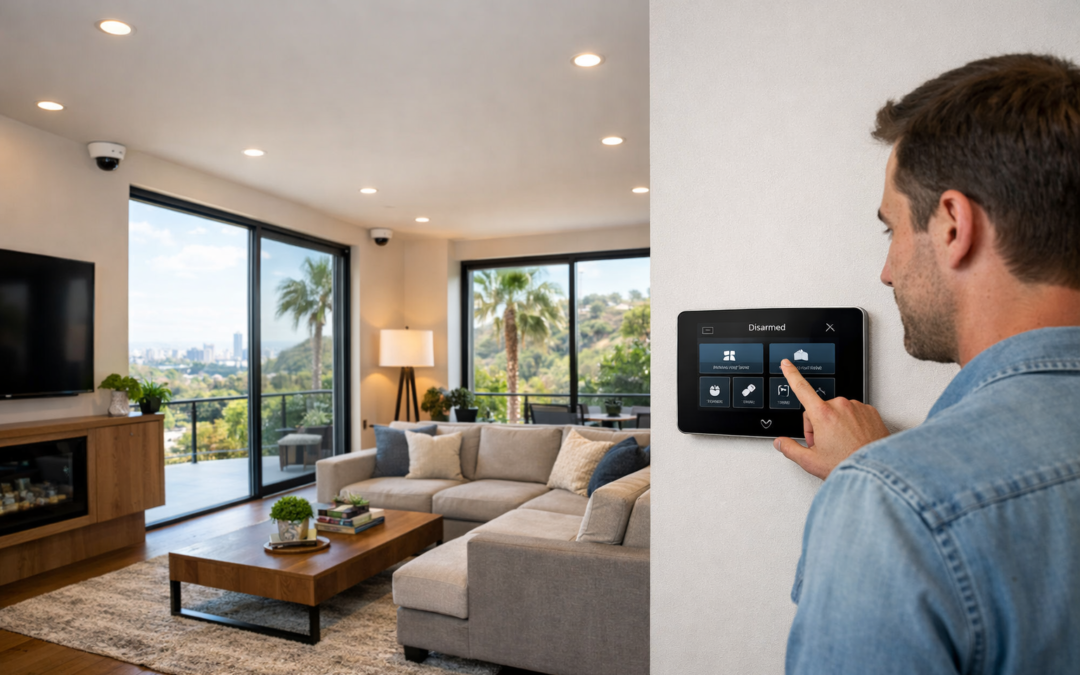
Affordable security cameras can absolutely be a smart choice if you focus on the features that matter most. For many buyers, the challenge is finding a lower-cost option that still offers dependable performance, clear footage, and a setup that fits the space without creating extra costs later. The best value is not always the cheapest camera on the shelf. True affordability means balancing upfront price with reliability, useful features, and room to grow if your needs change.
As you compare options, it helps to look beyond marketing claims and pay attention to the essentials: video quality, storage choices, connectivity, installation requirements, and expandability. A budget-friendly camera that records clearly, stores footage in a practical way, and works consistently can offer stronger long-term value than a cheaper model that falls short when you need it most.
What this guide covers
This guide explains what affordable security cameras should really include, compares common options, highlights must-have features, breaks down cost considerations, and shows when professional installation may add value. The goal is to help you choose with confidence based on performance and fit, not just headline price.
What Counts as an Affordable Security Camera Today
An affordable security camera is not simply the cheapest model on the shelf. In practice, affordability means the best balance of upfront price and long-term value across hardware, storage, subscriptions, maintenance, and installation. A cost-effective option should give you dependable video, usable app access, and enough features for your space without creating surprise costs later.
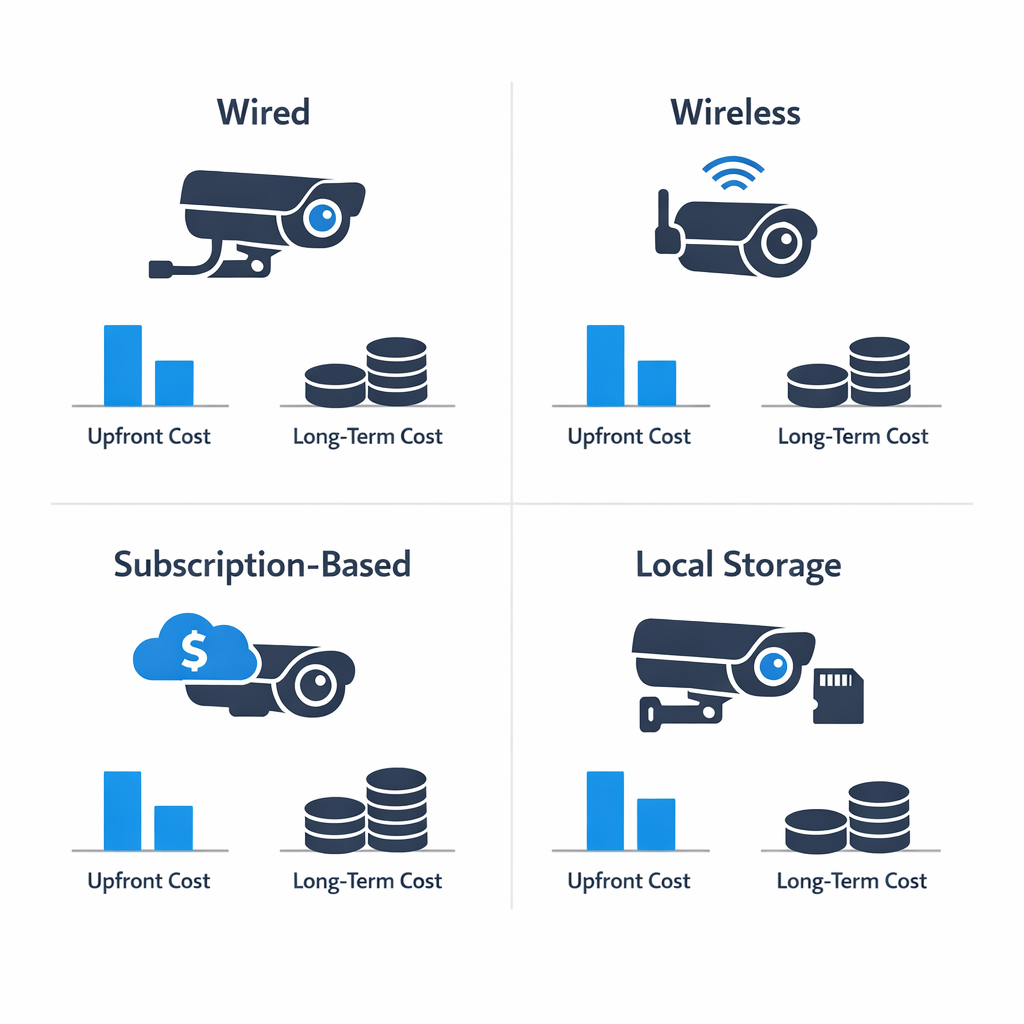
That is why smart home security cameras should be judged by total ownership cost, not sticker price alone. Indoor, outdoor, doorbell, wired, wireless, and ip camera models all come with different tradeoffs. Some are inexpensive to buy but require monthly cloud fees. Others cost more at first but use local recording and lower ongoing expenses. If you are comparing terms and features, it also helps to understand what CCTV means in modern systems.
Cheap vs affordable
A cheap camera may cut corners on image quality, weather resistance, motion alerts, or app reliability. An affordable camera delivers solid daily performance for a fair price. The goal is not to spend the least, but to avoid paying twice when a low-end device fails or cannot scale with your needs.
Single camera or full system
One camera may be enough for a small entryway or apartment. A broader home camera system makes more sense when you need wider coverage, shared recording, power planning, networking, and room to expand. In other words, an affordable security camera system includes more than the camera itself; it may also include recording, connectivity, and ongoing access through one platform.
Features That Matter Most in Affordable Security Cameras
When comparing affordable security cameras, the best value usually comes from focusing on the features you will notice every day, not the extras that look impressive on a product page. A budget-friendly camera should make it easier to identify people, packages, and vehicles, send useful alerts, and stay dependable in changing weather. For many homeowners, that matters more than chasing the highest possible specs.
Video quality and night visibility
Resolution matters, but only to a point. A solid HD image is often enough for entryways, driveways, and porch coverage, while higher resolutions can help with facial detail or license plates when placement is right. More important than headline resolution is how well the camera performs in low light. Strong night vision and balanced exposure can make a bigger difference than extra pixels when you need clear footage after dark.
- Choose clear daytime video over inflated spec-sheet claims
- Prioritize night vision that can actually show faces and movement
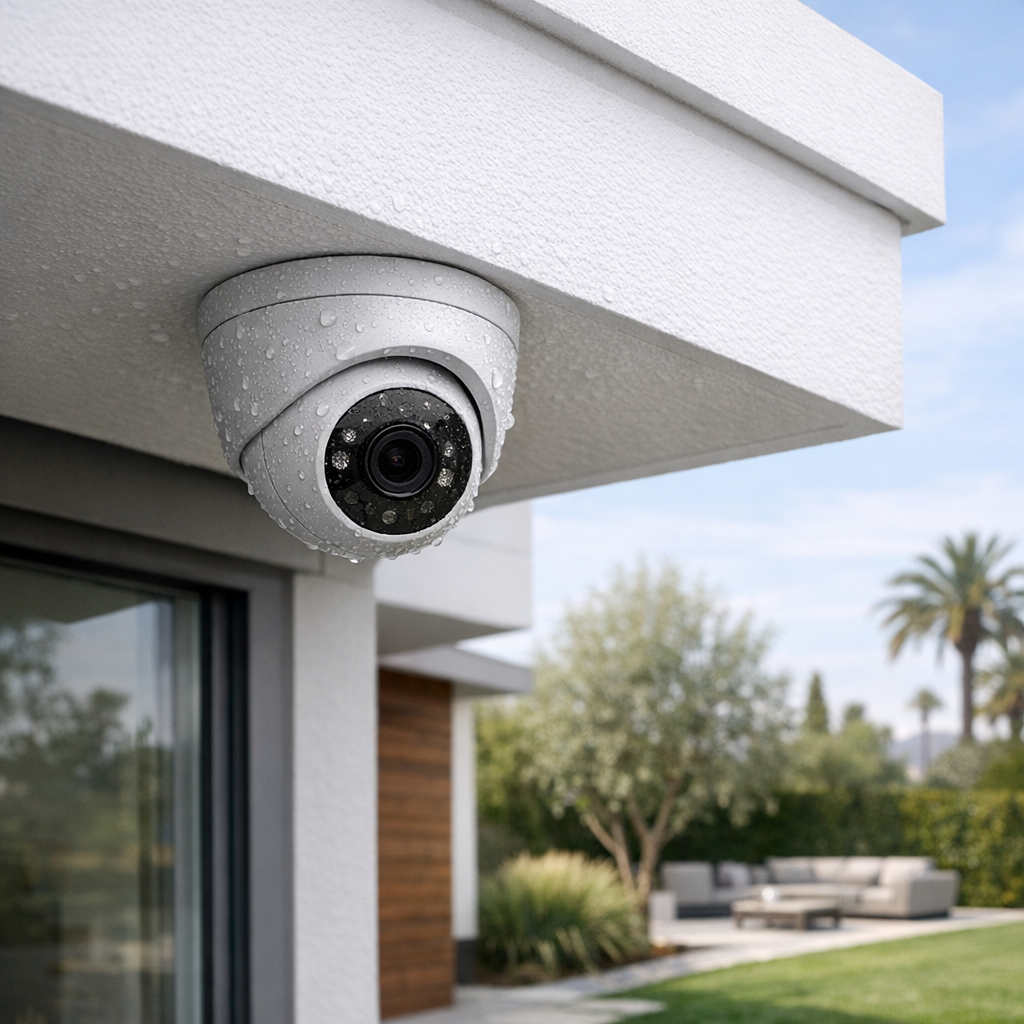
- Look for weather resistance for outdoor placement under eaves or near doors
Smart alerts and app experience
For home security cameras, smart alerts can be just as important as image quality. Motion zones, person detection, mobile alerts, and fast app response help reduce false notifications and make the system easier to live with. Two-way audio is also useful for speaking to visitors or delivery drivers without opening the door. If the app is confusing or notifications arrive late, even a good camera can feel frustrating.
- Motion detection should be adjustable, not overly sensitive
- Reliable mobile alerts help you respond quickly
- Smart home integration adds convenience for smart home security cameras and a wireless smart security camera setup
Storage choices and ongoing fees
Storage affects affordability more than many buyers expect. Cloud plans can be convenient, but monthly fees add up over time. Local storage options, such as onboard cards or network recording, may lower long-term cost if they fit your needs. Before buying, compare how much footage is saved, how easy it is to review clips, and whether key features are locked behind a subscription. If you want the best results from placement, coverage, and setup, it can also help to explore professional security camera installation services.
Wired, Wireless, and IP Camera Options Compared
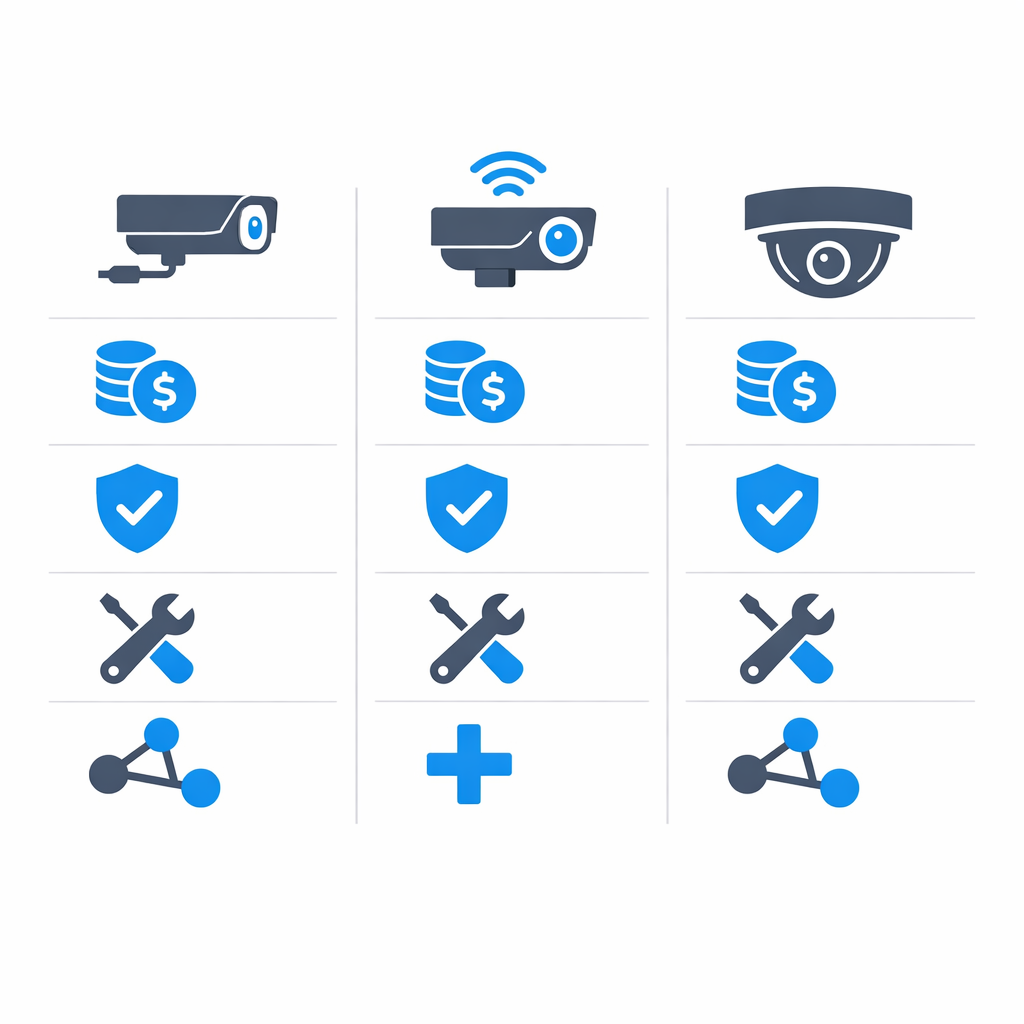
Choosing between wired cameras, a wireless smart security camera setup, and an ip camera system usually comes down to your home layout, budget, and how permanent you want the installation to be. Each option has strengths, and the best fit depends on whether you value convenience, reliability, or future expansion most.
When wired cameras make sense
Wired cameras are often best for homeowners who want dependable performance and continuous power. Because they do not rely on batteries, they tend to deliver more consistent recording and fewer interruptions. This makes them ideal if you want coverage around a larger property, need cameras running day and night, or are planning a long-term system. The trade-off is installation complexity, since cable routing can take more effort, but many people see that as worthwhile for stronger reliability. In many cases, traditional cctv installation language overlaps here, even though modern systems may include more advanced features.
When wireless cameras are the better fit
A wireless smart security camera is usually best for convenience. These models are easier to place, simpler to move, and often ideal for apartments, smaller homes, or quick security upgrades. If you want a less invasive install, wireless can be a strong choice. The main trade-off is that battery-powered units need recharging or battery replacement, and performance can depend on WiFi strength. They are ideal if flexibility matters more than always-on recording consistency.
Why IP camera systems appeal to growing homes
An ip camera system is often best for homeowners who want scalability and smart features. These network-based systems can support remote viewing, easier expansion, and more flexible camera management over time. They are ideal if you expect your needs to grow or want a setup that blends modern monitoring with room to add devices later. For readers who want to see local security camera installation examples, real-world projects can help clarify which architecture fits best.
How to Choose the Right Affordable Security Cameras
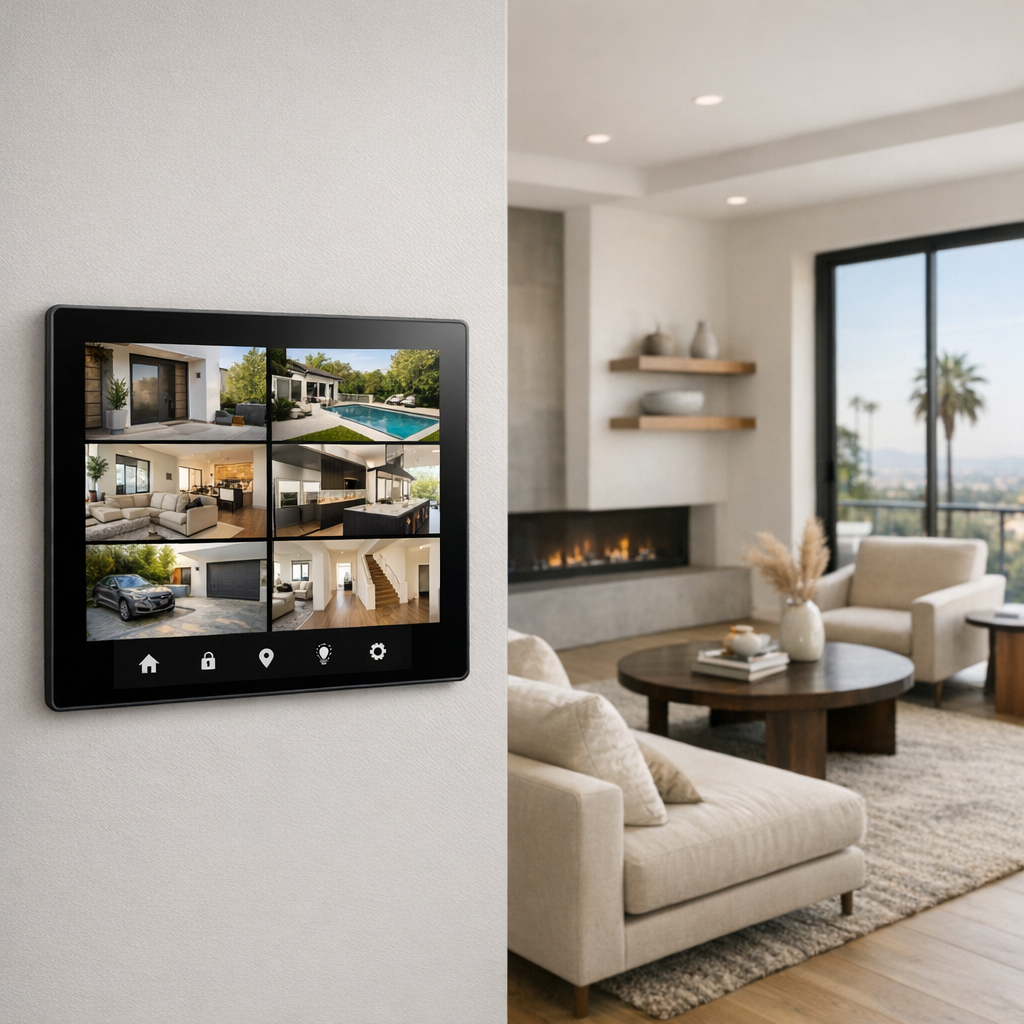
Choosing affordable security cameras gets easier when you narrow your options in a clear order. Instead of comparing every model at once, focus on where you need coverage, what your home can support, and what the full setup will actually cost. If you are still learning how modern CCTV systems work, that context can also make product comparisons much simpler.
Step 1: Map the areas that matter most
Start with the locations you want to monitor most: front door, driveway, garage, backyard, side gates, and package-drop areas. This helps you spot coverage gaps before you buy anything. Once you know your priority zones, you can decide whether one or two cameras are enough or if a wider setup makes more sense.
Step 2: Decide between a single camera and a full system
If your main concern is one entrance, a single camera may be the most practical choice. If you want visibility across multiple sides of the property, a coordinated home camera system can be more effective and often more cost-efficient over time. Match the system size to your actual layout, not just the lowest starting price.
Step 3: Check power and connectivity
Before buying, confirm WiFi strength at each mounting point, look for nearby power access, and think about whether you are comfortable recharging batteries regularly. A camera that looks affordable on paper may underperform if the signal is weak or the installation spot is inconvenient.
Step 4: Compare total cost, not just sticker price
Include storage plans, subscription fees, mounts, accessories, and any installation costs in your comparison. The best affordable security cameras are the ones that stay within budget after setup, not just at checkout.
Step 5: Plan for future expansion
Choose a system that can grow with your needs if you may add cameras later. It is also smart to think ahead about professional setup if you want cleaner placement, better coverage angles, or a more reliable final result.
What Affordable Security Cameras Really Cost
Affordable security cameras can fit a wide range of budgets, but the total investment depends on more than the cameras alone. In most projects, costs are shaped by a few main buckets: camera hardware, recording or storage, mounting accessories, possible networking improvements, and installation labor. A larger security camera system usually costs more because it needs broader coverage, more equipment, longer cable runs, and more setup time.
That is why generalized pricing is more useful than one-size-fits-all numbers. A simple setup for a small area may stay relatively straightforward, while a multi-camera layout around a larger home can involve added complexity. For homeowners comparing options, custom security camera system installation can help align equipment, placement, and performance with the property’s actual needs.
Hardware and accessories
Hardware costs usually start with camera count and camera type. Indoor models, outdoor-rated housings, night vision capabilities, wider viewing angles, and higher-resolution options can all affect the budget. Recording devices, cloud or local storage, mounts, junction boxes, power supplies, and other accessories also add to the total. If the system needs stronger connectivity, networking improvements may become part of the project as well.
Installation and setup factors
Labor varies based on mounting difficulty, wall or attic access, cable routing, app configuration, and whether the cameras need to integrate with other smart home features. Professional cctv installation or a custom home camera system can reduce troubleshooting, improve placement, and help the system perform more reliably over time. In many cases, expert setup adds value by avoiding weak coverage, unstable connections, or future rework.
Common Mistakes to Avoid When Buying Budget Cameras
A budget camera system can work well, but a few buying mistakes can limit performance fast. The biggest issue is assuming the camera alone does all the work, when image quality also depends on strong network coverage, smart placement, and enough storage.
Quick buyer checklist
- Ignoring weak WiFi zones that cause lag, dropouts, or missed recordings
- Underestimating cloud or local storage costs over time
- Mounting cameras too high, too low, or facing glare-heavy areas
- Buying too few cameras and leaving key entry points uncovered
- Choosing hardware without considering the network and placement supporting it
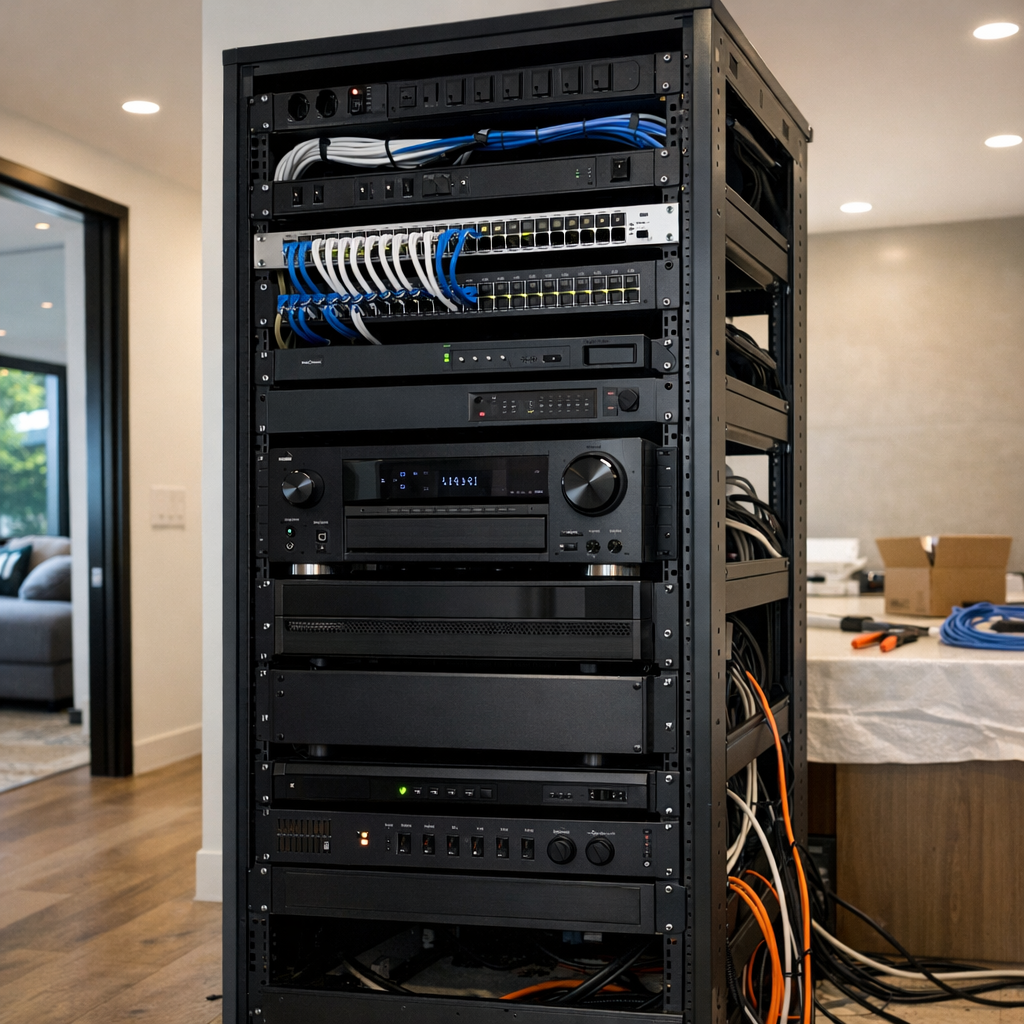
Frequently Asked Questions About Affordable Security Cameras
Are affordable security cameras good enough for everyday home use?
Yes, many budget-friendly options work very well for everyday home use when they provide clear video, dependable motion alerts, and storage that fits your needs. The best affordable security cameras are not necessarily the cheapest ones, but the models that balance image quality, app performance, and reliability.
What is the difference between a wireless smart security camera and a wired system?
A wireless smart security camera is usually easier and faster to install, making it a strong choice for simple home setups. Wired systems often offer more consistent power and can be better for larger properties, but they typically require more planning and a more involved installation process.
Do affordable cameras always require a monthly subscription?
No, not all affordable cameras require a monthly fee. Some use cloud storage plans, while others offer local storage through memory cards or hubs, so it is important to compare the total long-term cost before choosing a system.
How many cameras do most homes need?
That depends on your home’s layout, the number of entry points, and whether you want indoor, outdoor, or both types of coverage. Many homes start with coverage for the front door, driveway, back entrance, and main common area, then expand based on blind spots and priorities.
When should I choose professional installation instead of DIY?
Professional installation makes sense when you need multiple cameras, difficult mounting locations, stronger Wi-Fi planning, or integration with a larger smart home or alarm setup. It can also be the better choice if you want cleaner placement, fewer setup issues, and confidence that the system is optimized from day one.
Build a Smarter Camera System With Expert Help
If you’re comparing options or planning an upgrade, getting expert input can make the process much easier. Smart Home LA can help you choose the right cameras, map out a layout that fits your home, and decide on the best installation approach for your connectivity and security goals. Whether you’re starting a new system or improving an existing one, the team can offer practical recommendations tailored to your space.
A practical next step
For helpful guidance on camera selection, system design, or professional installation support, reach out for a conversation.
The Best Affordable Security Cameras Are the Ones That Fit Your Home
The best affordable security camera is the one that matches your home’s layout, gives you reliable performance, and fits your storage and installation needs without stretching your budget. Real value comes from balancing upfront price with long-term costs, so you can choose a setup that works well every day.
Final takeaway
When you focus on coverage, reliability, storage, and overall fit, it becomes much easier to buy with confidence. A thoughtfully chosen camera system can deliver strong everyday security without overspending.