
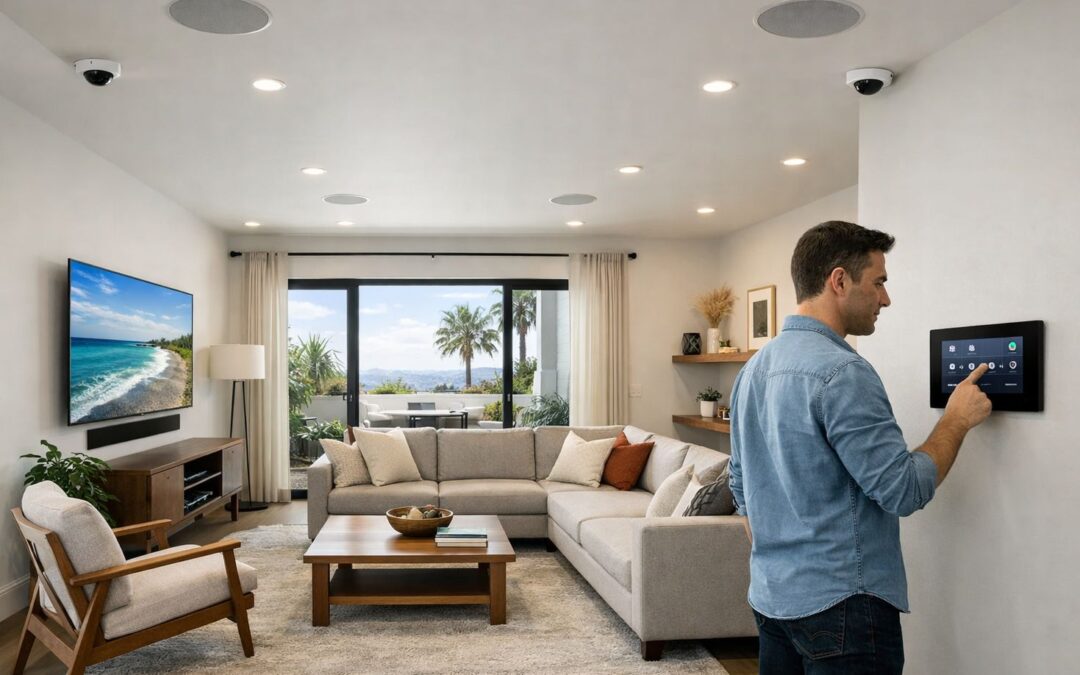
Affordable smart security cameras can be a practical choice for homeowners who want better protection without overspending. If you are comparing options for your home, the goal is not simply to find the cheapest camera, but to choose a system that gives you dependable video, useful mobile alerts, and easy day-to-day control at a price that makes sense.
For many families in Los Angeles, that means balancing budget, coverage, and convenience. A well-chosen camera setup can still offer clear video quality, app access, motion detection, night visibility, and smart notifications without requiring a high-end custom system. The best value usually comes from matching features to your property, entry points, and how involved you want installation and monitoring to be.
In this guide, you will learn what to look for in affordable smart security cameras, which tradeoffs matter most, and how equipment, installation, and ongoing costs affect the total investment. We will also cover how to think about setup, reliability, and long-term value so you can make a confident decision for your home.
What affordable really means in smart security
Affordable usually means more than a low upfront price. It also includes how simple the system is to install, whether there are monthly subscription fees, how reliable the cameras are over time, and whether the features you pay for actually improve security at home.
What Makes a Smart Security Camera Affordable and Worth Buying
An affordable smart security camera is not simply the cheapest option on the shelf. A better definition is a camera system that balances upfront cost, useful features, and dependable day-to-day performance. For most homeowners, good value means buying a camera that covers the essentials without forcing expensive upgrades right away. If you are comparing affordable security camera features that matter, focus on how well the camera helps you monitor your home in real conditions.
Core features to expect at a reasonable price
At a reasonable price, smart home security cameras should include clear HD video, motion alerts, night vision, and mobile app access so you can check activity from anywhere. For outdoor placement, weather resistance is also a basic requirement, not a premium extra. These features make wireless smart home security cameras practical for entryways, driveways, backyards, and side gates where fast awareness matters most.
Budget-friendly versus too-cheap systems
Budget-friendly cameras can be a smart buy, but very cheap systems often cut corners in ways that affect daily use. Common warning signs include poor night visibility, delayed or inconsistent motion alerts, weak app performance, unreliable Wi-Fi connection, and hidden subscription fees that raise the real cost over time. Wireless setups make sense when you want easier installation and flexible placement, while more permanent systems may be better for larger properties or long-term coverage plans.
Why Affordable Systems Can Be a Smart Fit for LA Households
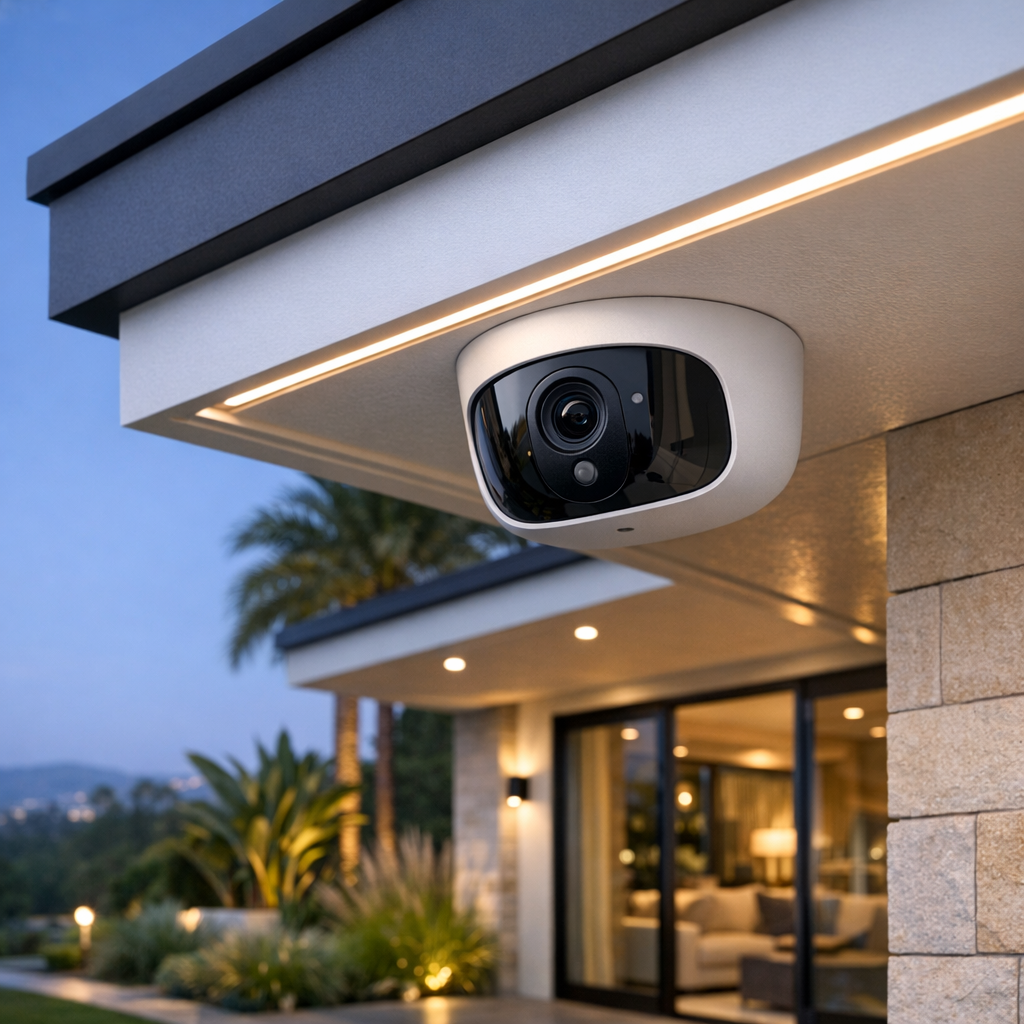
For many homeowners in Los Angeles, the smartest choice is not the biggest camera package, but the one that matches the home’s layout and daily routine. A right-sized system can focus coverage where it matters most, such as the front door, driveway, side yard, or patio, without adding equipment that does little to improve real security. That makes budget-conscious planning feel practical rather than like a compromise.
Right-sized protection without overbuilding
Strategic placement often delivers better value than overspending on extra cameras or advanced features you may never use. A few well-positioned outdoor cameras can help monitor deliveries, check who is approaching the house, and keep an eye on common access points. In a city like LA, where homes vary from compact properties to larger lots, flexible coverage matters more than a one-size-fits-all setup. Choosing security camera installation in Los Angeles that fits your property can help you stay protected while keeping costs under control.
Security that fits a connected lifestyle
Affordable systems can still offer the features households use every day, including app-based monitoring, motion alerts, remote viewing, and package awareness. Weather resistant security cameras are especially useful for outdoor use in Los Angeles conditions, where sun, dust, and occasional rain can affect performance. For families, commuters, and frequent travelers, being able to check in from anywhere adds peace of mind and convenience. When paired with smart home habits, a simpler system can support a connected lifestyle without the cost of a premium build.
Wireless, Wire-Free, or Wired: Which Option Delivers the Best Value
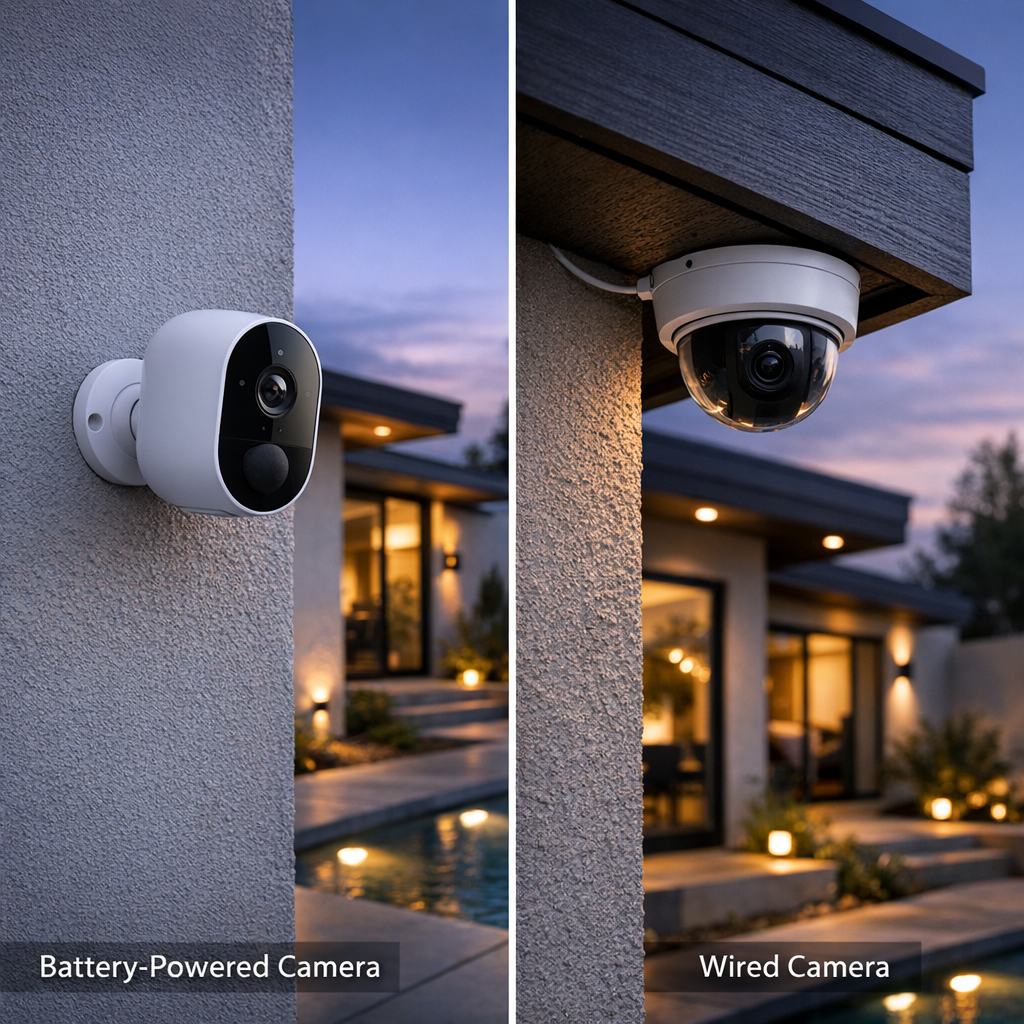
When comparing camera types, the biggest source of confusion is often the language. In many cases, wireless security camera installation means the camera sends video over WiFi, but it may still need a power cable. By contrast, a wire free outdoor security camera setup usually refers to a battery-powered unit with no permanent power wire at all. That difference matters because convenience, maintenance, and performance can vary quite a bit from one option to the next.
Wireless versus wire-free explained
Battery-powered wire-free models are often the easiest to place and are especially useful where running cable would be difficult. They can work well for rentals, gates, sheds, or occasional-use areas. The tradeoff is that they usually require recharging, may record in shorter motion-triggered clips, and can be more sensitive to weak WiFi or heavy activity. If you want more background on choosing features, see smart home security camera buying tips.
Plug-in wireless cameras sit in the middle. They still use WiFi for data, but continuous power can improve reliability and reduce battery upkeep. For many homeowners, this offers a practical balance between easier installation and stronger day-to-day performance. Hardwired systems, meanwhile, typically deliver the most consistent recording, the least maintenance, and the best fit for larger properties or long-term ownership.
Best use cases for each camera type
Wire-free security cameras outdoor are a strong choice for flexible placement, temporary coverage, and spots where power is unavailable. Plug-in wireless cameras are often better for front doors, driveways, or patios where you want dependable coverage without a full hardwired install. Wired cameras usually make the most sense for remodels, larger homes, detached structures, and owners who want stable image quality, longer recording options, and fewer compromises over time.
The best value depends less on marketing labels and more on your layout, recording expectations, and tolerance for maintenance. If convenience is the priority, wire-free may win. If reliability and long-term performance matter most, wired systems often justify the added installation effort.
What to Budget for Affordable Smart Security Cameras
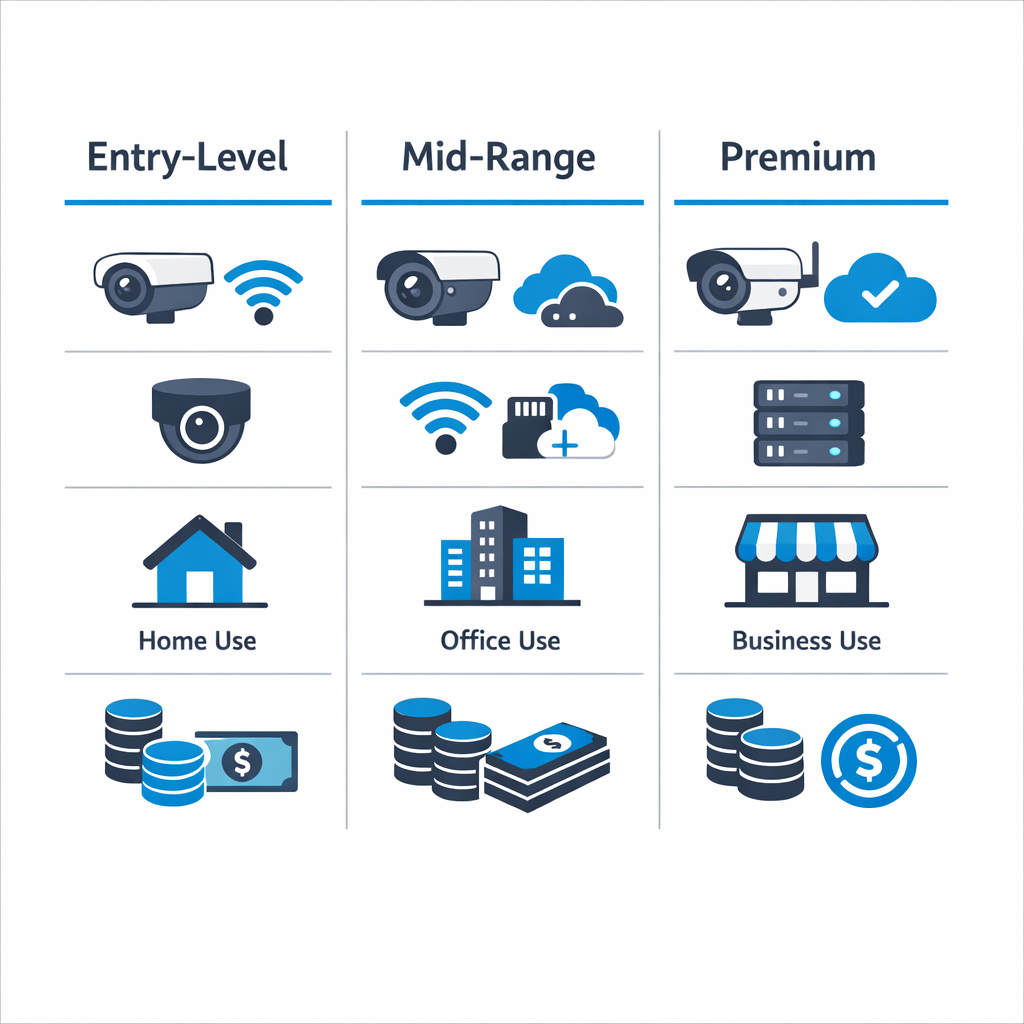
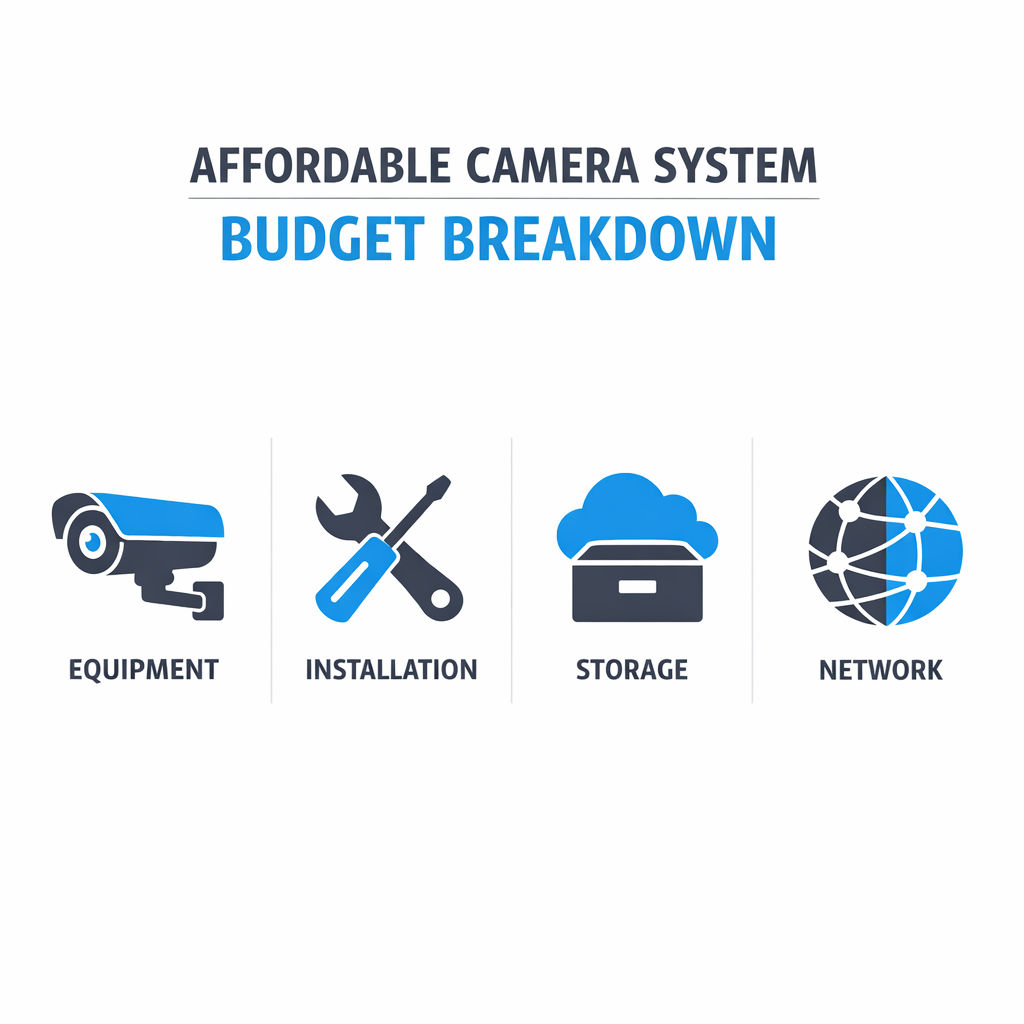
Affordable smart security cameras can be budget-friendly, but the total cost usually includes more than the camera itself. A realistic budget should account for equipment, storage, accessories, mounting hardware, and any installation labor. Basic systems may stay relatively low in cost, while larger setups with multiple cameras, better night vision, app integrations, or advanced motion alerts can move into a higher range.
It also helps to separate one-time expenses from recurring ones. Upfront costs often include the cameras, brackets, wiring or charging accessories, memory cards, and setup. Ongoing costs may include cloud storage plans, battery replacement for wireless units, and occasional network upgrades if your Wi-Fi coverage or bandwidth is not strong enough to support reliable video streaming. These hidden costs are often what change a low sticker price into a more complete long-term investment.
Upfront costs versus ongoing costs
When comparing options, look at total ownership rather than just the initial purchase. Some cameras cost less upfront but rely on monthly subscriptions for video history or smart alerts. Others may cost more at the start but reduce recurring fees through local storage. If you are comparing traditional systems with smart options, understanding what CCTV means in modern systems can help clarify why cctv installation and smart camera installation may differ in scope, features, and price.
When professional installation saves money long term
Professional installation can add to the initial budget, but it may reduce future costs by improving placement, coverage, power planning, and network performance from the start. A properly installed system is less likely to need repositioning, repeated troubleshooting, or added hardware later. For many homeowners, that can mean better reliability, fewer blind spots, and better overall value over time.
How to Choose the Right Affordable Smart Security Camera Setup
Choosing the right affordable smart security camera setup gets much easier when you break the decision into a few practical steps. Instead of comparing dozens of products at once, start with your layout, your priorities, and how much hands-on setup you want to handle yourself. This helps you avoid overspending on features you may not need while still building a system that covers the areas that matter most.
Step 1: Start with coverage priorities
Begin by listing the spots you want to monitor and why. For most homes, the first priorities are the front door, driveway, garage entry, side gate, and backyard access point. If package deliveries are a concern, a doorbell or front entry camera may be more useful than adding extra indoor units. If you have a long driveway or detached garage, you may want wider outdoor coverage before placing cameras in lower-risk areas. Start with the highest-value views first, then expand only if there is a clear reason.
Step 2: Confirm connectivity and power
Next, check the basics that affect daily performance: Wi-Fi strength, power access, and mounting options. A camera is only as reliable as its connection, so test signal strength near each planned location. Then decide whether each spot is better suited for indoor, outdoor, wireless, or wire-free models. Battery-powered cameras can be convenient, but they also require regular charging. Plug-in or hardwired options may be better for busy entry points where you want more consistent recording. Also compare storage choices, app quality, and whether the cameras work with your existing smart home platform.
Step 3: Choose DIY or professional installation
Finally, decide whether DIY installation is realistic for your home. If your plan involves simple indoor placement, basic app setup, and a few battery cameras, doing it yourself may be enough. But if you need ladder work, exterior mounting, cleaner cable routing, or help connecting multiple devices into one system, professional support can save time and reduce frustration. Many homeowners also prefer expert help when they want the cameras positioned for the best angles and coverage. If that sounds like your situation, working with local security camera installation experts. can help you turn a good product choice into a setup that actually performs well day to day.
Common Mistakes to Avoid When Buying Budget-Friendly Cameras
When comparing affordable home security cameras, avoid focusing on specs alone. A higher resolution sounds great, but it will not fix poor placement, weak night visibility, or unreliable alerts. If you want better results, start with practical performance and, when needed, explore trusted camera installation for Los Angeles homes.
Quick list of avoidable mistakes
- Choosing based only on resolution instead of motion detection, night vision, and app reliability.
- Installing cameras too high, too low, or pointed into glare-heavy areas.
- Ignoring weak Wi-Fi zones that cause lag, dropouts, or missed recordings.
- Skipping weather-resistance ratings for outdoor units exposed to heat or rain.
- Picking the cheapest subscription plan without checking long-term storage and monitoring costs.
Frequently Asked Questions
Are affordable smart security cameras good enough for most homes?
Yes, in many cases affordable smart security cameras are good enough for typical home use. Many budget-friendly models offer clear video, motion alerts, mobile access, and night vision that cover the basics well. Higher-end options may be worth it if you want better low-light performance, wider coverage, smarter detection, or stronger long-term durability.
What is the difference between wireless and wire-free outdoor cameras?
Wireless usually means the camera sends video over Wi-Fi but still needs wired power. Wire-free means it runs on a battery or solar-assisted battery and does not need a power cable. That makes wire-free models easier to place, but they may need more charging attention depending on traffic and recording settings.
Do outdoor cameras need to be weather resistant in Los Angeles?
Yes, weather resistance still matters in Los Angeles. Even without harsh winters, outdoor cameras face strong sun, heat, dust, and occasional rain, all of which can affect performance over time. A weather-resistant housing helps protect the camera and supports more reliable operation year-round.
Is professional wireless security camera installation worth it?
Professional wireless security camera installation can be worth it when placement, Wi-Fi strength, and coverage are important. A proper setup can reduce blind spots, improve motion detection, and help cameras stay connected consistently. It is especially useful for larger homes, difficult mounting areas, or homeowners who want a cleaner and more dependable result.
How many cameras does a typical home need?
Most homes need enough cameras to cover main entry points, the driveway, and key outdoor access areas. For many properties, that means starting with a front door view, driveway coverage, and one or two cameras for side yards or the backyard. The right number depends on your layout, visibility, and the areas you want to monitor most closely.
Get Help Choosing the Right Camera Setup
If you want help comparing camera options, planning coverage, or understanding installation needs, Smart Home LA can make the decision easier. Our team can recommend solutions that fit your home, budget, and smart home goals, so you can move forward with more confidence.
Reach out for tailored guidance on camera selection, placement, and system design.
Final Thoughts on Finding the Best Value
The best affordable smart security cameras are not always the cheapest ones. The strongest value comes from choosing a camera that matches your home layout, covers the areas that matter most, and offers the features you will actually use. Reliability, video quality, alerts, storage options, and ease of installation all play an important role in making the right choice.
As you compare options, think beyond the upfront price alone. A camera that is easier to install, more dependable over time, and better suited to your entry points or outdoor spaces can deliver far better long-term value. Whether you prefer a simple DIY setup or are considering professional help, the best decision is the one that balances cost, performance, and fit for your home.
Choose value, not just the lowest price
A smart buy comes from matching camera type, placement, and installation approach to your specific needs. Focus on overall value, and you will feel more confident in choosing a system that helps protect your home effectively.